TestTalkHQ · Interactive Tools2D Sheet Nesting Optimizer

Drag & dropAuto-nestRotate Yield %PDF + DXF + CSV

Pack parts onto plate or sheet stock with kerf spacing, watch the yield climb, then drag pieces around by hand to beat the auto-nest. Exports a cut layout PDF, a DXF you can send straight to the cutter, and a CSV placement list. The 2D companion to the 1D Cut List Optimizer.

How to play: set your sheet and parts, hit Auto-nest, then drag any piece to move it. Select a piece and drag the round handle above it to rotate to any angle (hold Shift to snap to 15°), or press R / double-click for a quick 90°. Drag a piece off the sheet to remove it. Ctrl+Z undoes. Parts can be rectangles, circles or uploaded DXF outlines (set per part). Yield updates live. Estimating aid — verify against your actual sheets and re-check the layout before cutting.
True-shape nesting: when at least one DXF part is in the list, the auto-nester also runs an irregular (concave) nesting pass that places parts by their real outline instead of their bounding box, so an L-bracket can sit inside another part's negative space. It tries a range of angles (not just 0°/90°). Pure rectangle/circle jobs keep using the original fast bounding-box packer. The two engines are run head-to-head and the better result wins, so true-shape mode can never give you a worse sheet count than before.

Sheet Stock

Parts

NameTypeWidthHeightQtyRotate

Width / Height = the part's size in your sheet units. For a circle, Width is the diameter.
Type: Rectangle, Circle, or DXF (your uploaded shape).
Rotate: let the auto-nester turn the part 90° if it fits better.
Upload DXF to nest your own part — its size is detected automatically.

Nest

Thorough can take 10s+ on big jobs.

0%
Yield / utilization
0
Sheets used
0/0
Parts placed
0
Waste area
Set up parts on the left and hit Auto-nest. Then drag pieces, rotate with R, drag off to remove.

Built-in self-test

Re-runs the packing assertions verified in development: exact-tile 100%, rotation, oversize rejection, multi-sheet overflow, kerf spacing, and no-overlap/in-bounds invariants — plus the true-shape suite: exact distance/clearance primitives, two concave L-brackets interlocking on one sheet, a part nested inside another part's pocket at a real kerf, a placement that only exists at 45°, and full layout validation of a mixed concave job.

Estimating/layout aid — verify dimensions and re-check nesting against your actual stock before cutting. Client-side only. TestTalkHQ.com
Embed this calculator Free · no API key · keep the attribution link

Copy the snippet below to embed this calculator on your site. The attribution link must stay intact and dofollow (no rel="nofollow"). Browse all embeddable calculators

<div class="ttq-embed" style="max-width:100%;margin:0 auto;">
  <iframe src="https://testtalkhq.com/embed/2d-sheet-nesting-optimizer/?theme=light&utm_source=embed" width="100%" height="980" frameborder="0" loading="lazy" scrolling="no" title="2D Sheet Nesting Optimizer Calculator — TestTalkHQ" style="border:0;max-width:100%;width:100%;"></iframe>
  <p style="font:400 13px/1.4 system-ui,sans-serif;text-align:center;margin:6px 0 0;">Powered by the <a href="https://testtalkhq.com/2d-sheet-nesting-optimizer/?utm_source=embed&utm_medium=referral&utm_campaign=calculator_embed&utm_content=2d-sheet-nesting-optimizer" target="_blank" rel="noopener">Online 2D Sheet Nesting Optimizer</a> from <a href="https://testtalkhq.com/?utm_source=embed&utm_medium=referral&utm_campaign=calculator_embed&utm_content=2d-sheet-nesting-optimizer" target="_blank" rel="noopener">TestTalkHQ</a></p>
</div>

Machining

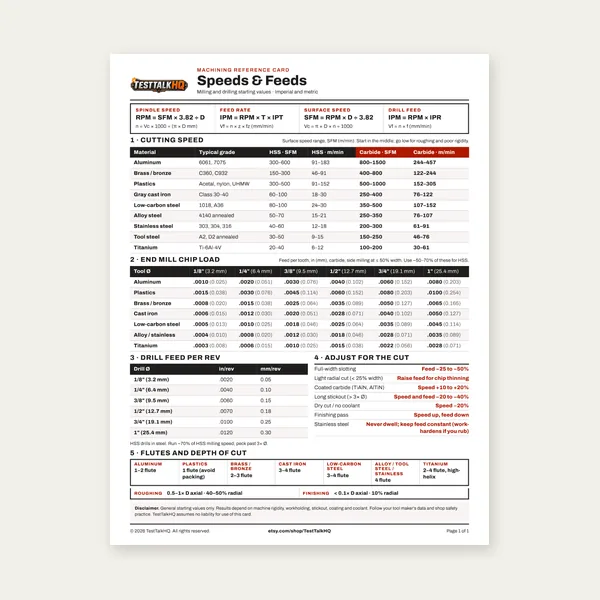
Machining Speeds & Feeds Card

Machining Speeds & Feeds Card

One page. Speeds, chip load and drill feed, imperial and metric.

$3.99

Buy

Complete Machining Speeds & Feeds Guide

Complete Machining Speeds & Feeds Guide

27 pages. Milling, drilling, tapping, turning and CNC routing.

$12.99

Buy
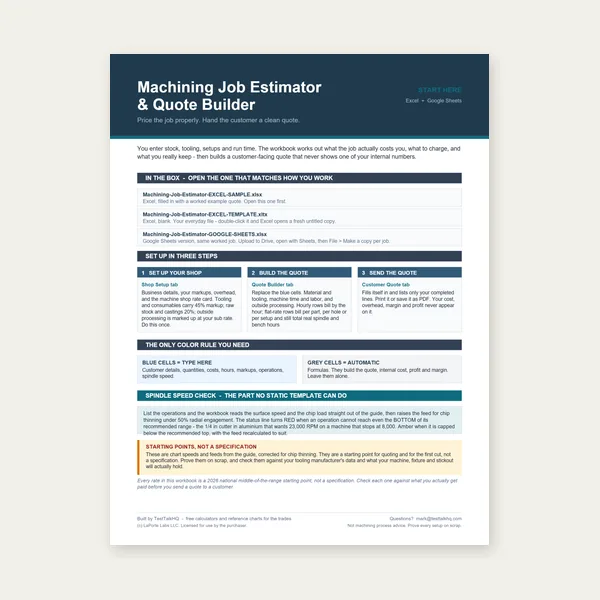
Machining Job Estimator

Machining Job Estimator

Quote shop work and check operations against your spindle's top speed.

Excel or Google Sheets. Best on a computer.

$29.00

Buy
BEST VALUE
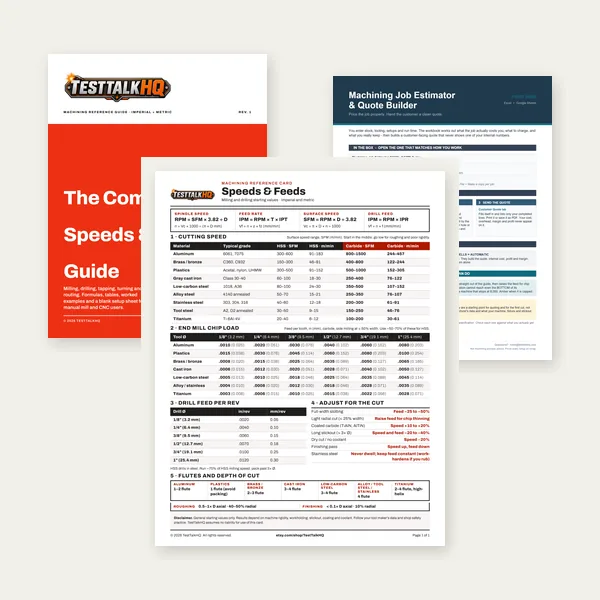
Machining Complete Bundle

Machining Complete Bundle

Card, 27-page guide and the estimator workbook. All six files.

Excel or Google Sheets. Best on a computer.

$34.99

$45.98 if bought separately — save $10.99

Buy

See all Machining products

Checkout opens here — you stay on this page.

Recommended Sheet Nesting & Layout Tools

Shears, snips, calipers, and marking tools for transferring a nested layout onto plate — products from the TestTalkHQ affiliate catalog.
Measure Starrett stainless steel electronic slide caliper 0-6 inch

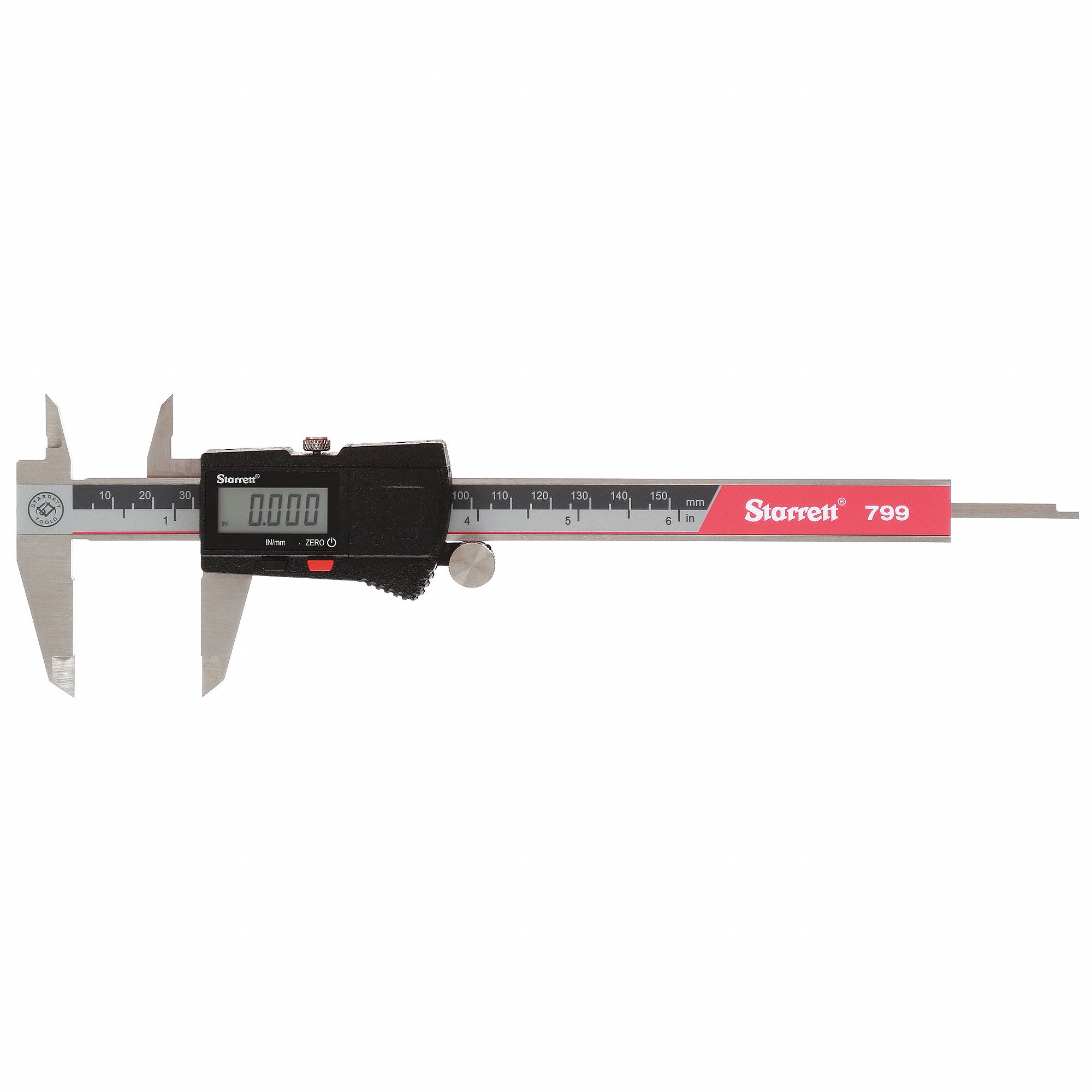
Starrett Electronic Slide Caliper (0–6")

  • Verify part widths/heights before nesting
  • Check kerf samples and remnant stubs
  • Inch/mm switch matches either unit mode
  • Confirm stock thickness for process choice
Check Price
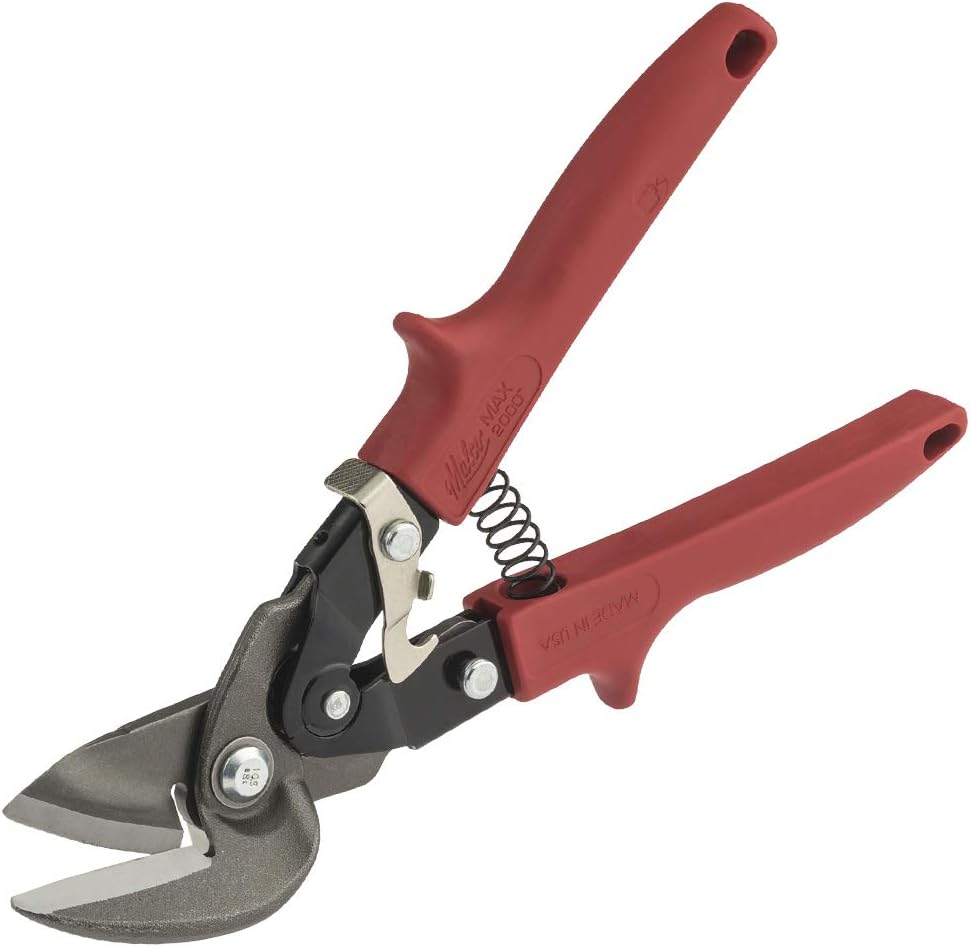
Left Cut Malco M2006 10 inch left offset snips

Malco M2006 10" Left Offset Snips

  • Offset left-cut for long nest outline edges
  • Keeps hands clear of the sheet
  • Shop standard for sheet-metal layout cuts
  • Pairs with right-cut snips for corners
Check Price
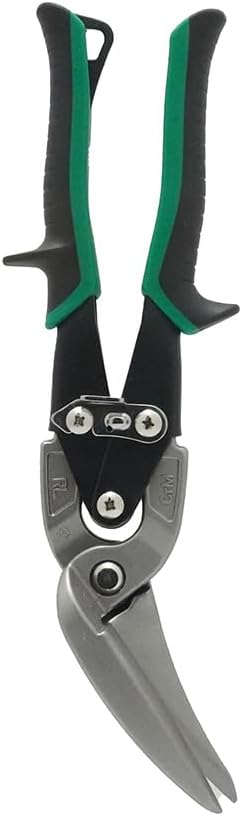
Right Cut Malco AV73 long cut right offset metal cutting snip

Malco AV73 Right Offset Snips

  • Long-cut right offset for the opposite hand
  • Follow true-shape outlines from the nest
  • Aviation-style compound leverage
  • Complement to the left-offset snips
Check Price
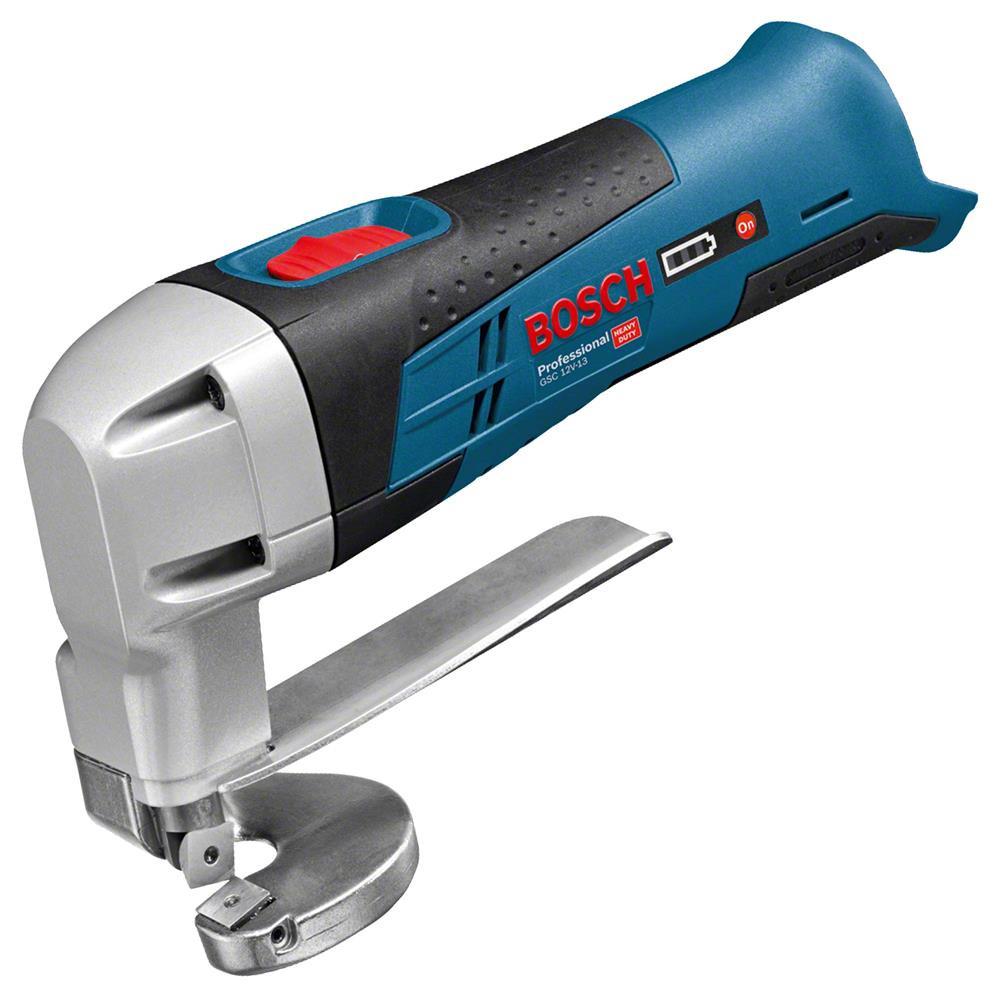
Power Bosch Professional GSC 12V-13 cordless metal shear

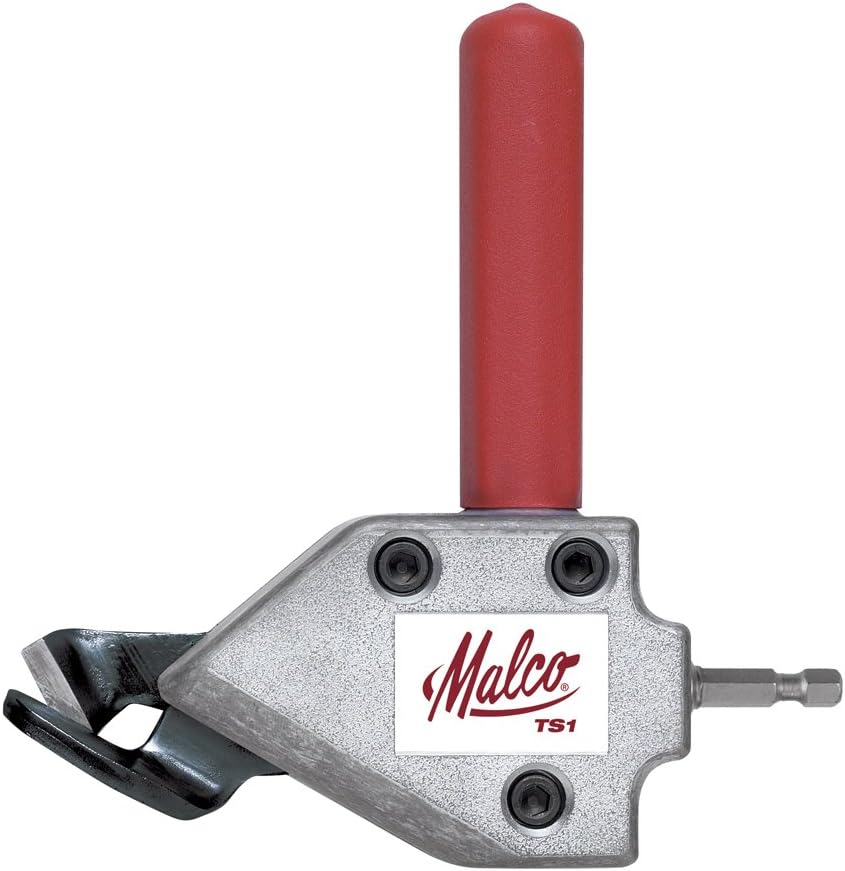
Bosch GSC 12V-13 Cordless Metal Shear

  • Cordless shear for trimming nest remnants
  • Cleaner than a grinder for thin sheet
  • Handy when the nest leaves awkward scraps
  • Pairs with snips for finish corners
Check Price
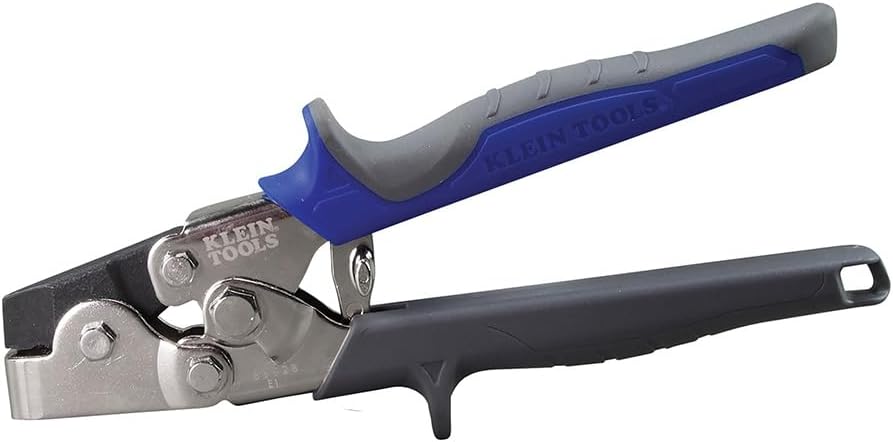
Punch Klein Tools 86528 sheet metal punch set

Klein Tools 86528 Sheet Metal Punch Set

  • Snap-lock / hole marking on nested blanks
  • Transfer hole centers from the layout
  • Sheet-metal fab companion to snips/shears
  • Useful after DXF export to the floor
Check Price
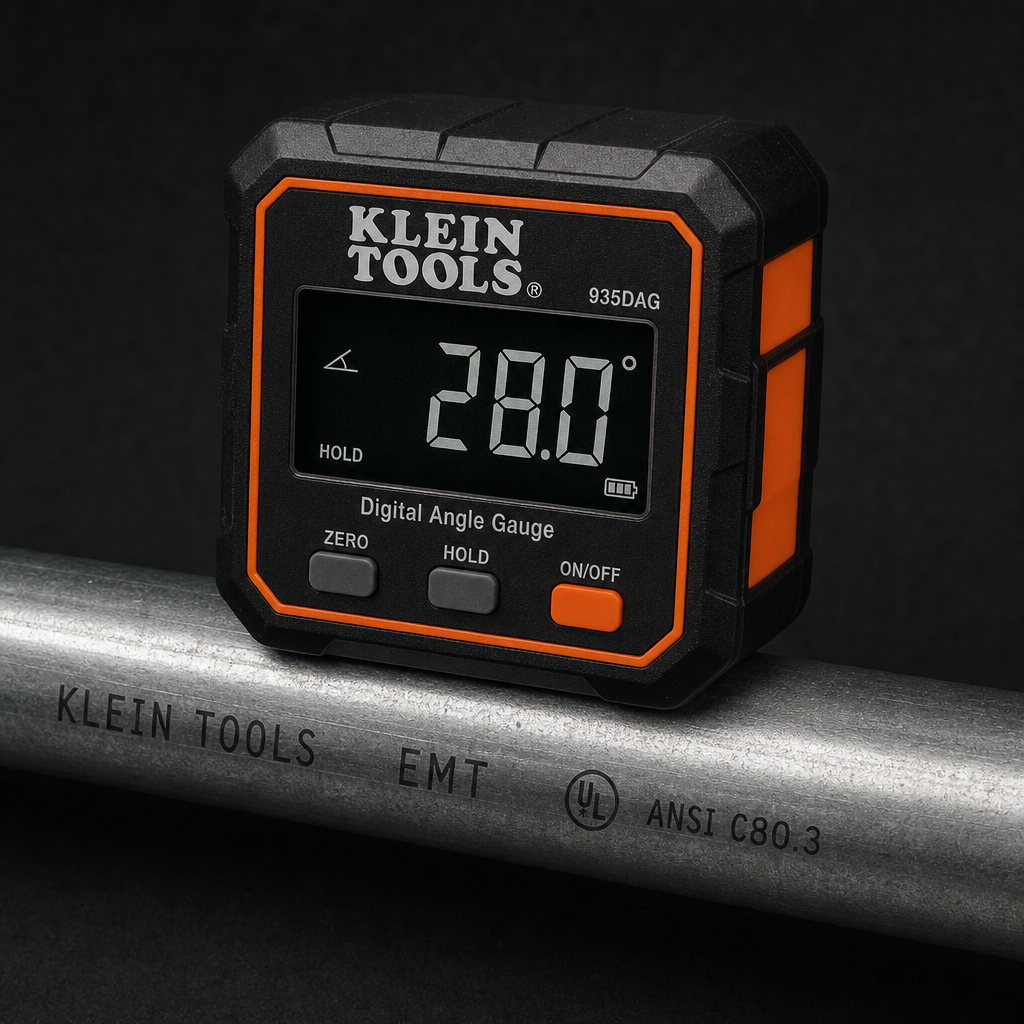
Angle Klein Tools 935DGGP digital angle gauge with magnetic base

Klein Tools 935DGGP Digital Angle Gauge

  • Confirm free-angle rotations from Thorough nests
  • Magnetic base sits on plate or brake bed
  • Check grain/fixture angles on hand-placed parts
  • Zero/relative modes for reference-face reads
Check Price
Catalog gaps: No soapstone / layout markers, nesting software licenses, or CNC plasma tables exist in the TestTalkHQ affiliate CSV at publish time — we do not substitute unrelated HVAC clamp meters for those roles.

As an Amazon Associate, TestTalkHQ earns from qualifying purchases.

Bounding-Box Packing vs True-Shape Nesting

Most online nesting calculators pack bounding boxes — the smallest axis-aligned rectangle around each part. That is fast and correct for plain rectangles and circles, but it leaves the empty space inside an L-bracket, C-channel, or DXF cutout unused. This tool’s true-shape engine engages when a DXF/polygon part is present and True Shape is On: it places parts by their real outline so one concave part can nest into another’s negative space. Rect/circle-only jobs stay on the original MaxRects path. Read the walkthrough in How to Nest Parts for 2D Sheet Cutting.

1D Cut Lists vs 2D Sheet Nests

Cutting bar, tube, or lumber to length is a 1D problem — use the Cut List Optimizer for kerf-aware stock layouts and PDF/CSV cut lists. Nesting plates, sheet metal, and plate blanks is 2D — this tool. After you export a nest DXF, estimate laser/plasma/waterjet time and cost with the Cut-Cost & Time Estimator.

When to Auto-Nest vs Hand-Place

Auto-nest (Fast / Balanced / Thorough) is usually good enough for mixed rect/circle jobs and many concave sets. Hand-place when grain direction, defect avoidance, or fixture constraints matter more than raw yield — or when Thorough’s time budget reduces the angle search. See Auto-Nest vs Manual Nesting and Common 2D Nesting Problems and Fixes.

Related Calculators & Guides