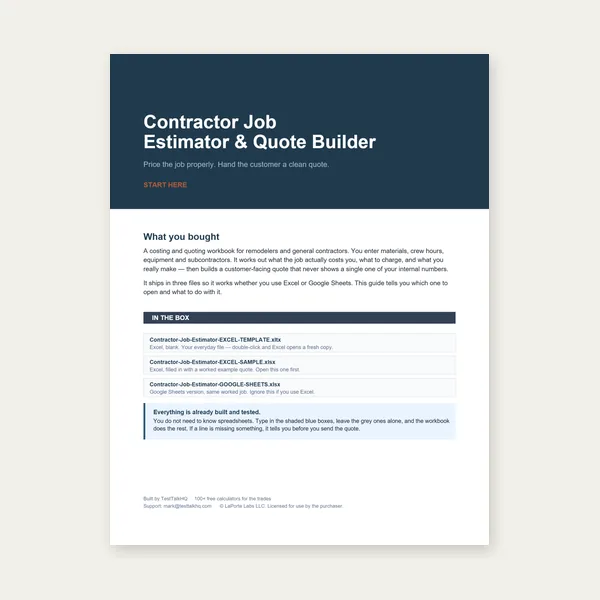
Contractor Job Estimator
Price remodels and GC work, then send a quote with no internal numbers.
Excel or Google Sheets. Best on a computer.
$29.00
BuyBrowser cleanup for one-off mess — CAD fixes when every export is broken
The DXF Viewer is fast for stray lines, duplicate segments, and wrong layers on an otherwise good drawing. It is not a substitute for a CAD template that exports open contours, wrong scale, or missing geometry every time. This decision guide compares both paths — same spirit as choosing a process for the job, not a feature checklist. Start with How to Clean Up a Messy DXF; for error messages, see Common DXF Viewer Problems and Fixes.
Fix the file when one export is messy but the CAD model is sound. Fix the source when the same template produces broken DXF every time — scale, open loops, binary format, or missing entities.
Open DXF Viewer →The viewer excels at downstream hygiene on geometry the parser already understands:
These are minutes-of-work fixes. No CAD license required on the shop PC, nothing uploaded to a server — ideal for job quotes at the counter.
Stop iterating in the viewer and open the model when:
Choose this path when: the 3D/2D model is trusted, one DXF delivery is dirty, or you need a quote in the next ten minutes.
How: Load ASCII DXF → hide non-cut layers → Auto-clean → Delete strays → confirm measure/pierce/length → export cleaned.dxf → feed Cut-Cost or Sheet Nester. Full steps in How to Clean Up a Messy DXF.
Limits: Cannot close gaps smaller than your willingness to draw closing segments in CAD. Cannot convert splines. Cannot fix 25.4× unit errors without rescaling in CAD — the unit dropdown only relabels.
Choose this path when: geometry is wrong in the model, export settings are broken, or production CAM must match engineering revision control.
How in CAD:
Re-export, then load once in the viewer to confirm pierce count and closed outline before sending to 2D Sheet Nesting Optimizer or CAM.
Price remodels and GC work, then send a quote with no internal numbers.
Excel or Google Sheets. Best on a computer.
$29.00
BuyCheckout opens here — you stay on this page.
Physical checks that tell you whether the DXF or the CAD source needs fixing.
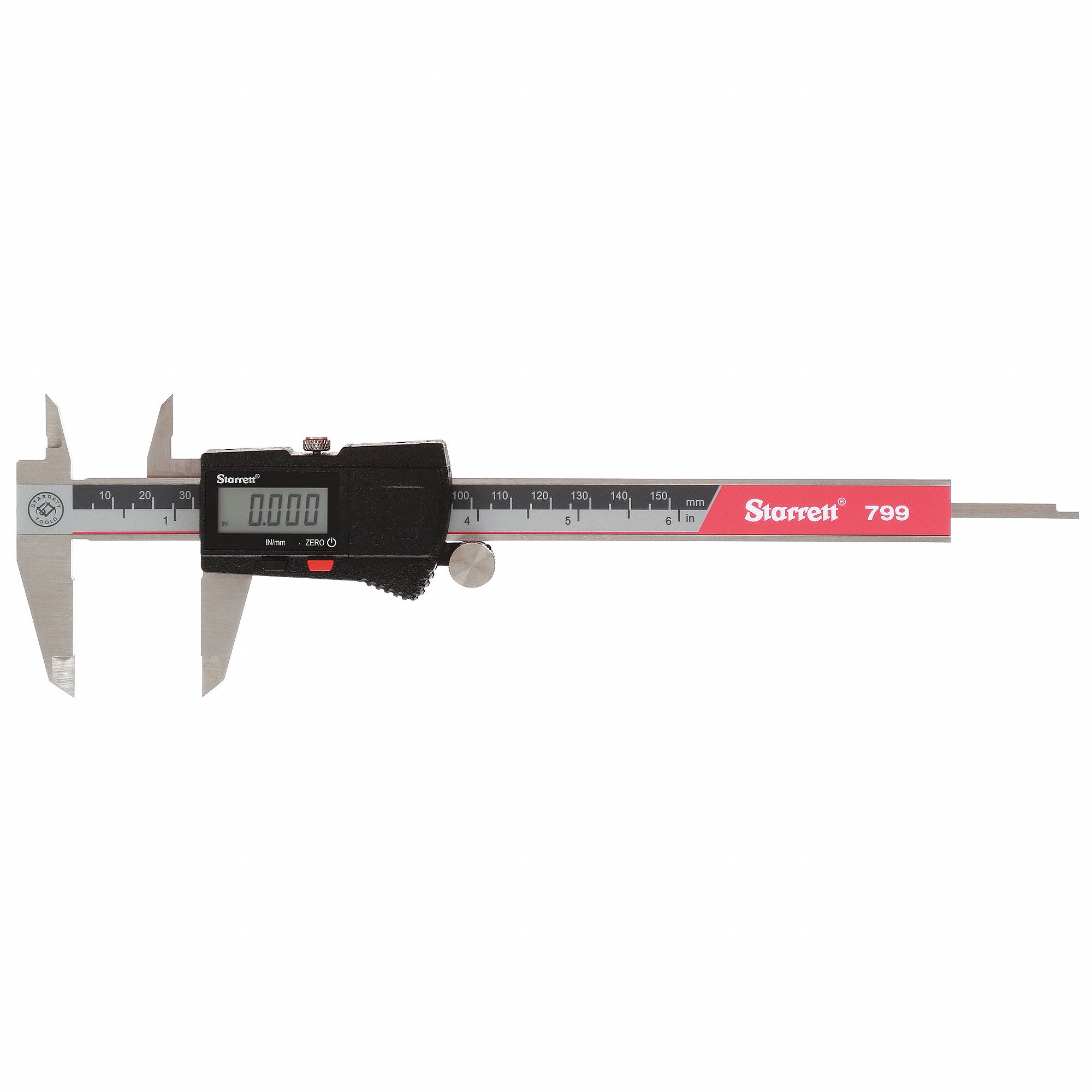
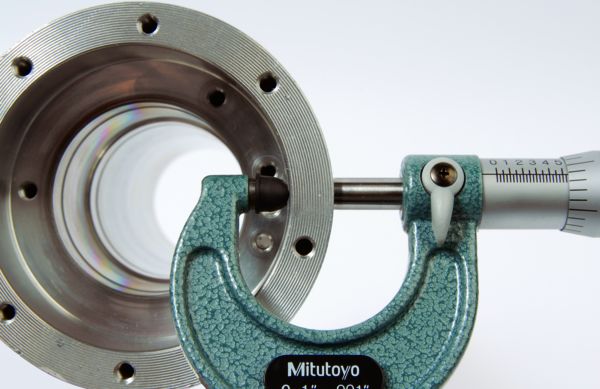
Affiliate links — we may earn a commission at no extra cost to you.
| Question | Fix the file (viewer) | Fix the source (CAD) |
|---|---|---|
| Construction lines on one vendor file | Hide layer / Delete — minutes | Optional template cleanup later |
| Binary DXF every time | Cannot load — must re-export ASCII | Change default save format once |
| Open rectangle corners | May merge if endpoints touch; gaps remain | Join/PEDIT close in CAD |
| Spline outline missing | Not visible — parser skips | Convert to polyline/arcs |
| Wrong mm vs in scale | Relabel only — numbers still wrong | Rescale model or export in correct units |
| Duplicate laser path on two layers | Hide layer or Delete copy | Fix layer assignment in template |
| Convex hull in nester | Delete junk may help if gaps were noise | Ensure one closed cut loop in model |
| Customer revision control | Export cleaned derivative for quote | Authoritative model stays in CAD PDM |
One dirty file from a good vendor → viewer cleanup → export → quote.
Same broken export from your standard template → fix CAD export settings and contour closure once.
Quote-only, tight timeline → viewer; production CAM from engineering → CAD source of truth.
Same pattern as DXF vs Manual Cut-Cost Entry: use the fast path until the error repeats or the number is contract-critical.
Cleanup in the browser or CAD does not nest parts, optimize bar cut lists, or set laser amps. After you have a trustworthy outline: