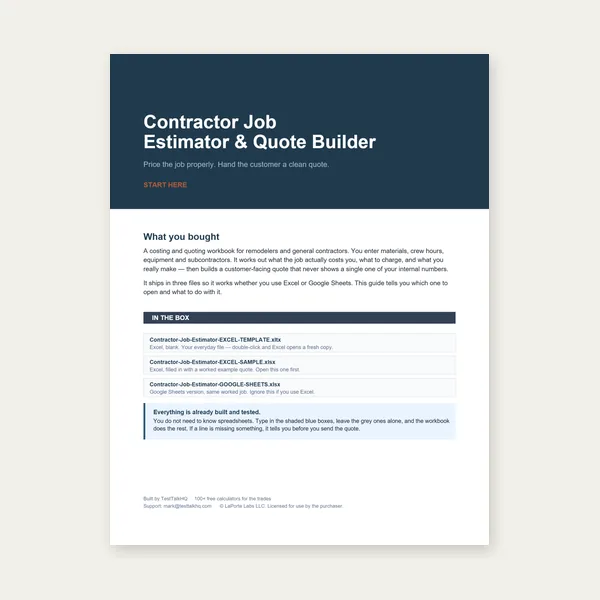
Contractor Job Estimator
Price remodels and GC work, then send a quote with no internal numbers.
Excel or Google Sheets. Best on a computer.
$29.00
BuySame tool · choose the input mode that fits the job
When manual cut-length entry is fine versus when uploading a DXF is worth it — guidance on modes inside one estimator, not a comparison of separate tools.

This is not a comparison of separate products. Both Manual entry and DXF upload live in the Cut-Cost & Time Estimator. Pick the mode that matches the job in front of you.
Open Cut-Cost & Time Estimator →Use Manual entry for simple shapes (rectangle, circle, slot), quick ballpark quotes, or when you do not have a DXF handy. If CAM already printed a total cut length and hole count, typing those two numbers is faster than re-exporting a drawing. Manual mode is also the escape hatch when a DXF is full of construction geometry — take the length you trust and set pierces yourself.
Reach for DXF when the profile is complex, has many holes/pierces, or you want a visual sanity-check of what the tool thinks it is costing. The client-side parser measures path length, approximates pierces, shows a preview, and auto-fills bounding-box area for optional material cost. That feedback loop catches open contours and forgotten holes before you send a number to a customer.
One outer + few holes, known length → Manual. Complex nest part, unknown length, or "does this pierce count look right?" → DXF. You can start in DXF, note length and pierces, then switch to Manual to lock edited values. Either way, calibrate speed and machine rate to your shop before treating the total as quote-ready.
Neither mode is a nesting optimizer or a multi-line client quote. For 1D bar/tube stock layout, use the Cut List Optimizer. For the document you send the customer, hand the cutting cost to the Weld Quote Builder. Process settings still live on the Plasma Cutting Calculator and related guides — this estimator prices time, it does not set amps or tip sizes.
Walk through both modes in the guide, or jump to troubleshooting if a DXF will not parse. Then open the Cut-Cost & Time Estimator and pick the input that fits the job.
Price remodels and GC work, then send a quote with no internal numbers.
Excel or Google Sheets. Best on a computer.
$29.00
BuyCheckout opens here — you stay on this page.