Contractor Job Estimator
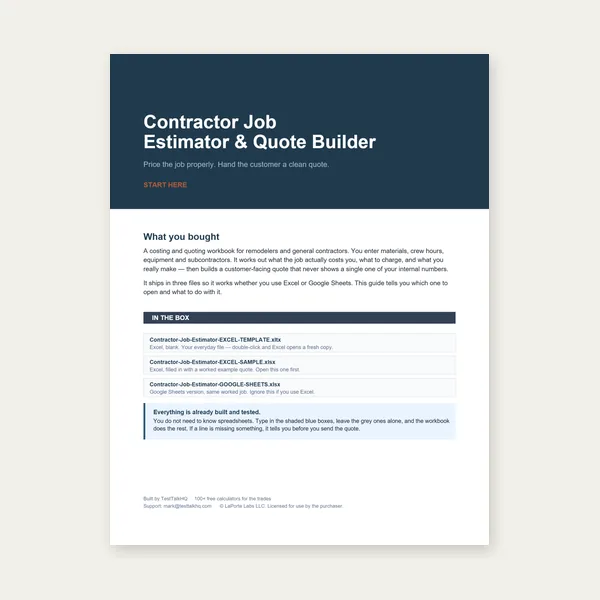
Price remodels and GC work, then send a quote with no internal numbers.
Excel or Google Sheets. Best on a computer.
$29.00
BuyDXF parse · pierce count · N/A process · estimate sanity
Fix binary DXF rejections, understand skipped splines/ellipses, sanity-check pierce counts, and why thick laser combos show N/A by design.

Most issues are DXF entity support, pierce approximation, or intentional N/A process limits — not broken math.
Open Cut-Cost & Time Estimator →Binary DXF is not supported. If the file starts with "AutoCAD Binary DXF," re-export as ASCII DXF (R12 recommended). Garbage files without an ENTITIES section are rejected with an error. Empty or malformed group codes also fail. This is intentional — the client-side parser only handles ASCII DXF.
SPLINE, ELLIPSE, INSERT, HATCH, SOLID, TEXT, MTEXT, DIMENSION, and POINT entities are ignored with a warning listing what was skipped. Length and pierces only count LINE, ARC, CIRCLE, LWPOLYLINE, and POLYLINE. Convert splines/ellipses to polylines or arcs in CAD before upload if you need them counted. Silent skip-plus-warning is by design so mixed construction drawings still yield a usable estimate from the supported geometry.
Open contours that should be closed, construction geometry left in the file, and disconnected open segments each add to the pierce approximation. Closed loops (circles, closed polylines) count as one pierce each; open segments are grouped by shared endpoints into components. Compare the number against the SVG preview. If the DXF is messy, note the cut length from DXF mode, switch to Manual entry, and set pierces yourself.
Remember: this is an estimate, not a firm quote. It excludes setup/programming time and does not model nesting waste beyond the Waste / nesting factor field (default 1.2). Machine rate and speeds dominate the total — if those are generic defaults, override them. Material cost stays at $0 unless you enter sheet price and part area. For a client document with markup and terms, use the Weld Quote Builder.
When laser (especially) has no realistic default at thick plate, speed and pierce fields clear and a warning explains the combo is generally not applicable. That is intentional — laser has real physical thickness limits. If your machine can still cut it, enter your own speed and pierce time; the estimator will run on your numbers.
Run the built-in self-tests on the tool page to confirm the parser and cost math are healthy in your browser. Read the usage guide or DXF vs Manual Entry for mode selection. Related cutting process pages: Plasma Cutting Calculator and Oxy-Fuel Tip Calculator.
Price remodels and GC work, then send a quote with no internal numbers.
Excel or Google Sheets. Best on a computer.
$29.00
BuyCheckout opens here — you stay on this page.