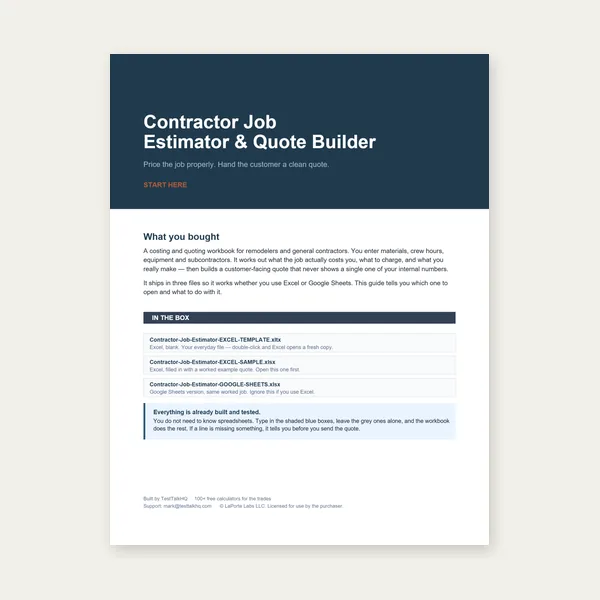
Contractor Job Estimator
Price remodels and GC work, then send a quote with no internal numbers.
Excel or Google Sheets. Best on a computer.
$29.00
BuyManual vs DXF · pierce approximation · calibrate speeds
How to use both input modes, sanity-check pierce counts against the preview, understand laser/plasma/waterjet speed relationships, and calibrate defaults to your machine.

Use Manual entry for a quick ballpark, or Upload DXF when you have a profile and want length, pierce approximation, and a preview.
Open Cut-Cost & Time Estimator →Enter the total cut length per part (path length of one part), choose mm / inch / ft, and set pierce points per part — typically one per closed contour (outer profile plus each hole). This mode is fastest when the shape is simple or you already know the path length from CAM or a tape measure.
Switch to Upload DXF, pick an ASCII DXF (R12 recommended), and tell the tool whether drawing units are mm or inches. Parsing is entirely client-side — the file never leaves your browser. Supported entities: LINE, ARC, CIRCLE, LWPOLYLINE, and POLYLINE. Splines, ellipses, inserts, and text are skipped with a warning (by design). After parse, review the SVG preview and the reported cut length, pierce approximation, and bounding-box area (auto-fills the material area field).
The tool counts closed loops (circles, closed polylines) plus connected open-contour components. That is a solid shop approximation, not a CNC pierce plan. Construction lines, open profiles that should be closed, or overlapping geometry can inflate or undercount pierces. Always glance at the preview: if you see three closed shapes, expect about three pierces; if pierces look wrong, fix the DXF or override pierces via Manual entry after noting the length.
On thin mild steel, the built-in defaults usually rank laser fastest, plasma in the middle, waterjet slowest. Pierce times reverse that picture: waterjet pierces are slowest, laser fastest. Laser defaults go to N/A on thick plate (physical process limits), while plasma and waterjet still offer speeds. These are general, trade-reasonable figures — not a specific OEM chart.
After you pick process, material, and thickness, the tool auto-fills cutting speed (mm/min) and pierce time (seconds). Overwrite both with logged data from your machine — even a few timed cuts beat the defaults. Machine rate ($/hour) and optional consumable cost per pierce let you match how your shop books time. Material price and waste/nesting factor (1.2 = 20% waste) are optional when you only need machine/labor cost.
Download a one-page PDF estimate or a CSV breakdown for spreadsheets. For a full multi-line client quote, paste the total into the Weld Quote Builder. For 1D bar nesting instead of 2D sheet profiles, use the Cut List Optimizer. Stuck on parse or pierce issues? See troubleshooting. Choosing between modes? Read DXF vs Manual Entry.
Price remodels and GC work, then send a quote with no internal numbers.
Excel or Google Sheets. Best on a computer.
$29.00
BuyCheckout opens here — you stay on this page.