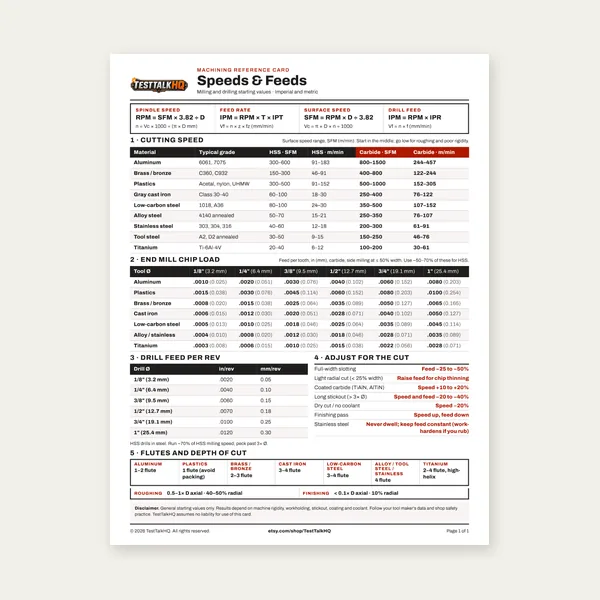
Machining Speeds & Feeds Card
One page. Speeds, chip load and drill feed, imperial and metric.
$3.99
BuyComplementary tools for different end conditions
Rect-to-round uses triangulation; round-to-round cones, frustums, and lobster-back elbows use the cone generator. Pick by opening shape — many jobs need both.

Square/rect-to-round uses triangulation. Round-to-round cones, frustums, and lobster-back elbows use the cone generator. Many jobs need both.
Square-to-Round Generator → Cone / Transition Generator →It is tempting to ask “which flat-pattern tool should I use?” as if one replaces the other. Wrong framing: they solve different end conditions. The Square-to-Round Transition Flat-Pattern Generator develops a rectangular (or square, or offset) base into a round. The Cone / Transition Flat-Pattern Generator develops round-to-round geometry — full cones, frustum reducers, and lobster-back elbows. You pick by opening shape, not by brand preference. Often you use both on one air path.
Use the square-to-round generator when one end is rectangular and the other is round: plenum to spiral, rectangular trunk to round branch, hopper throat to round discharge, offset collar on a square box. Inputs are base W×D, diameter, height, and optional offset. Math is triangulation + sequential unfold — covered in the guide. If the blank won’t close, use troubleshooting before cutting again.
Use the cone tool for round-to-round work: a full cone, a frustum / concentric reducer between two diameters, or a lobster-back (gore) elbow. Those patterns are circular or annular sectors (or gore sets), not triangulated square lobes. Walk through modes in the Cone / Transition Flat-Pattern Guide; when a sector won’t roll true, use Cone troubleshooting.
Common shop sequence: square plenum → square-to-round transition (this generator) → round trunk → concentric reducer or lobster-back elbow (cone generator) → round branch. Each fitting gets its own flat pattern from the tool that matches its ends. Nest the blanks together in the 2D Sheet Nesting Optimizer and price cuts with the Cut Cost / Time Estimator.
| Job signal | Use | Why |
|---|---|---|
| Square or rectangular base → round collar | Square-to-round generator | Triangulation for rect-to-round |
| Round offset off a rectangular plenum | Square-to-round (offset X/Y) | Offset is built into that tool |
| Full cone / apex development | Cone generator (Full Cone) | Circular sector from slant length |
| Round-to-round reducer / frustum | Cone generator (Frustum) | Annular sector between two diameters |
| Segmented / lobster-back elbow | Cone generator (Lobster-Back) | Gore set from CLR + turn angle |
| Plenum → round → elbow on one run | Both, in sequence | Different ends → different developments |
| Pattern won’t close after print | Matching troubleshooting page | Square-to-round or cone |
If either end is rectangular (or you need a rectangular-to-round offset), open square-to-round. If both ends are round — cone, reducer, or gore elbow — open the cone generator. Don’t force a rect-to-round job into a sector pattern or a round reducer into triangulation.
One page. Speeds, chip load and drill feed, imperial and metric.
$3.99
Buy
27 pages. Milling, drilling, tapping, turning and CNC routing.
$12.99
Buy
Quote shop work and check operations against your spindle's top speed.
Excel or Google Sheets. Best on a computer.
$29.00
Buy
Card, 27-page guide and the estimator workbook. All six files.
Excel or Google Sheets. Best on a computer.
$34.99
$45.98 if bought separately — save $10.99
BuyCheckout opens here — you stay on this page.
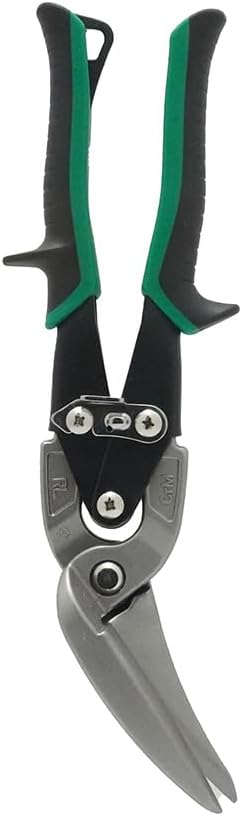
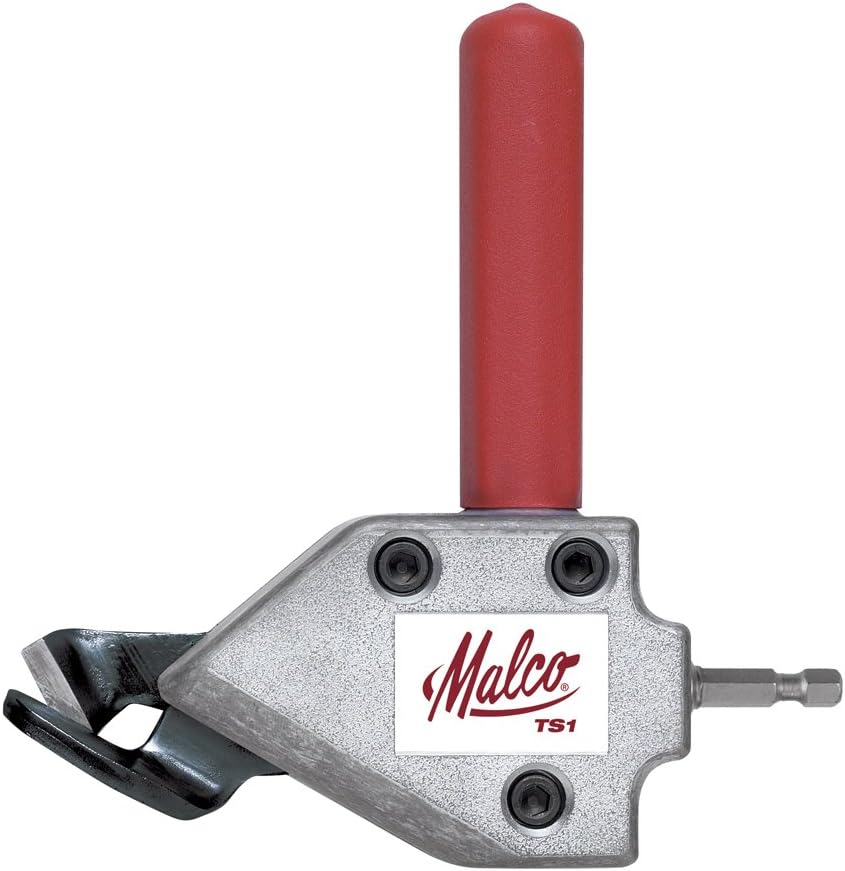
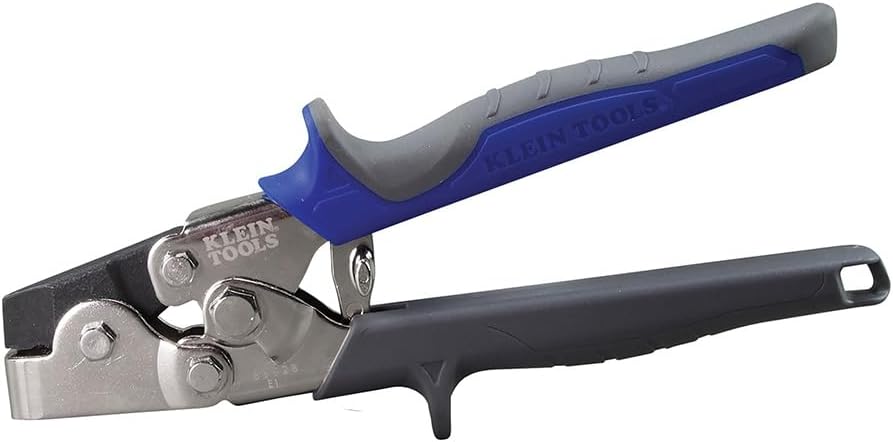
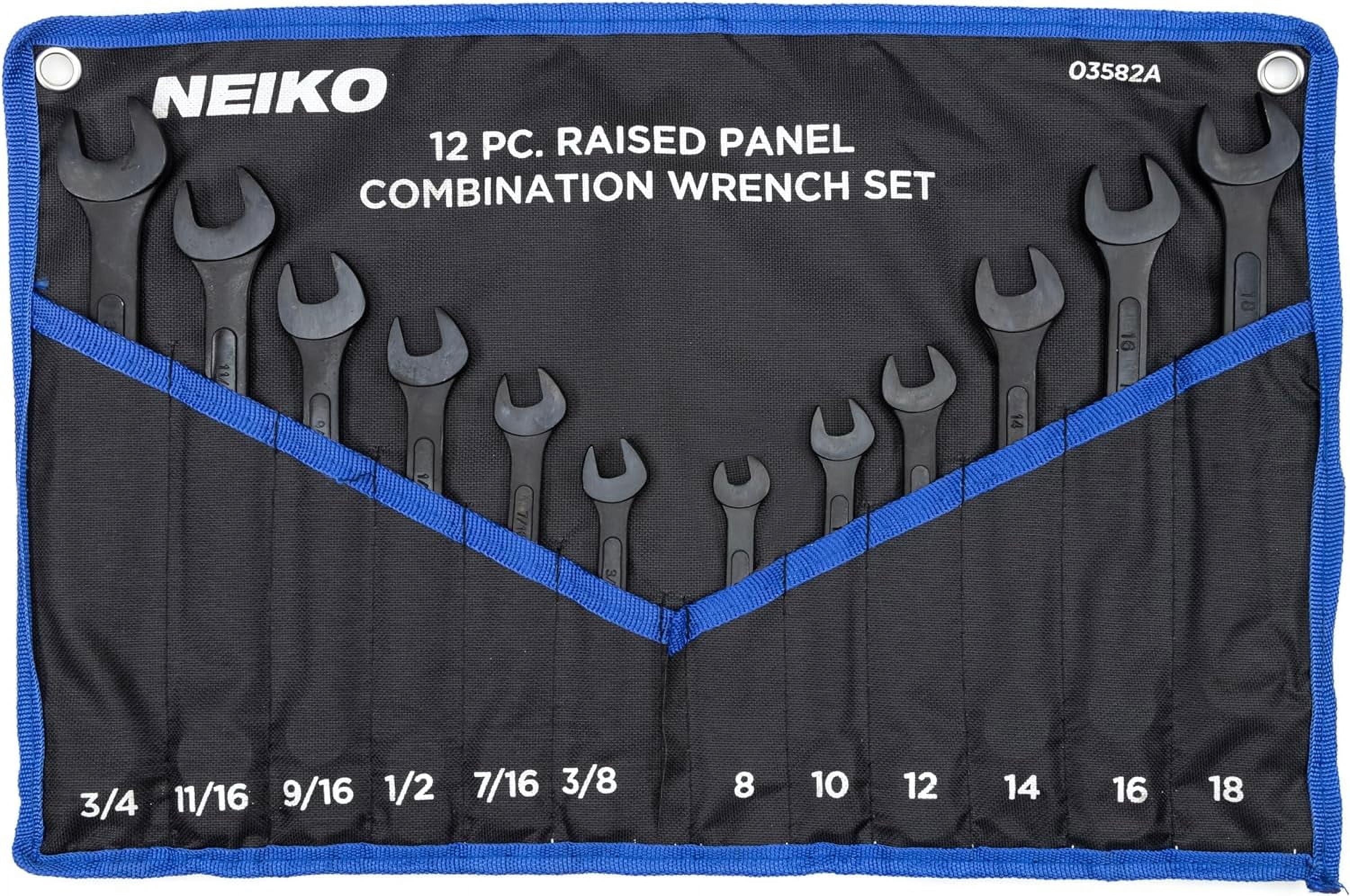
Cut the developed pattern, then form and join — products from the TestTalkHQ affiliate catalog

As an Amazon Associate, TestTalkHQ earns from qualifying purchases.