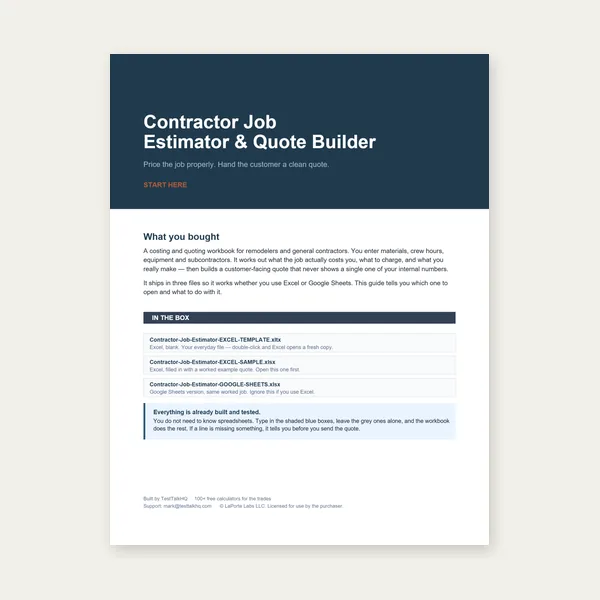
Contractor Job Estimator
Price remodels and GC work, then send a quote with no internal numbers.
Excel or Google Sheets. Best on a computer.
$29.00
BuyFull cone · frustum · lobster-back — print and roll correctly
How to use each of the three modes, read the derivation panel, print at 100%, and add your own seam allowance before cutting.

Use Full Cone, Frustum / Transition, or Lobster-Back Elbow — then print the tiled PDF at 100% and add your own seam allowance.
Open Cone / Transition Flat-Pattern Generator →Enter base diameter and either vertical height or slant height. The tool develops a right circular cone into a circular sector: slant length L is the sector radius, and the included angle is θ = 360° × (R / L). Use vertical height when you know how tall the cone stands; use slant height when you measured along the side. Mixing them up is the most common input error — see troubleshooting.
Enter large and small end diameters plus height or slant. The pattern is an annular sector (outer arc = large circumference, inner arc = small). Top and bottom are interchangeable for the flat pattern — the labels only tell you which radius rolls to which diameter. Equal diameters degenerate to a cylinder rectangle (no cone taper).
Enter pipe/duct diameter, total turn angle, number of gores (segments), and centerline bend radius. End gores are half-length (they butt to straight pipe); inner gores are full-length. Alternate gores flip when rolling. Centerline radius must stay larger than the pipe radius so the throat stays open.
Open the derivation panel under Dimensions. It lists the radii, slant lengths, included angle, and arc lengths the preview uses. Use it to cross-check a shop drawing or textbook development before you commit material.
Download the full-scale PDF. Print at 100% / Actual Size — never Fit to Page. Page 1 carries a 1 in (or 50 mm) reference square; measure it with a ruler before cutting. Multi-page templates include dashed overlap/tape bands — align those edges, tape, then cut the outline. Roll the blank so the dashed seam edges meet, then add your joining allowance outside that finished edge.
The pattern is the finished developed surface only. Lock seams, welds, riveted laps, and soldered joints need different overlaps, so the tool does not invent one. Add allowance after printing per Seam Allowance — How Much to Add for Your Joining Method.
For wrap-around pipe coping instead of cones, use the Tube Notch Template Generator and its Tube Notch Guide. For brake blanks after cutting, see the Sheet Metal Bending Guide, Bend Radius Calculator, and Sheet Metal Gauge Chart.
Price remodels and GC work, then send a quote with no internal numbers.
Excel or Google Sheets. Best on a computer.
$29.00
BuyCheckout opens in a new tab.
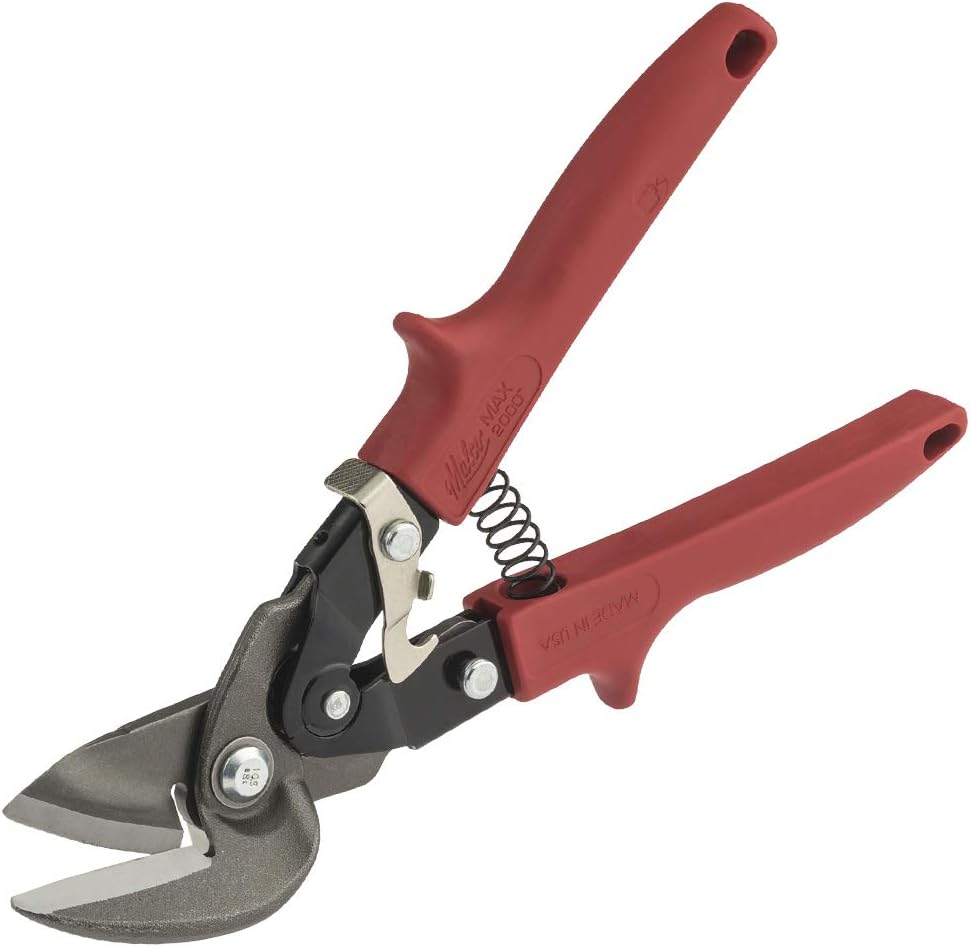
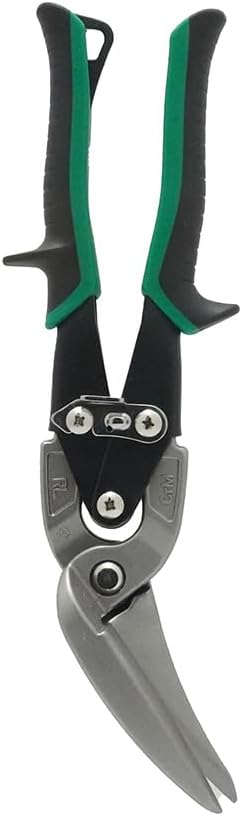
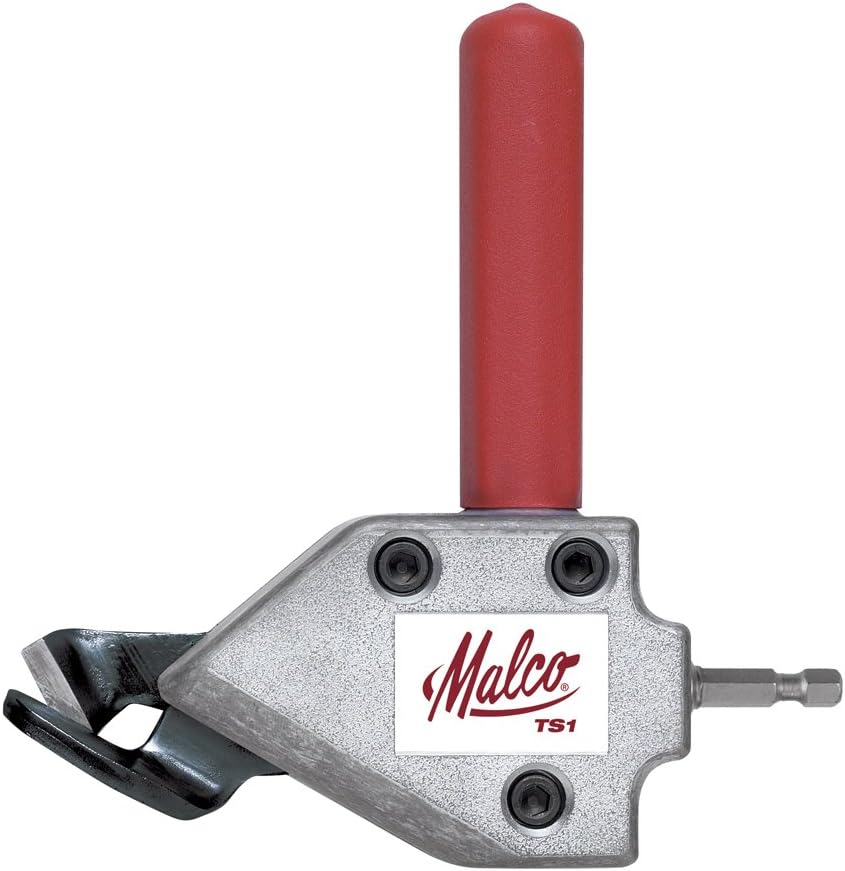
Cut the developed pattern, then form and join — products from the TestTalkHQ affiliate catalog
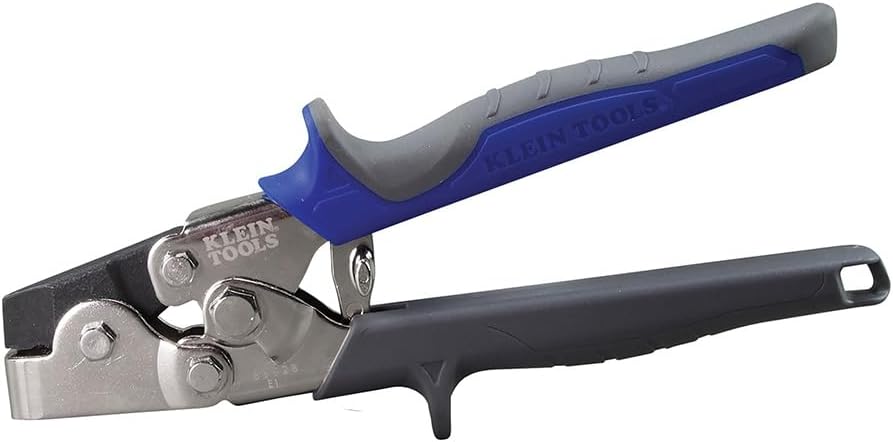
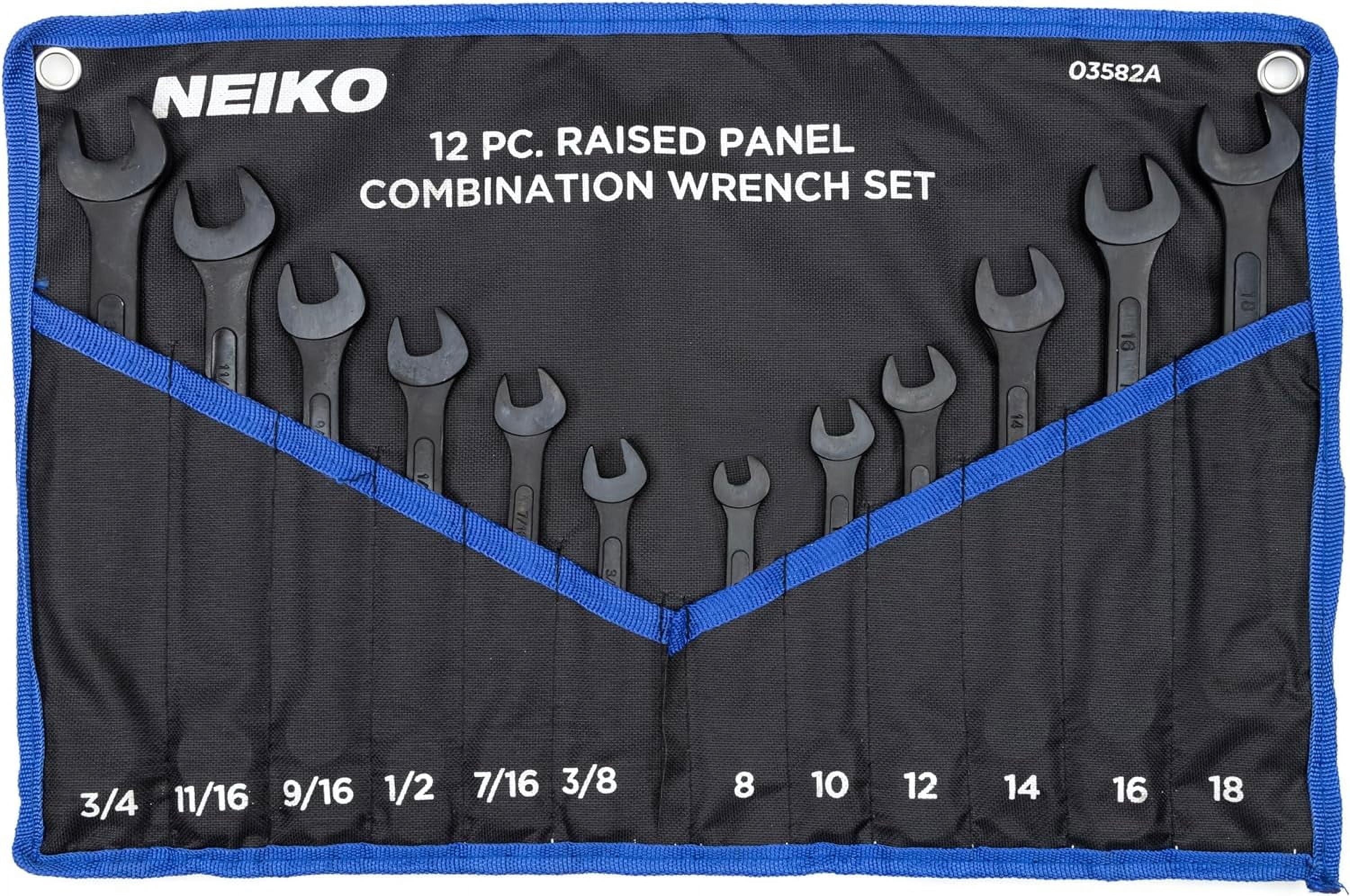
As an Amazon Associate, TestTalkHQ earns from qualifying purchases.