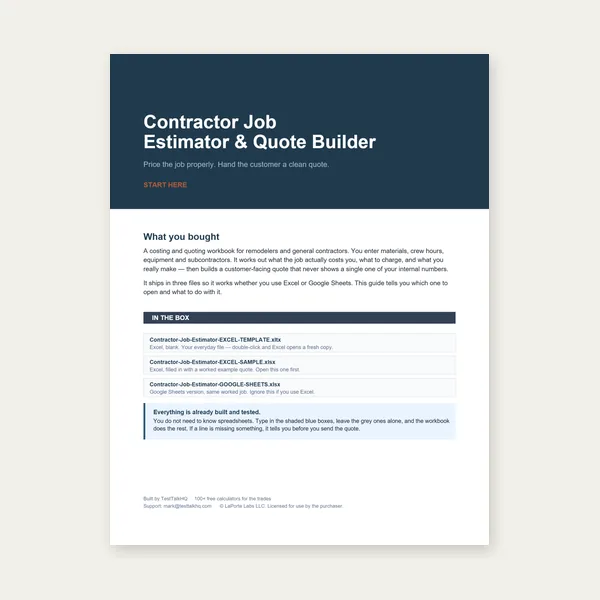
Contractor Job Estimator
Price remodels and GC work, then send a quote with no internal numbers.
Excel or Google Sheets. Best on a computer.
$29.00
BuyFull-scale printable developments — full cone · frustum / transition · lobster-back elbow
Enter diameters and height (or slant), preview the developed sector or gore stack, then download a tiled actual-scale PDF with tape/overlap marks and a reference square on page 1. No seam allowance is included — add yours for lock seam, weld, rivet, or solder.

How to use: Pick a mode (full cone, frustum/transition, or lobster-back), set units, enter dimensions, and review the preview plus readout. Open Show the math / derivation to see sector radii and included angle. Download the full-scale PDF, print at 100% / Actual Size, measure the reference square, then add seam allowance before you cut. See the guide and seam allowance explainer.
Price remodels and GC work, then send a quote with no internal numbers.
Excel or Google Sheets. Best on a computer.
$29.00
BuyCheckout opens in a new tab.
Cut the developed pattern, then form and join — products from the TestTalkHQ affiliate catalog
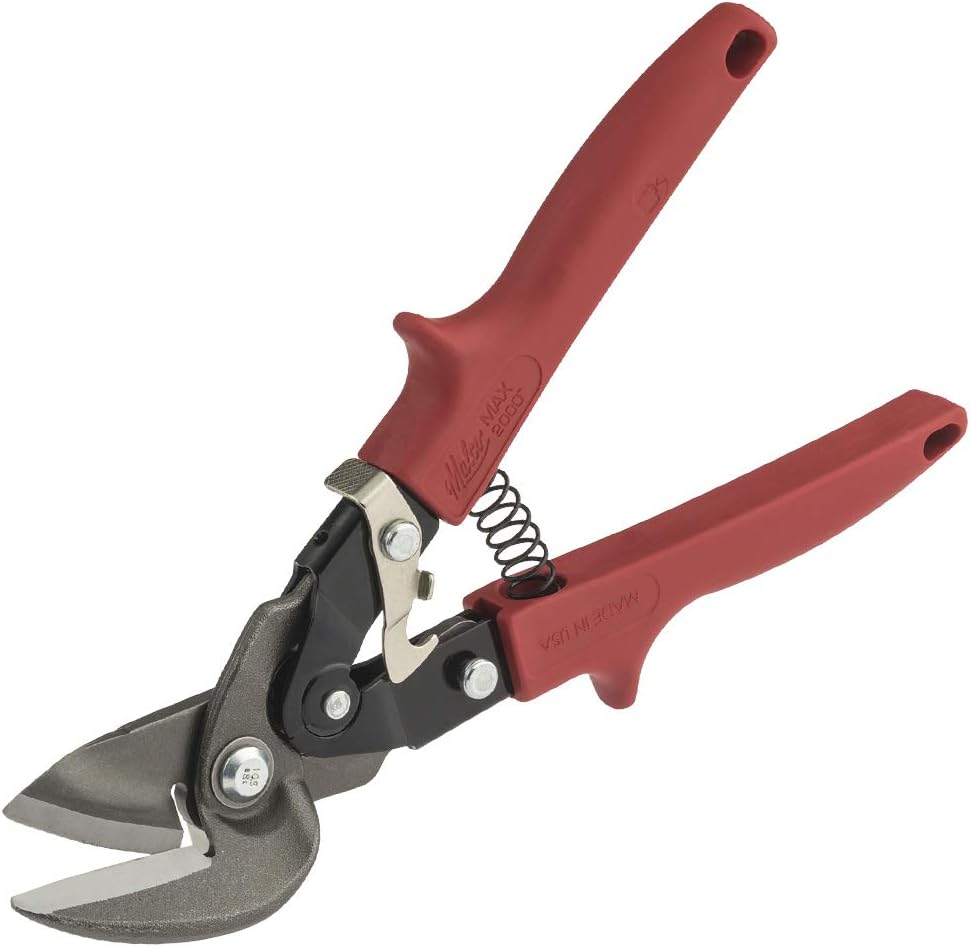
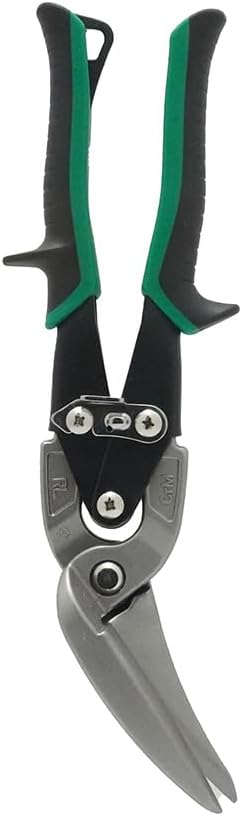
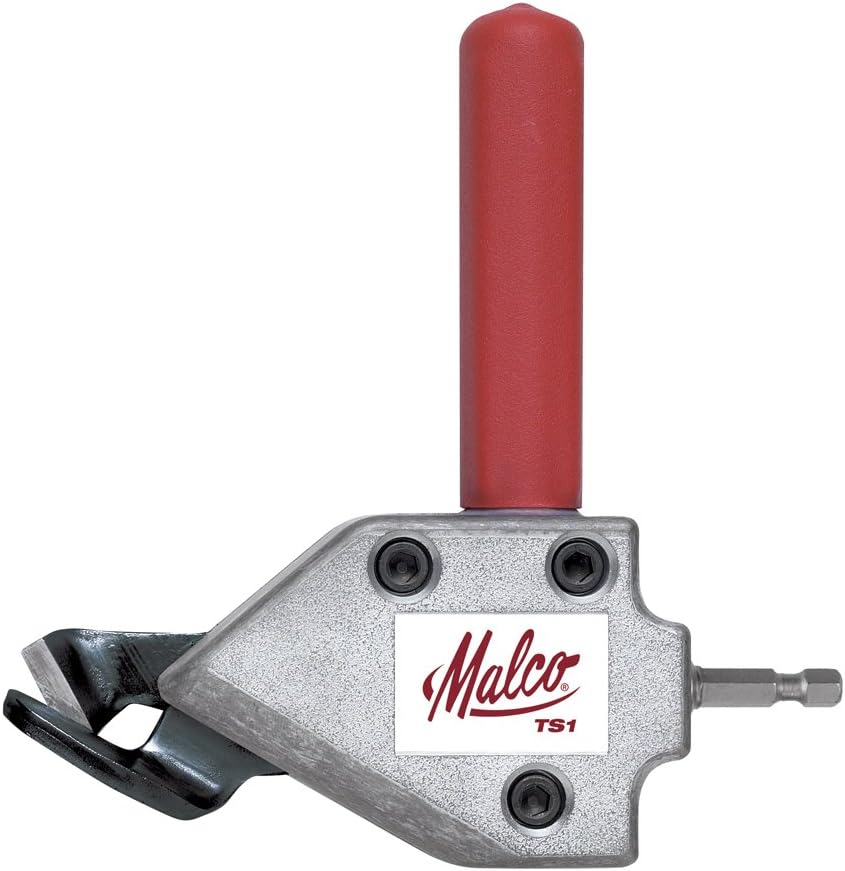
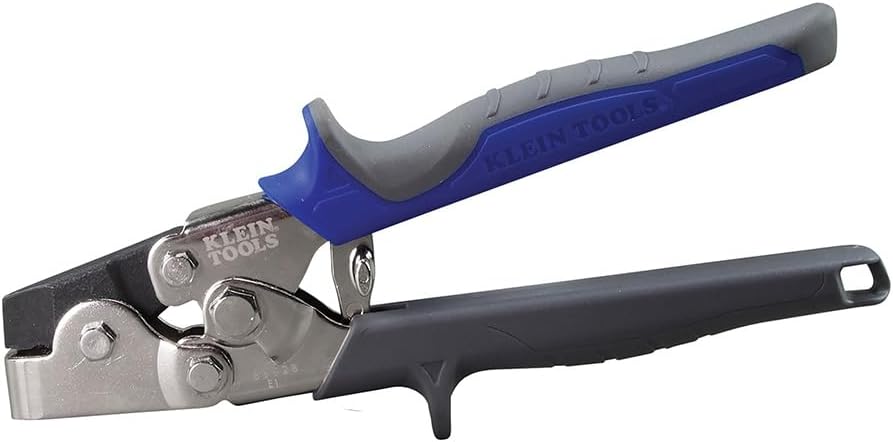
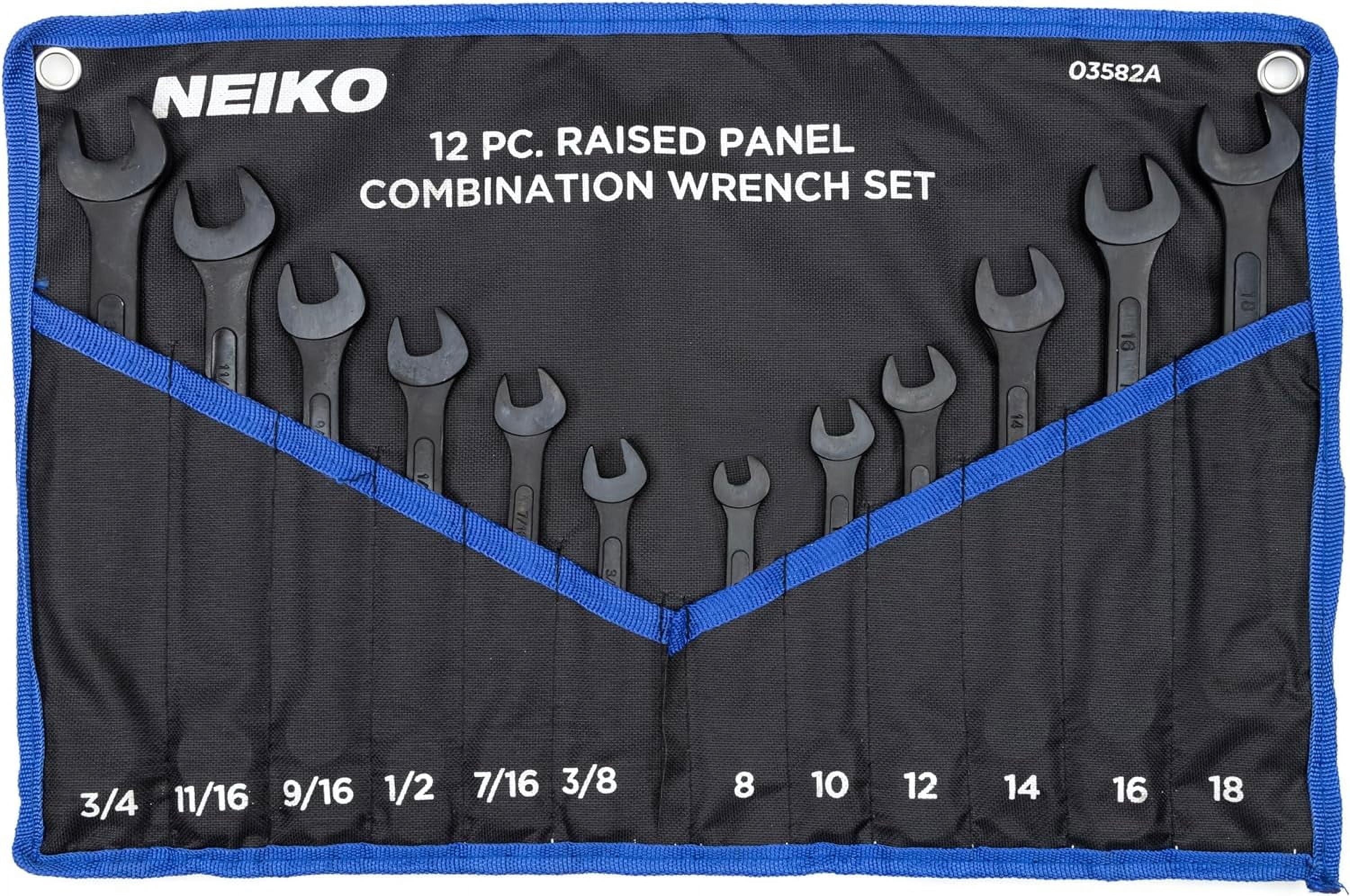
As an Amazon Associate, TestTalkHQ earns from qualifying purchases.
Full cone develops a right circular cone into a sector. Frustum / transition develops a truncated cone (duct reducer / hopper transition) into an annular sector. Lobster-back elbow stacks mitered gores for a segmented pipe/duct elbow. All three export the same way: multi-page tiled PDF at 1:1 with overlap/tape guides.
Lock seams, butt welds, riveted laps, and soldered seams need different overlaps. The tool draws the finished developed surface only so you are not stuck with a wrong default. Typical ranges live in Seam Allowance — How Much to Add for Your Joining Method.
If you need wrap-around pipe coping templates instead of cone developments, use the Tube Notch Template Generator — same print-at-100% / reference-square discipline. For brake work after blanking, see the Sheet Metal Bending Guide and Bend Radius Calculator.
For square, rectangular, or offset-to-round transitions (triangulation development with DXF + full-scale PDF), use the Square-to-Round Transition Flat-Pattern Generator — sibling to this cone / frustum / lobster-back tool. See also the which-to-use comparison.