Weld Shrinkage & Distortion Allowance Calculator
Estimate transverse shrinkage allowance for layout compensation
Enter weld type, thickness, joint length, material, and number of passes to estimate how much to add to layout dimensions before welding. Pair with the Weld Shrinkage Guide, Distortion Troubleshooting, and Weld Sequencing articles.

Tools That Help Control Distortion
Machines and shop gear that support stable heat, clean fit-up, and sequenced welding
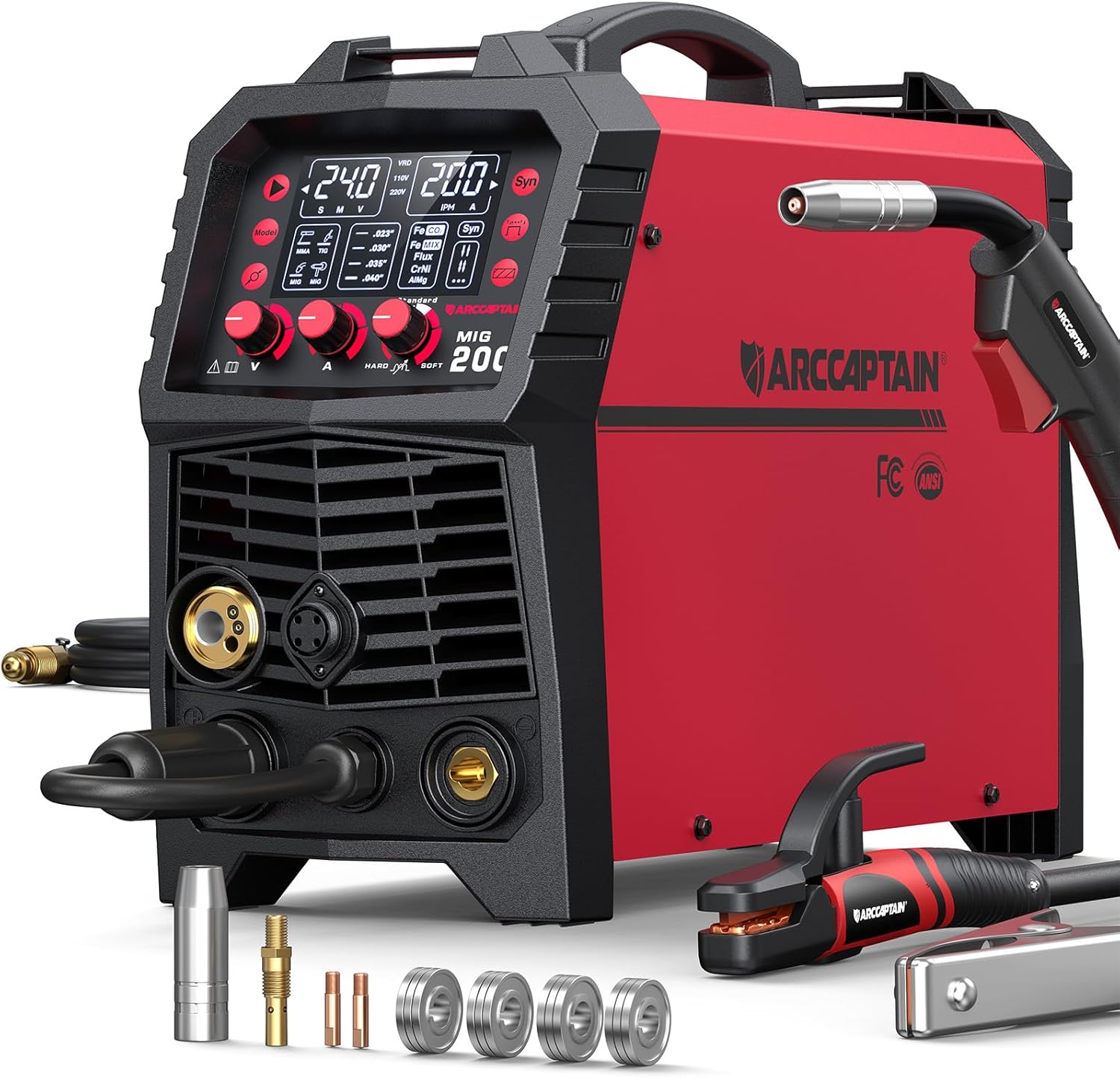
ARCCAPTAIN 6-in-1 Multi-Process
- Stable digital meters for repeatable heat input
- MIG/TIG/stick for sequenced fab work
- Dual voltage 110V / 220V
- Useful when balancing multi-pass heat
- Strong all-around fab machine
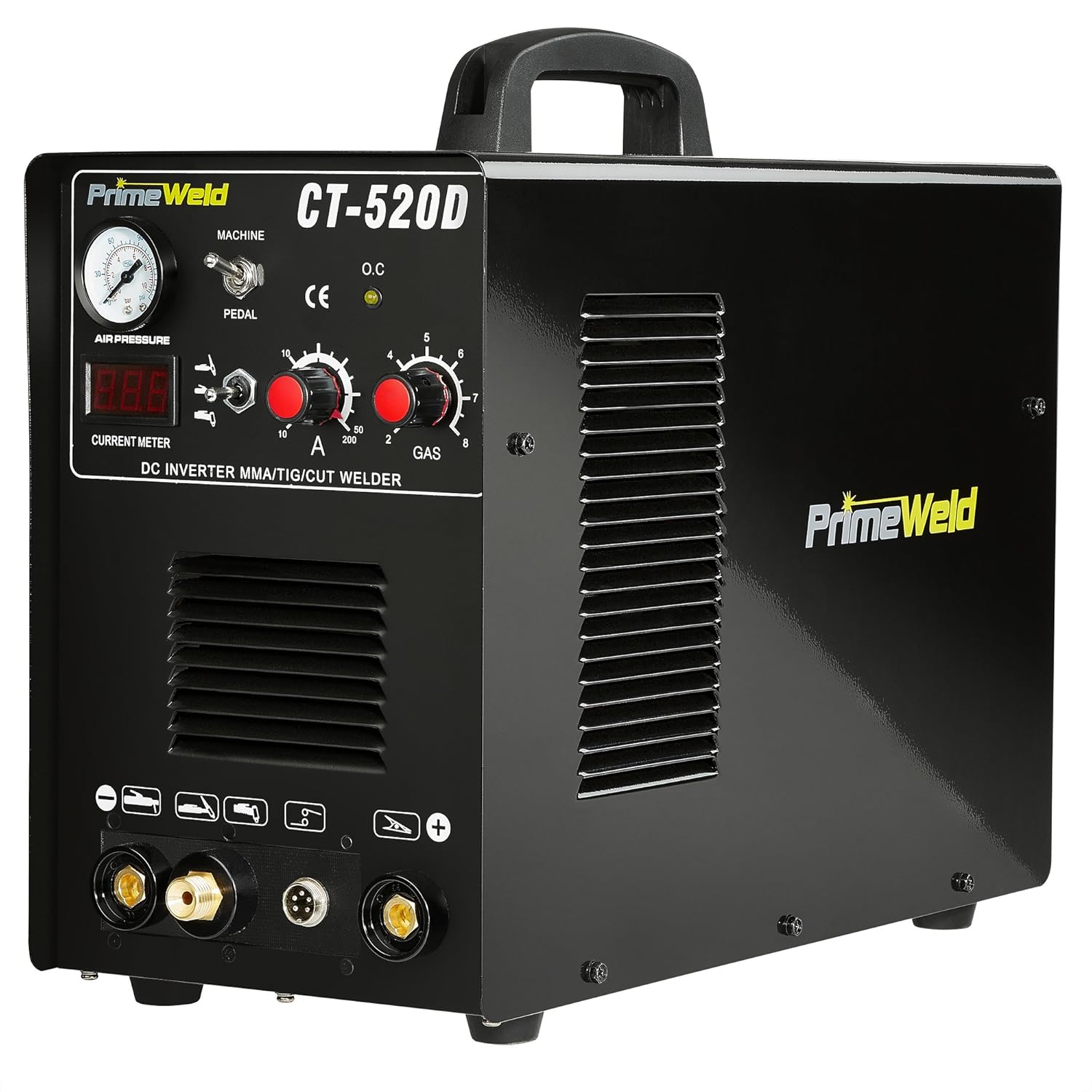
PrimeWeld 3-in-1 Welder
- Higher output for thick multi-pass joints
- HF TIG for controlled heat on thin work
- Foot pedal amp trim on TIG
- Inverter stability for sequenced runs
- Heat-input friendly control layout
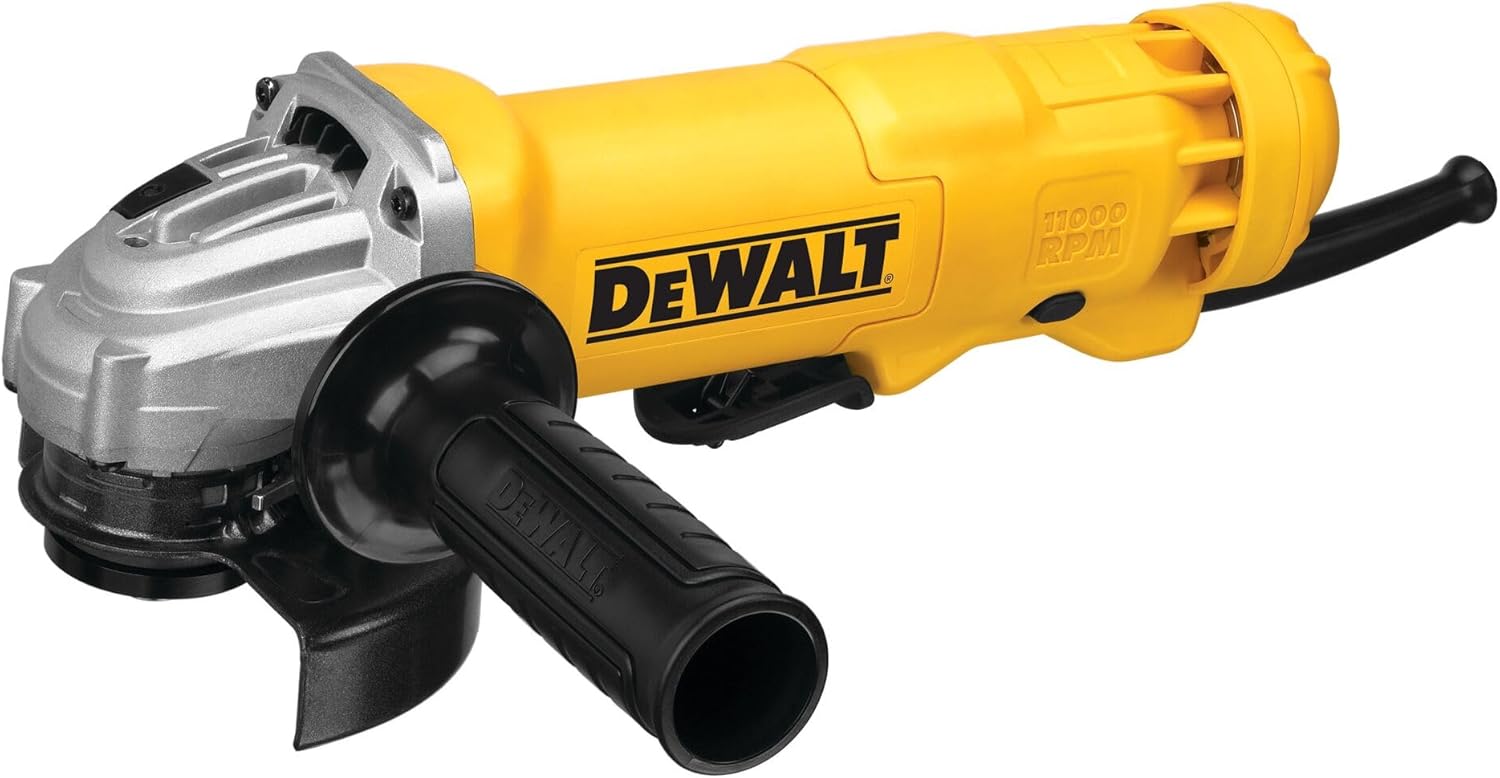
DEWALT 4.5" Angle Grinder
- Clean fit-up before clamping
- Remove high spots that fight fixtures
- Prep for backstep and skip sequences
- Shop staple for fab correction
- Paddle switch control
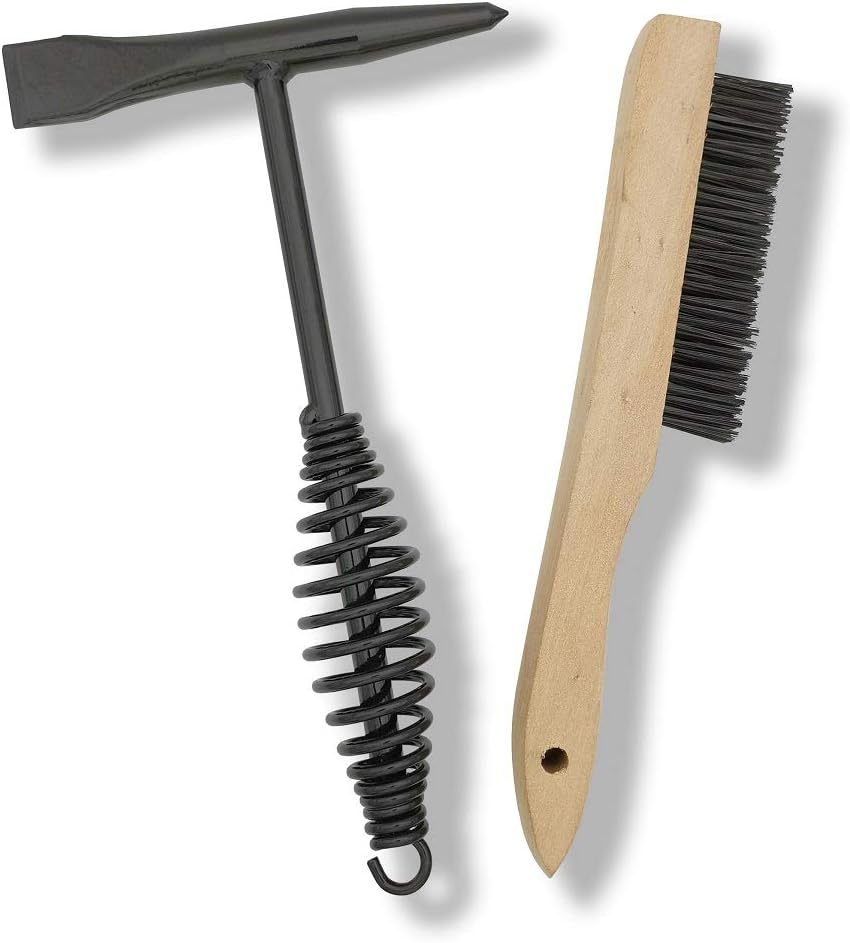
VASTOOLS Welding Accessories Kit
- Chipping hammer & brushes for between-pass cleanup
- Keeps slag from trapping heat unevenly
- Useful on multi-pass groove work
- Affordable shop kit
- Pairs with sequenced fabrication
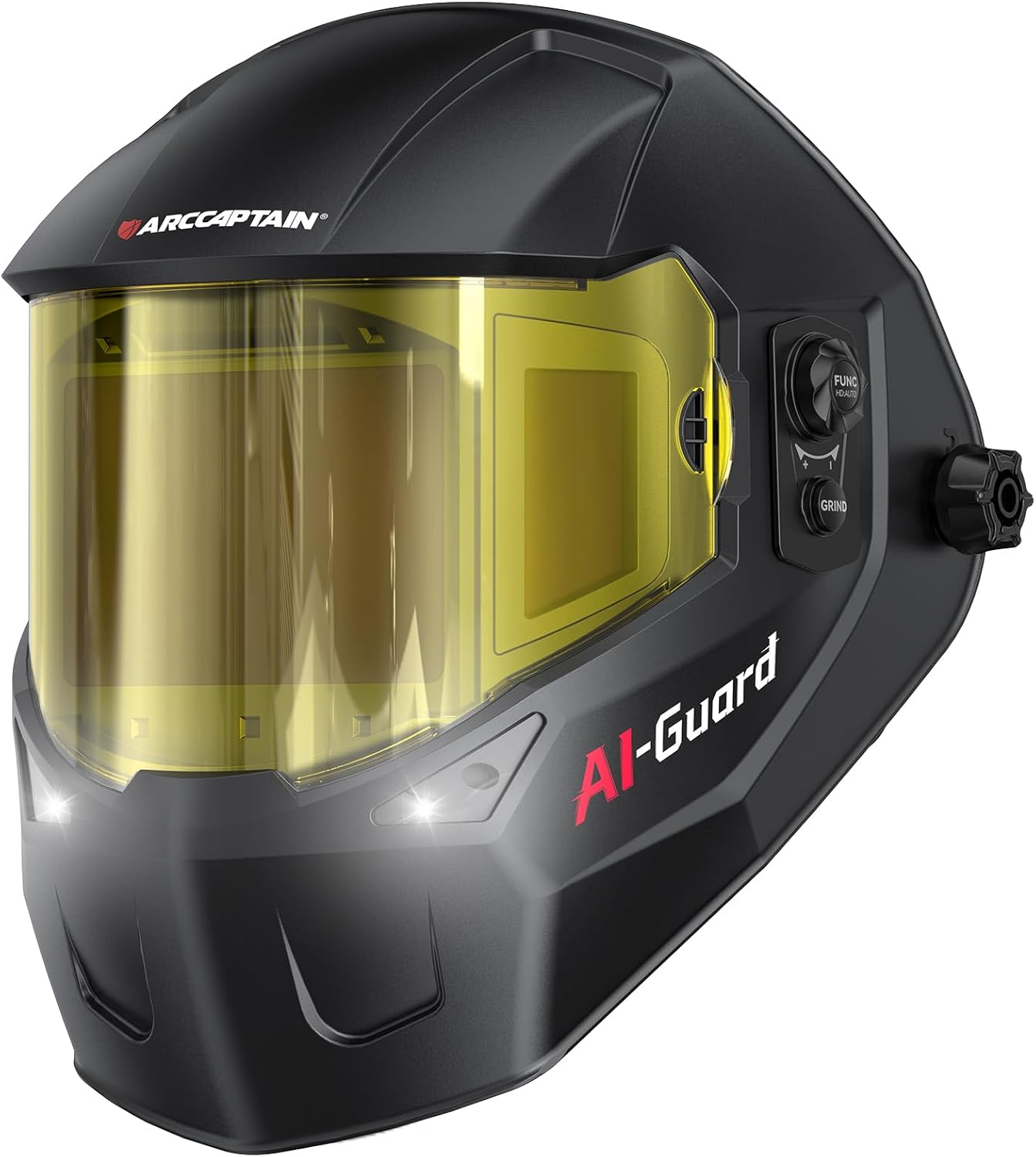
ARCCAPTAIN Halo Helmet
- Wide view for watching bead freeze lines
- True-color lens helps read heat tint
- Comfortable for long sequenced welds
- Multi-sensor arc detection
- Spot warp early and correct
As an Amazon Associate, TestTalkHQ earns from qualifying purchases.
How to Use This Calculator
Select butt/groove or fillet, choose the base metal, enter thickness and joint length, then set the number of passes. The primary result is the suggested transverse layout allowance — how much extra to leave so the finished part lands closer to nominal after the weld cools and contracts.
Use inches or millimeters with the unit toggle. The model scales material coefficients so stainless and aluminum show larger movement than mild steel for the same joint.
Why Shrinkage Happens
Molten weld metal and the adjacent heat-affected zone expand while hot, then contract as they cool. The solidified weld is stronger than the surrounding soft hot metal, so contraction pulls the plates together. That pull shows up as transverse shrinkage across the joint and longitudinal foreshortening along the weld length.
Multi-pass welds stack additional thermal cycles. Each pass adds shrinkage, but not in a simple 1:1 line — earlier passes are already restrained by solidified metal, so later passes compound with diminishing returns. That is why the calculator applies a pass compounding factor instead of multiplying by pass count.
Layout Compensation Tips
Add the transverse allowance to the dimension that closes on the weld (gap or overall width), not randomly to every print callout. For long seams, also watch longitudinal foreshortening so hole patterns and end lengths stay in tolerance.
- Lightly restrained frames need more allowance than heavily fixture-locked assemblies.
- Preset / pre-bend opposite the expected angular pull when fillets dominate.
- Verify critical jobs with a coupon welded using the same process, sequence, and clamps.
Related Distortion Controls
Allowance planning is only one lever. Lower heat input, balanced sequences, and smarter joint design often beat “just add more stock.” See the Heat Input Calculator, weld sequencing technique, and the joint-selection notes in the Weld Joint Design Guide.