Milling Speed and Feed Rate Calculator
RPM, chip load, feed rate, and material removal rate for any end mill
Enter material, cutter type, diameter, flute count, and cut dimensions to get recommended SFM, spindle RPM, chip load per tooth, feed rate (IPM), and MRR. Built for manual and CNC milling in steel, stainless, aluminum, cast iron, brass, copper, and plastic.
Also try our Chip Load Calculator, Chip Load Guide, Metal Cutting Speed Calculator, Drill Speed Calculator, and Drill Speed and Feed Rate Calculator.

⚡ Recommended Milling & Shop Tools
End mills, cutting fluid, and layout tools for milling setup and hole prep
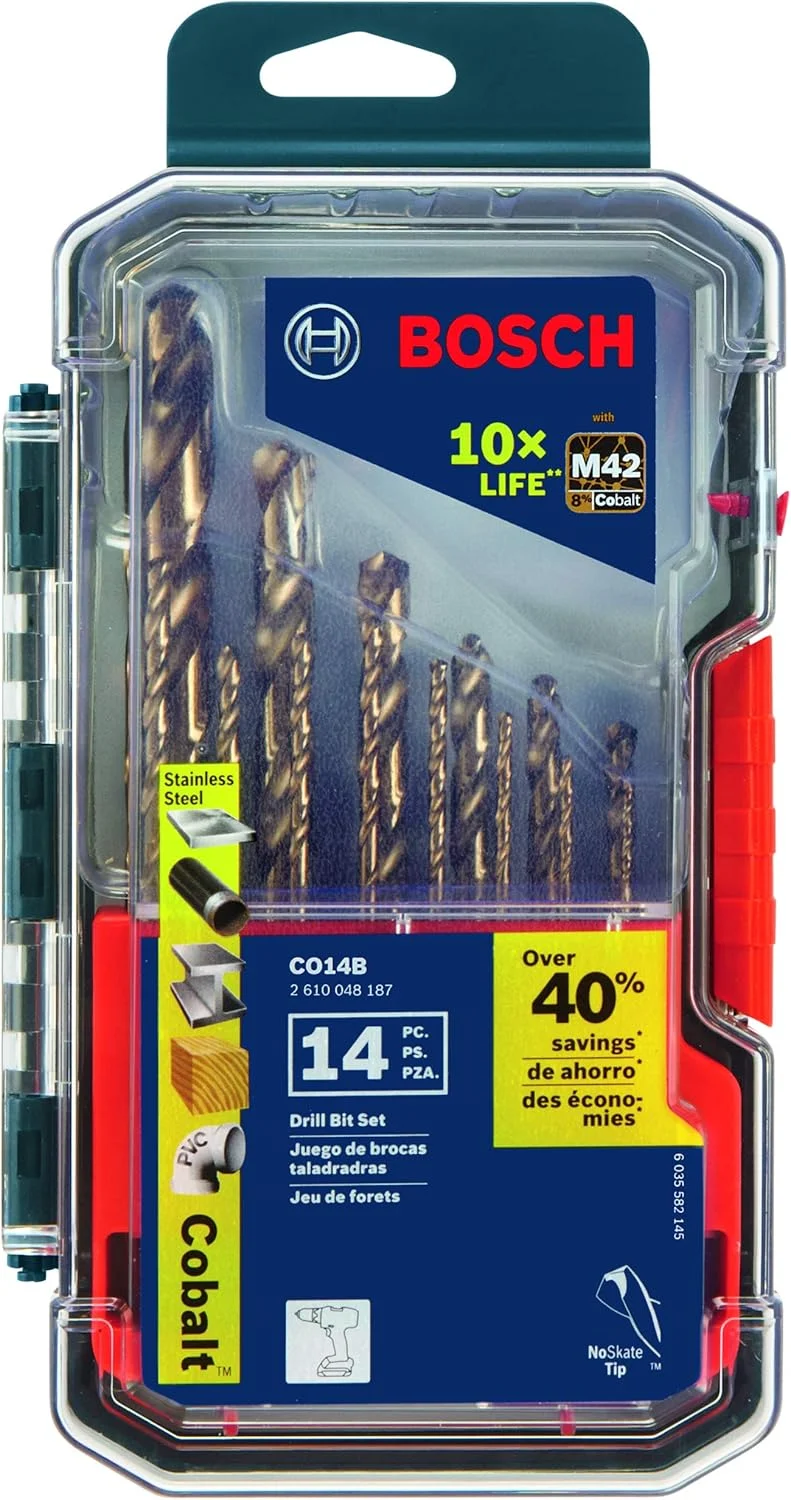
BOSCH CO14B 14-Piece Cobalt M42 Drill Bit Set
- Cobalt bits for tough alloys
- Hole prep before milling setups
- Three-flat shanks reduce slip
- Wide fractional coverage
- Shop staple for metalwork

Tap Magic Cutting Fluid
- Flood or apply at the cut zone
- Mandatory for aluminum milling
- Reduces heat on stainless
- Extends carbide tool life
- Shop standard for machining
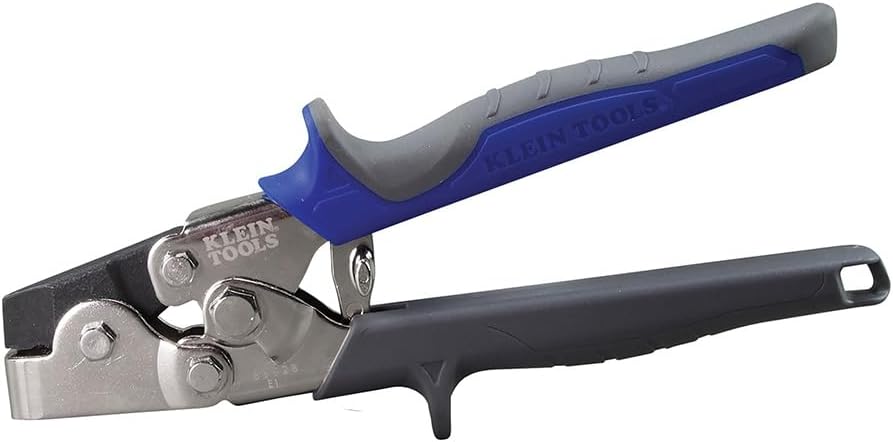
Neiko Transfer Punch Set
- Transfer hole and layout marks
- Align workpieces on the mill
- Hardened punches for repeat use
- Essential for fixture setup
- Pairs with speed/feed planning
As an Amazon Associate, TestTalkHQ earns from qualifying purchases.
SFM vs RPM — Understanding the Difference
SFM (surface feet per minute) is the speed of the cutting edge relative to the workpiece — it's material-dependent and stays constant regardless of cutter size. RPM is the rotational speed of the spindle — it changes with cutter diameter to maintain the correct SFM.
A large diameter cutter needs fewer RPM to achieve the same SFM as a small cutter. Always start with SFM for the material, then convert to RPM based on your cutter size.
Chip Load — The Most Important Milling Variable
Chip load (inches per tooth) is the thickness of the chip each flute removes per revolution. Too low a chip load causes rubbing instead of cutting — the cutter rubs the material rather than slicing it, generating heat and dulling the tool rapidly.
Too high a chip load overloads the flute and breaks the cutter. Getting chip load right is more important than getting RPM exactly right. Start at the lower end of the recommended range and increase until chips look correct — curled and consistent, not powder or stringy.
Carbide vs HSS End Mills — When to Use Each
HSS end mills are cheaper, more forgiving of interrupted cuts and vibration, and work fine for occasional manual milling work. Carbide end mills are significantly harder and can run at much higher SFM — often 3–5× higher than HSS — making them essential for production work and CNC machining.
Carbide is brittle though — it doesn't tolerate chatter, flex, or poor workholding. If your setup isn't rigid, carbide will chip. For CNC with a rigid setup, always use carbide. For manual mills with less rigidity, HSS is often safer.
Climb Milling vs Conventional Milling
In conventional milling (up milling), the cutter rotates against the feed direction — the chip starts thin and gets thick. In climb milling (down milling), the cutter rotates with the feed direction — the chip starts thick and gets thin.
Climb milling produces better surface finish, less heat, and longer tool life but requires a backlash-free machine — on a manual mill with backlash, climb milling can grab and pull the workpiece into the cutter. On CNC machines, always climb mill. On manual mills, use conventional unless the machine is tight. Full comparison: Climb Milling vs. Conventional Milling.