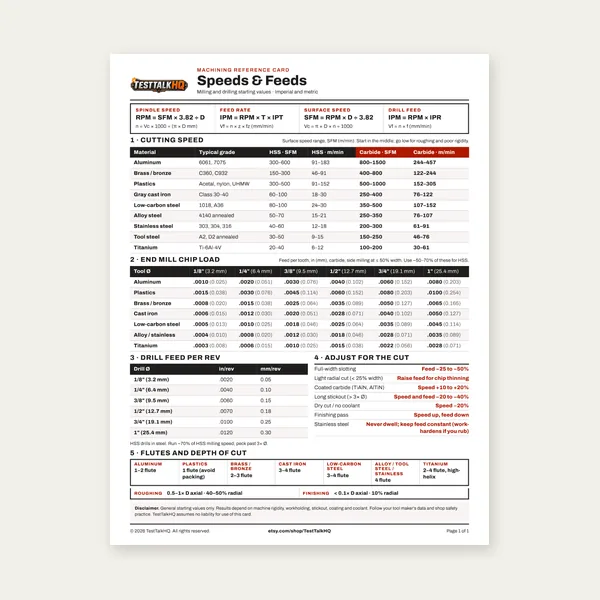
Machining Speeds & Feeds Card
One page. Speeds, chip load and drill feed, imperial and metric.
$3.99
BuySame cutter, opposite feed direction — completely different forces on the machine.
Climb milling (down milling) matches cutter rotation to table feed; conventional milling opposes it. Climb usually gives better finish and tool life on rigid CNC — but on a manual mill with backlash, climb can grab the part. Use the Milling Speed and Feed Calculator and Chip Load Calculator once you pick a direction.

Conventional milling (up milling): the cutter rotation opposes the table feed direction. The tooth enters the cut with near-zero chip thickness and thickens toward exit. Climb milling (down milling): rotation matches feed direction — the tooth bites with maximum chip thickness at entry and thins toward exit. Same cutter, same RPM, same feed rate — opposite chip mechanics and opposite machine demands.
Climb milling pulls the workpiece into the cutter on a tight machine, which reduces deflection and chatter. Chips are sheared cleanly on entry instead of rubbed thin on exit. Heat goes into the chip, not the part surface — better finish, longer tool life, and lower cutting forces on rigid spindles with minimal backlash. Modern CNC defaults to climb for finishing passes and most roughing when the fixture is solid.
Run your speeds and feeds with the Milling Speed and Feed Calculator and verify chip load with the Chip Load Calculator — climb milling does not forgive a feed rate that is already too aggressive.
On machines with backlash — manual mills with worn acme screws, loose gibs, or old CNC with significant screw gap — climb milling can grab. The cutter pulls the table into the cut; backlash lets the table jump; the next tooth hits a thicker-than-expected chip and the vise moves or the cutter chips. Conventional milling pushes the table against the screw nut, taking up backlash before the cut loads. That is why old Bridgeport manuals tell you to conventional mill unless the machine is tight.
Use climb milling on CNC with ballscrews and low backlash, on rigid manual mills with tight gibs, for finish passes, and when surface quality and tool life matter most. Use conventional milling on worn manual mills, heavy roughing where grab risk outweighs finish benefit, thin or poorly fixtured work that cannot tolerate pull-in, and when slotting with HSS on a flexible setup. When in doubt on a manual mill, conventional is the safe default.
Climb milling on a loose manual mill: workpiece shifts in the vise, cutter chips, or operator gets hurt — the classic shop accident. Conventional finishing on CNC: poor finish, shorter tool life, and heat in the part because you are rubbing on chip exit. Ignoring chip load when switching direction: climb needs correct feed per tooth; rubbing in either direction burns edges. Mixing directions mid-pass without strategy: approach and exit moves should be programmed with climb/conventional awareness — a CNC that climb-roughs then conventional-finishes on the same wall is a CAM choice, not an accident.
Backlash is the dead zone where the nut moves before the table does. Climb milling loads the table in the backlash direction first — the cutter moves farther than programmed for one tooth, then slams. Fix: tighten gibs, maintain screws, use conventional on questionable machines, or use climb only with light cuts and excellent workholding. Read the Milling Speeds and Feeds Guide and Chip Load Guide for how feed and engagement interact with machine rigidity.
If the cut fails with “correct” IPT — welding, corner chips from light radial engagement, or premature wear from timid feeds — diagnose with Chip Load Troubleshooting before rewriting your entire SFM chart.
One page. Speeds, chip load and drill feed, imperial and metric.
$3.99
Buy
27 pages. Milling, drilling, tapping, turning and CNC routing.
$12.99
Buy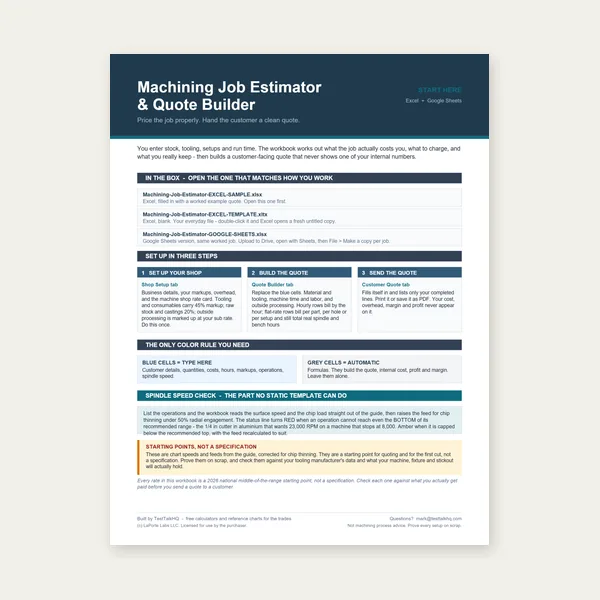
Quote shop work and check operations against your spindle's top speed.
Excel or Google Sheets. Best on a computer.
$29.00
Buy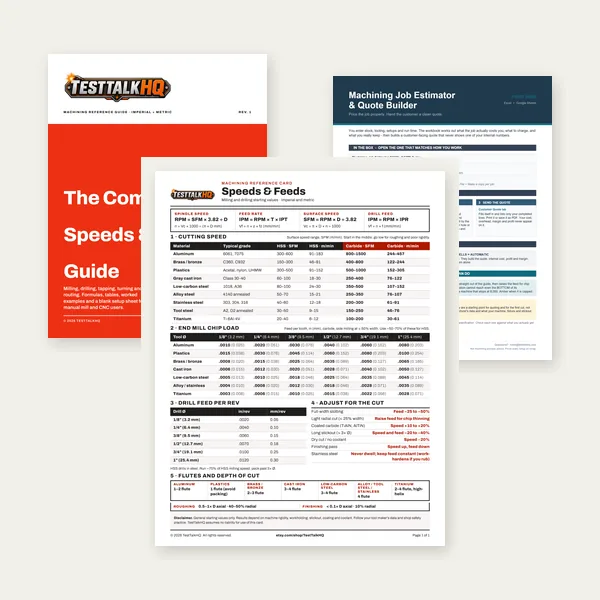
Card, 27-page guide and the estimator workbook. All six files.
Excel or Google Sheets. Best on a computer.
$34.99
$45.98 if bought separately — save $10.99
BuyCheckout opens in a new tab.
End mills, layout, measurement, and lubrication for clean conventional and climb passes
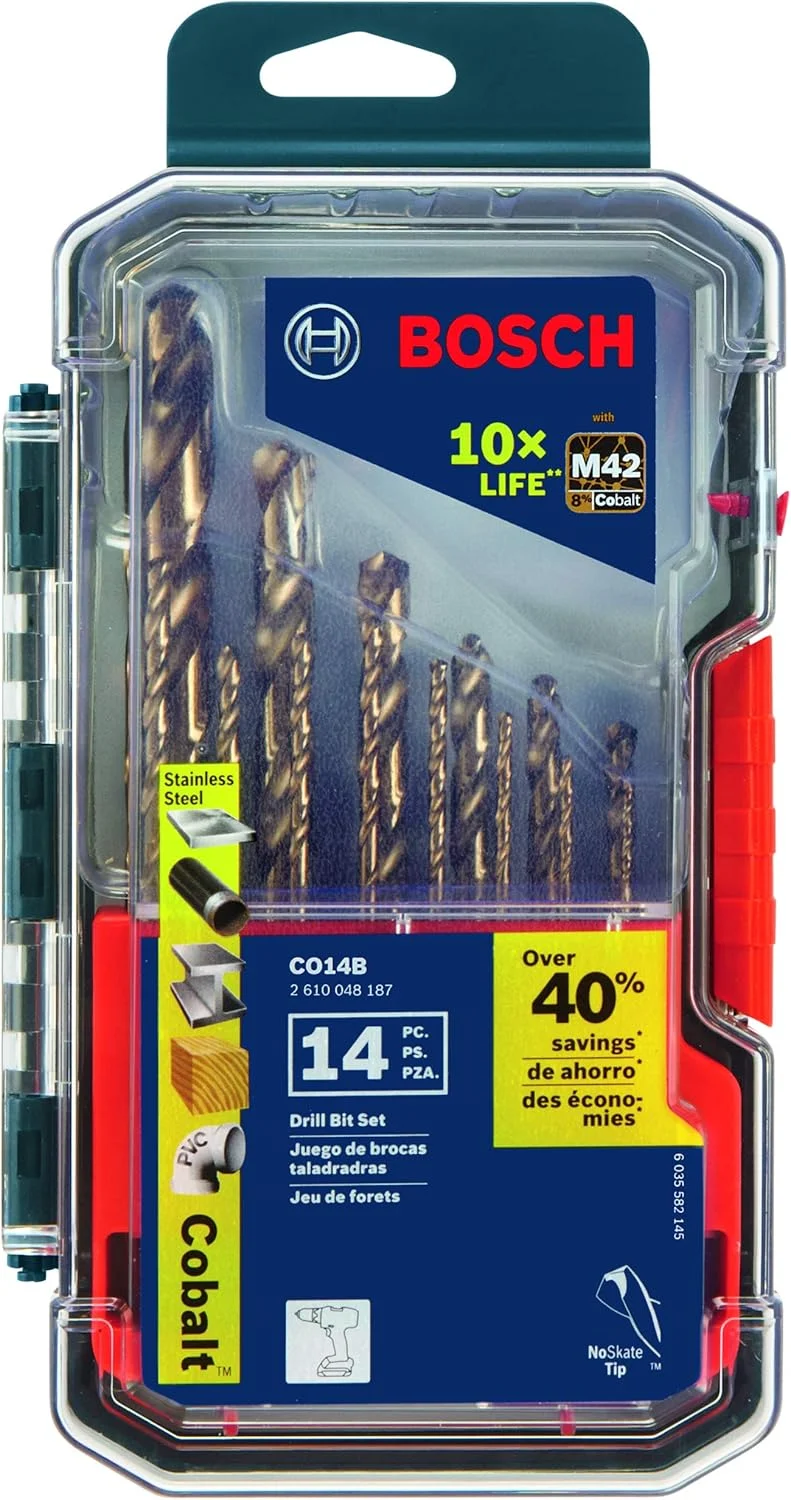


As an Amazon Associate, TestTalkHQ earns from qualifying purchases.
Climb milling typically leaves a cleaner surface on steel and aluminum because the chip is formed on entry, not scraped on exit. Conventional finishing passes often show feed marks aligned with cutter rotation. If your finish spec is tight, climb on a rigid machine with sharp tools and adequate coolant — then measure Ra with the Surface Finish Ra Calculator if the print requires verification.
Full-width slotting loads the cutter on both sides simultaneously — high torque, high heat, maximum deflection risk. Many manual operators conventional slot on the first pass to stabilize, then climb finish the walls if the machine allows. Reduce chip load 30–50% versus side milling the same material — the Chip Load Calculator starting point assumes peripheral cuts, not full slotting.
Most CAM packages default to climb for roughing and finishing. If you post for an old machine with known backlash, tell the CAM — conventional roughing may be the safer post. Do not assume the machinist will flip G-codes at the control; program the intended direction.
Run a 2-inch test slot in scrap: climb at recommended feed, then conventional at the same parameters. Listen for chatter, watch the vise, measure finish. Your machine's answer beats any internet rule. Document what works and stick to it until maintenance changes the screw or gibs.