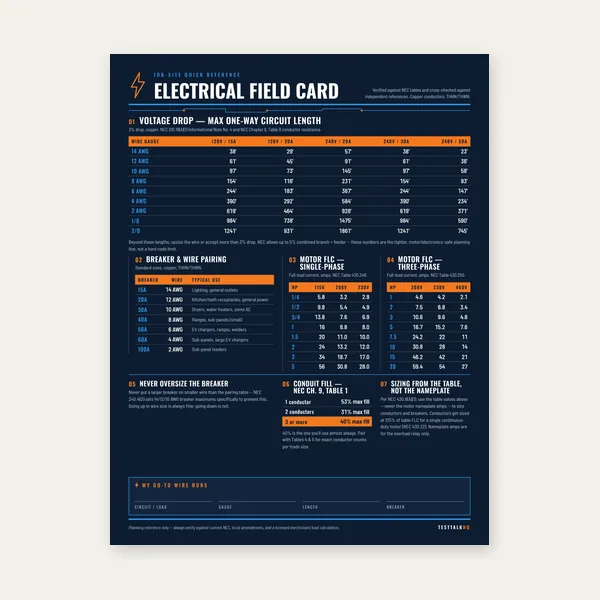
Electrical Reference Card
One page. Voltage drop lengths, breaker and wire pairing, motor FLC.
$3.99
BuyDiagnose demand-factor mistakes, continuous-load 125% misses, main trips after a “passing” calc, omitted addition loads, and unwanted service upsizing
This is diagnosis for the Feeder / Service Load Calculator and NEC 215.2 / Article 220 feeder takeoffs — not a restatement of the sizing guide. Dwelling optional-method failures belong on Residential Load Troubleshooting. Commercial Part III occupancy failures belong on Commercial Load Troubleshooting. Stay here when the feeder sheet, continuous classification, or measured amps disagree.
Use this when calculated feeder amps force an unwanted upsize, the main trips despite a green sheet, demand factors were applied to the wrong loads, or an addition finally made an old service look undersized.
| Symptom | What it usually means | First fix | Next tool |
|---|---|---|---|
| Calc comes in higher than expected | Continuous 125% stacked on already-demanded VA, or demand skipped wrong loads | Separate connected → demand → continuous ampacity steps | Feeder Load Calculator |
| Main / feeder trips after a “passing” calc | Peak coincidence higher than diversified sheet, or continuous equipment undercounted | Clamp peak amps; inventory long-running loads | Clamp meter + calculator |
| Demand factors look wrong | Lighting/receptacle demand applied to fixed equipment, motors, EVSE, or HVAC | Re-classify each load type before re-running demand | Demand Chart |
| Addition / renovation sheet explodes | Double-counted ranges/dryers or omitted EVSE / heat / shop loads | Build a nameplate inventory for existing + new | Panel schedule + calculator |
| Existing service suddenly “too small” | New continuous load exceeded spare capacity — not a bad old permit by itself | Re-run full service demand with addition included | Upgrade vs Subpanel |
What it looks like: The takeoff “should have been” a 100 A or 125 A feeder. After continuous and demand steps, the calculator pushes you to 150 A or 200 A and an unwanted conductor upsize.
Likely causes:
Fixes: Rebuild the sheet in order: connected loads → allowed demand factors → motor contribution → continuous ampacity (215.2) → amps at system voltage. Re-enter the cleaned list in the feeder calculator and compare to the demand chart.
What it looks like: Permit sheet or calculator says spare capacity. After move-in or a shop addition, the main or feeder breaker trips when dryer, range, HVAC, and shop tools stack.
Likely causes:
Fixes: Clamp the feeder during the trip condition. If measured amps exceed the sheet by a wide margin, fix the inventory. If measured amps are below rating and the enclosure is hot, chase terminations and continuous classification before upsizing copper again.
What it looks like: Lighting got 35% when it should stay at 100% for the first slice, receptacles got demand that belongs to lighting, or EVSE / motors / HVAC were diluted with general receptacle factors.
Likely causes:
Fixes: Tag each line as lighting, receptacle, fixed appliance, motor, HVAC, EVSE, or continuous process. Apply only matching Article 220 factors, then finish with 215.2 continuous math. Use the chart for the common tables and the calculator for the arithmetic.
What it looks like: The addition calc double-counts the existing range and dryer “for safety,” or it forgets EVSE, heat pump, shop welder, and laundry that already live on the service. Reviewer and field numbers disagree by a full panel size step.
Likely causes:
Fixes: Walk the existing panel with a circuit finder, build a nameplate list, then add only the new loads once. Re-run the feeder calculator with the honest combined inventory.
Need the numbers, not the lecture? Enter connected VA, demand, and continuous flags for a clean ampacity result.
Open Feeder CalculatorWhat it looks like: The house ran fine for years on 100 A or 150 A. The garage / ADU / EV / shop addition calc shows the service is out of spare capacity.
Likely causes: The old service was never oversized for modern continuous loads. The addition is honest about EVSE and shop motors. Or the addition sheet forgot that the main still carries the dwelling load — you cannot size the garage feeder in isolation and ignore service headroom.
Fixes: Re-run the whole-service demand with existing + new loads. Then decide whether the answer is a service upgrade, a carefully sized subpanel feeder that still fits spare capacity, or load management where listed and allowed. That fork is covered on the decision page — not by inventing friendlier demand factors.
If the inventory and continuous math are wrong, fix the sheet first. If the sheet is honest and spare capacity is gone, choose between growing the service and adding a subpanel feeder that the existing service can still support. Do not treat those as the same project.
Capacity fork next. Compare service upgrade vs garage/shop subpanel when the feeder calc is already honest.
Compare Upgrade vs SubpanelOne page. Voltage drop lengths, breaker and wire pairing, motor FLC.
$3.99
Buy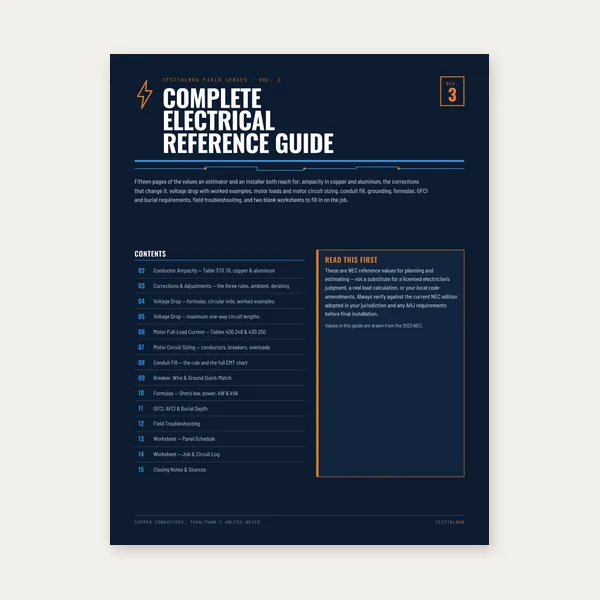
15 pages. Ampacity, corrections, voltage drop, motor circuits, conduit fill.
$12.99
Buy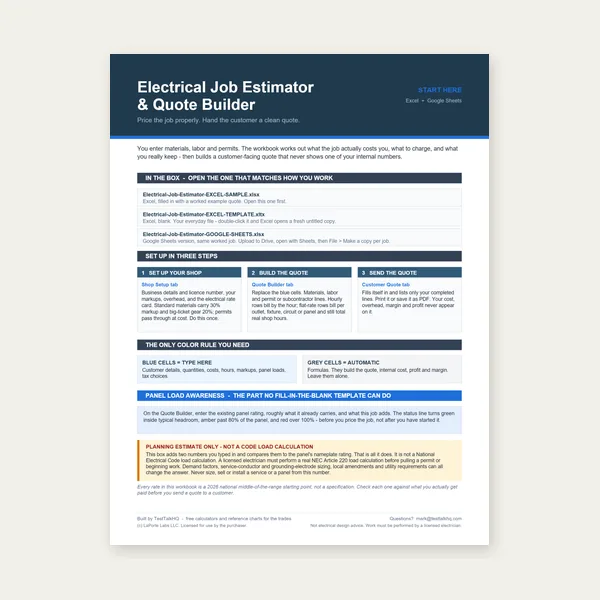
Quote electrical work and flag panel headroom before you price it.
Excel or Google Sheets. Best on a computer.
$29.00
Buy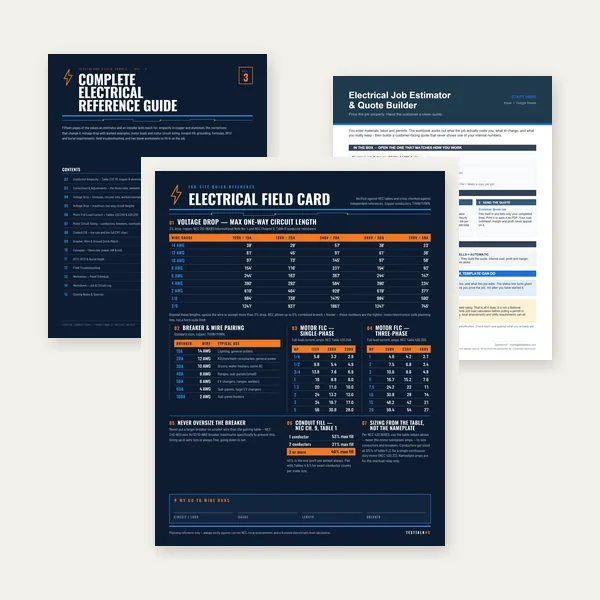
Card, 15-page guide and the estimator workbook. All six files.
Excel or Google Sheets. Best on a computer.
$34.99
$45.98 if bought separately — save $10.99
BuyCheckout opens in a new tab.
Six products from the live TestTalkHQ affiliate CSV: clamp meters, multimeters, circuit finder, load center, and panel label maker.


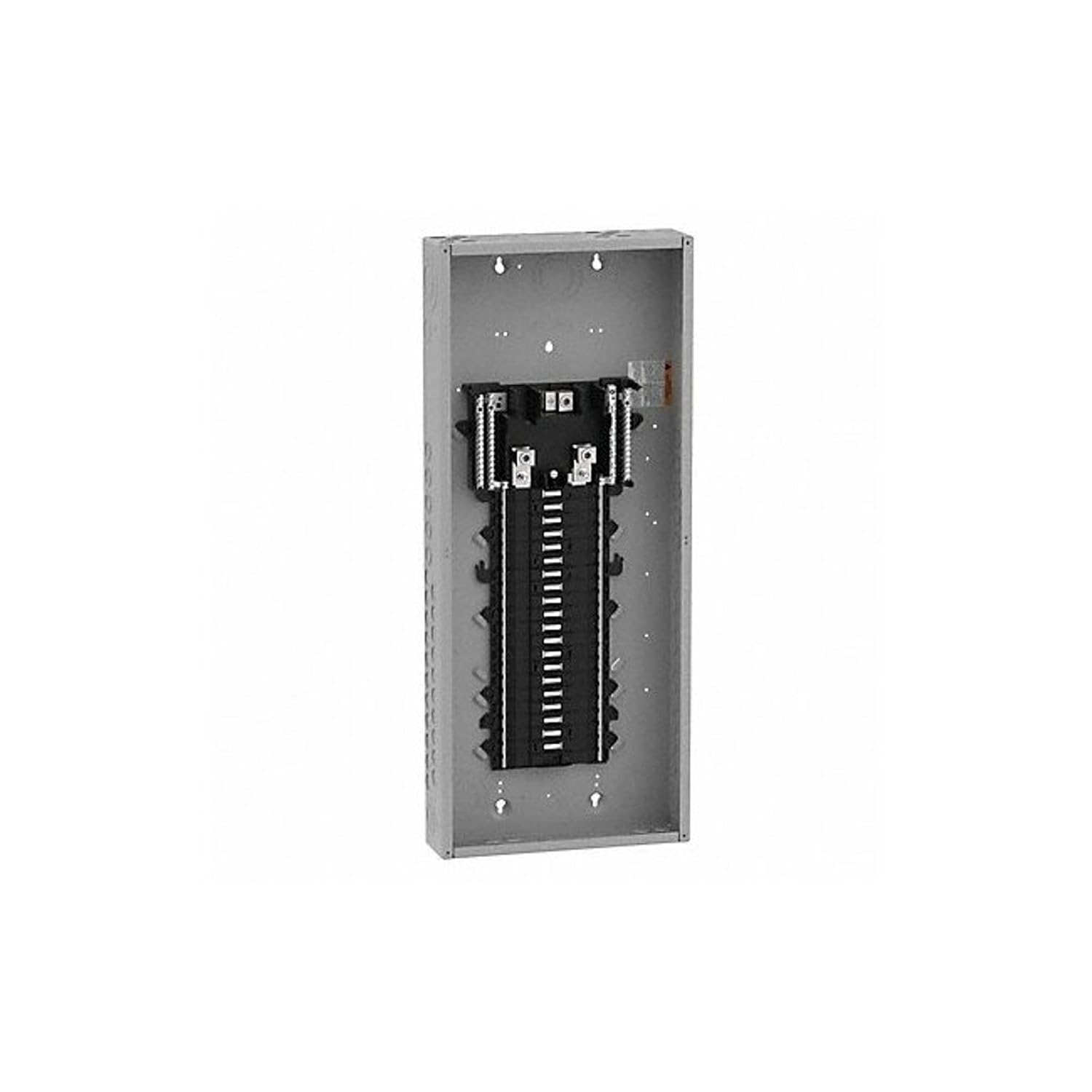
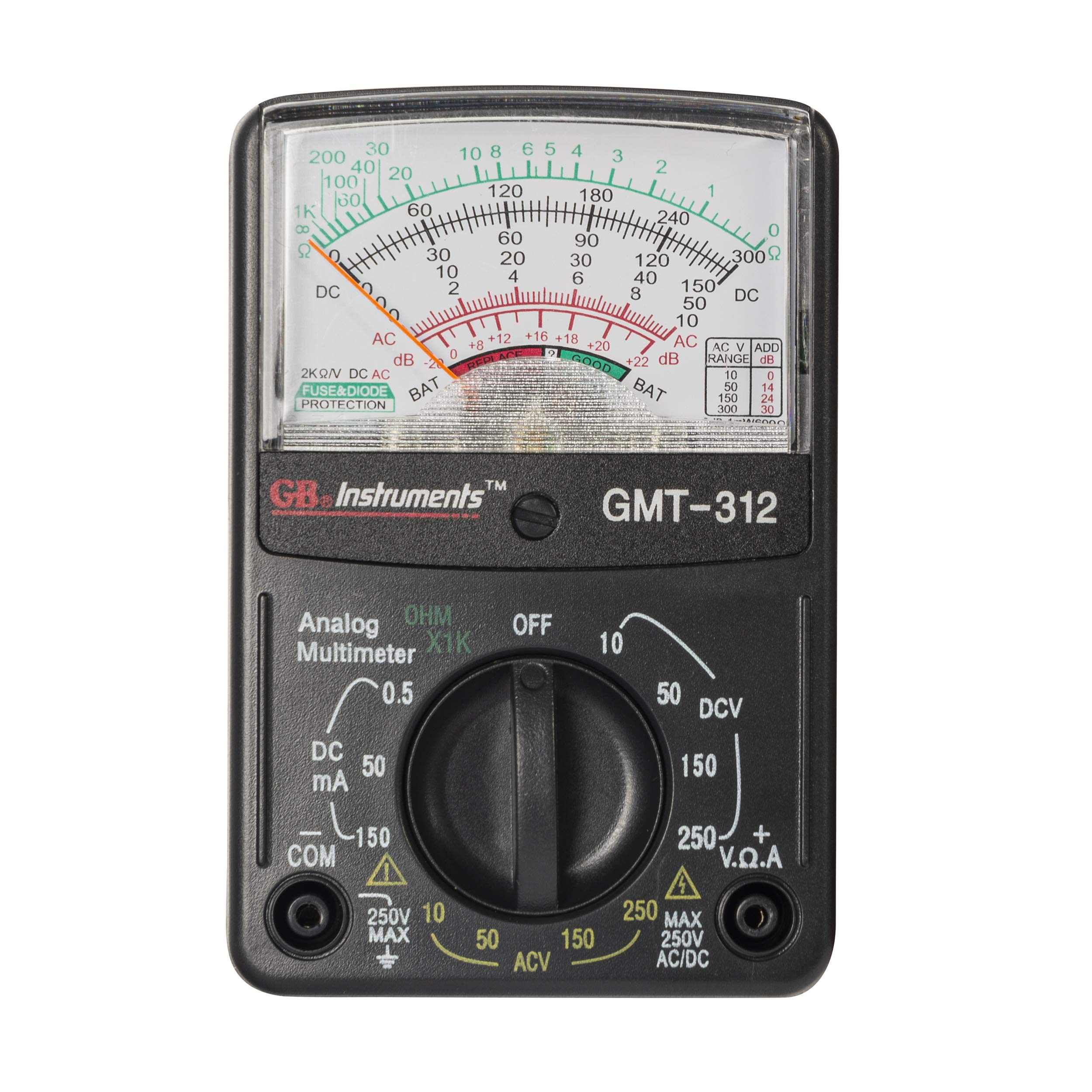
As an Amazon Associate, TestTalkHQ earns from qualifying purchases. Catalog note: clamp meters, circuit finder, load center, and label maker are present. No dedicated CT demand-meter kit or panel-schedule label pack SKU beyond the Brother label maker was found in the live CSV.
No. Those pages diagnose dwelling optional-method and Part III occupancy sheets. This page diagnoses feeder/service takeoffs: continuous 125%, demand on the wrong load types, measured trips, and addition inventory errors for the feeder calculator.
No. Demand factors diversify calculated load. NEC 215.2 still requires feeder ampacity of noncontinuous + 125% of continuous unless the assembly is listed for 100% continuous use.
Usually continuous classification, motor 125% handling, wrong phase/voltage conversion, or omitted large loads. Rebuild the order of operations before changing wire size.
Not first. Clamp the feeder, verify inventory and terminations, then decide whether copper, connections, or capacity is the real problem.