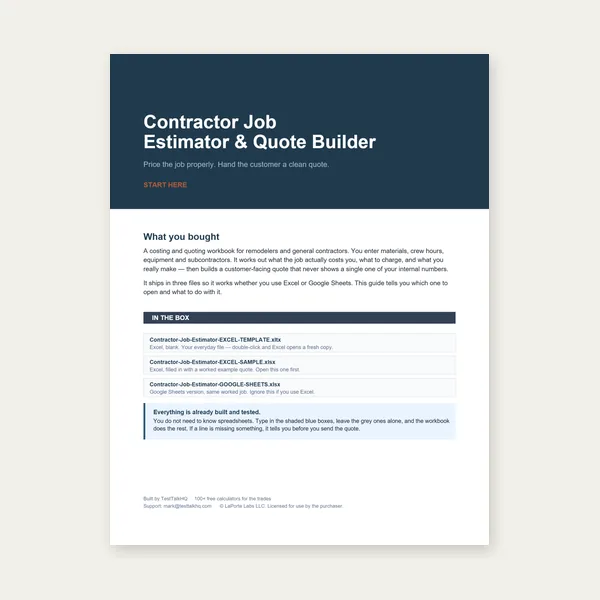
Contractor Job Estimator
Price remodels and GC work, then send a quote with no internal numbers.
Excel or Google Sheets. Best on a computer.
$29.00
BuyHow to run the calculator: voltage, phase, load rows, demand factors, and 125% continuous
This is the how-to for the Feeder & Service Load Calculator. Demand-factor lookup tables live on the feeder/service load chart. When a “passing” sheet still trips, use feeder/service load troubleshooting. NEC prose for 215.2 is already on how to size a feeder or service entrance — this page stays on the tool fields.

Set system voltage and phase, add every load row, mark continuous loads, then read demand amps → conductor → OCPD. Dwelling optional method is a different tool.
Open Feeder / Service Load Calculator → Residential NEC 220.82 instead →Voltage and phase convert demand VA to amps. 120/240 V 1Ø uses VA ÷ 240. 120/208 V 3Ø uses VA ÷ (208 × 1.732). 277/480 V 3Ø uses VA ÷ (480 × 1.732). Pick the system you are actually feeding — a 208 V three-phase panel is not a 240 V single-phase calc with a different sticker.
Conductor material (copper vs aluminum) and install (raceway, cable, ambient) pick the ampacity ladder the tool uses for the suggested wire size. They do not change the demand VA. If the OCPD looks right but the wire is huge, you probably left aluminum selected on a copper job, or the other way around.
Each row is one connected load: lighting, receptacles, HVAC, motors, range, EVSE, other. Enter connected VA (nameplate or 220.12 unit-load × area), then the demand factor that Article 220 actually allows for that row. Lighting often uses Table 220.42 bands. Receptacles on non-dwellings use Table 220.44. Motors and EVSE are usually 100% unless a specific section says otherwise.
Check continuous when the load is expected to run three hours or more at maximum. The calculator applies 125% to that portion before comparing to conductor ampacity and OCPD (NEC 215.2 / 215.3). Leaving HVAC lighting or process loads unchecked is the most common “why is this feeder hot” miss.
The header demand dropdowns apply when you use the built-in lighting/appliance shortcuts instead of typing a custom factor on every row. They match the chart: general lighting 100/35/25, receptacle 100/50 over 10 kVA, cooking per 220.56, space heat at 100%. Do not stack a row-level 35% on top of a header 35% — that double-demands and undersizes the feeder.
Dwelling ranges (Table 220.55) and the optional dwelling method (220.82) are not this calculator. Use the residential load calculator for a house service.
| Output | What it is | What it is not |
|---|---|---|
| Connected VA | Sum of nameplate / unit-load VA you typed | Not the feeder size |
| Demand VA | After Article 220 factors on each row | Not 125% yet |
| Amps | Demand VA converted at the selected voltage/phase | Not the next standard breaker by itself |
| Wire | Ampacity ladder after continuous 125% and material/install | Not a voltage-drop check |
| OCPD | Next standard size at or above the calculated minimum | Not AIC / fault current |
Voltage drop on a long feeder is a second pass — run the voltage drop calculator after you have amps and one-way length. The feeder tool does not replace that.
Price remodels and GC work, then send a quote with no internal numbers.
Excel or Google Sheets. Best on a computer.
$29.00
BuyCheckout opens in a new tab.