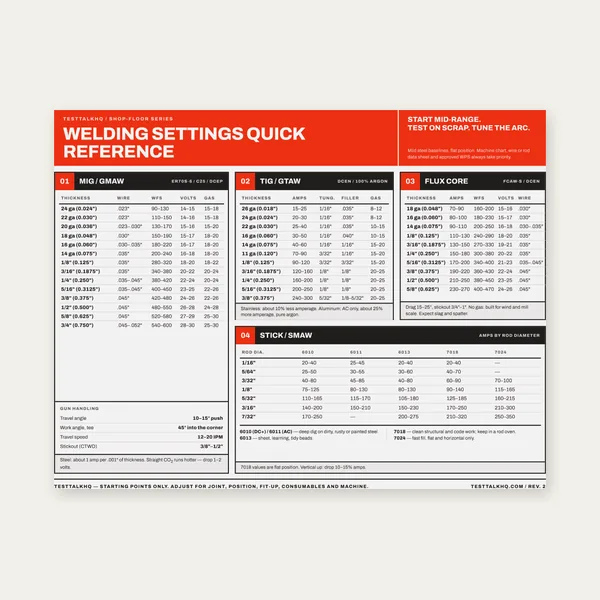
Welding Reference Card
One page. MIG, TIG, stick and flux core settings by thickness.
$3.99
BuyIdentification through PWHT, pass sequence, and save/load drafts
A practical walkthrough of every WPS Builder section — what each field means, which are required for PDF export, and how to save JSON drafts between sessions.

Fill identification and required fields first, then work section by section. Save JSON if you need more than one session.
Open WPS Builder →Company / Shop name and WPS number are required for PDF export. Revision and Date track document control — the tool defaults date to today. Supporting PQR number(s) is free text: enter the PQR(s) that qualify this procedure if you have them. Prepared by records who drafted the document. None of these fields validate against a code database.
Select every process used on the joint (e.g., GTAW root + SMAW fill). Manual / Semi-auto / Machine / Automatic describes how the arc is controlled. Required: at least one process must be selected before PDF export.
Joint type, backing, root opening, root face, and groove angle drive the schematic diagram (not to scale). Use Joint / prep notes for bevel details, land dimensions, or fixture notes a code form might carry in a sketch block. The diagram updates as you change joint type and numeric fields.
Material group is required. Material spec / grade captures the actual designation (A36, A516-70, 304L, etc.). Optional P-No. / Group and thickness/diameter ranges document the qualified envelope — the tool does not cross-check P-numbers against ASME tables.
Record AWS classification, spec, diameter(s), and optional F-No. / A-No. Shielding gas fields cover mixture, flow rate, and backing/purge gas. These are documentation fields — verify classifications against your WPS/PQR and electrode/wire manufacturer data.
Polarity, transfer mode (GMAW), amperage/voltage ranges, and wire feed speed describe the arc. Technique covers single vs multi-pass, string vs weave, travel speed, interpass cleaning, and free-text notes (CTWD, tungsten, cup size). For preheat and interpass temperatures, use the linked Preheat Calculator and Interpass Calculator, then enter the values here.
Select qualified positions (1G through 6GR, fillet positions, etc.) and vertical progression where applicable. PWHT section records whether heat treatment is required and the temperature, time, and method if so.
The pass table is where most shop WPS detail lives: per-pass process, filler diameter, current/polarity, amps, volts, and travel speed. Add rows with + Add pass; remove with ✕. Empty rows are ignored on export.
Save (.json) downloads a testtalkhq-wps file with all fields and pass rows. Load (.json) restores the draft in the browser — useful when qualification review spans days. JSON stays on your machine; nothing uploads.
AWS code books and official WPS/PQR form pads are common shop references for procedure documentation.
One page. MIG, TIG, stick and flux core settings by thickness.
$3.99
Buy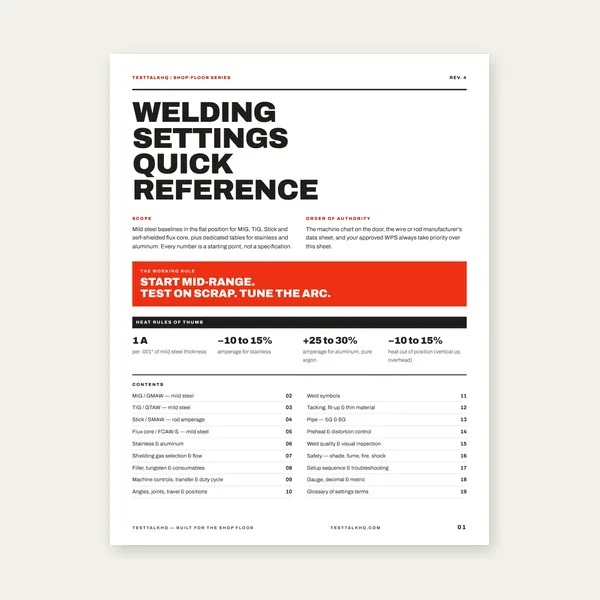
19 pages. Four processes, stainless and aluminum, symbols and inspection.
$12.99
Buy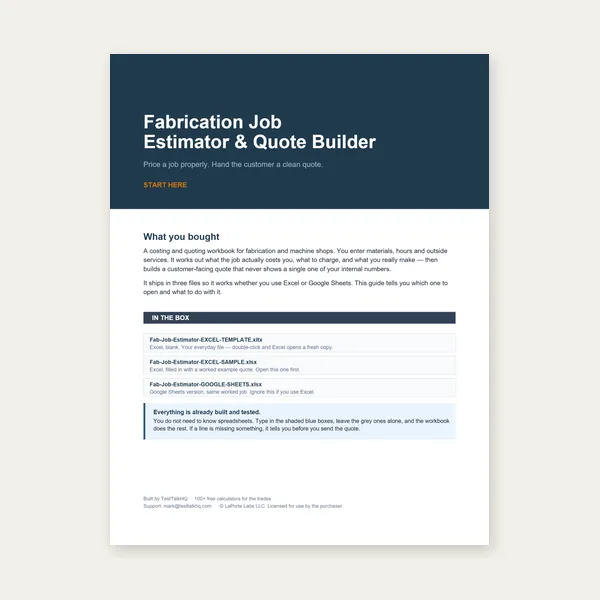
Price the job, then hand over a quote with no internal numbers.
Excel or Google Sheets. Best on a computer.
$29.00
Buy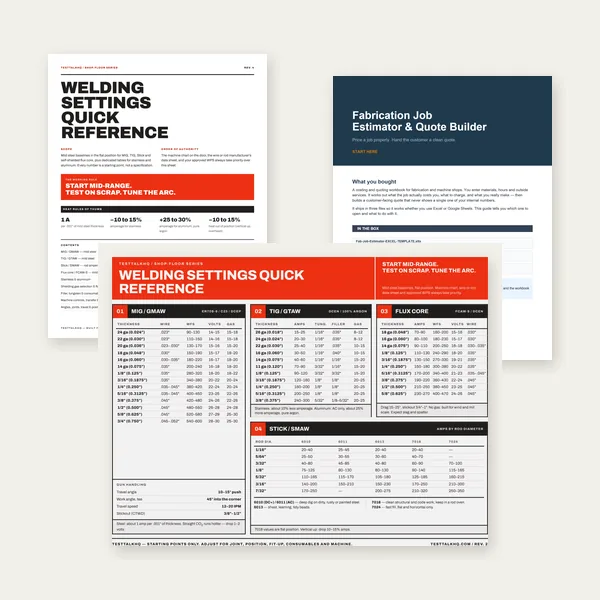
Card, 19-page guide and the estimator workbook. All six files.
Excel or Google Sheets. Best on a computer.
$34.99
$45.98 if bought separately — save $10.99
BuyCheckout opens in a new tab.