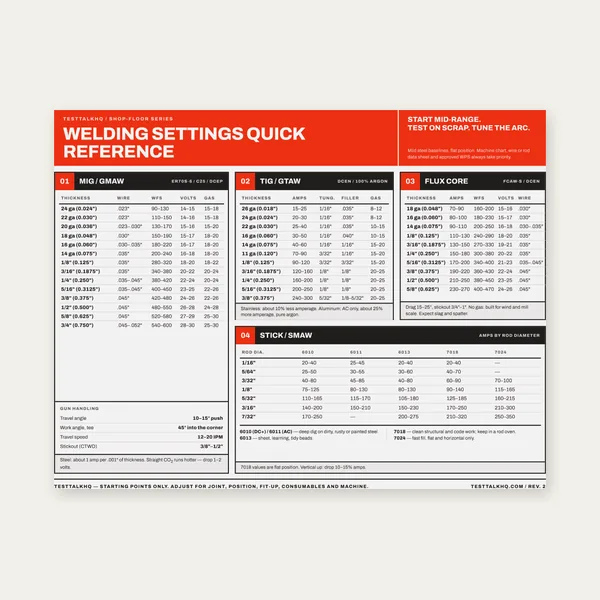
Welding Reference Card
One page. MIG, TIG, stick and flux core settings by thickness.
$3.99
BuyIdentification through test results, WPS-import prefill, and save/load
A practical walkthrough of every WPQ Builder section — terminology for newcomers, how WPS-import prefill works, and a clear reminder that this produces a test record template, not a certification.

Fill identification and required fields first, then work section by section. Save JSON if you need more than one session. Load a WPS Builder export to pre-fill the reference section.
Open WPQ Builder →A Welder Performance Qualification (WPQ) documents that a specific welder produced a sound weld under stated test conditions — process, position, coupon, and the tests performed. It is a test record template for shop documentation. This tool does not certify or qualify a welder. Actual acceptance depends on visual, bend, tensile, RT/UT, and/or fillet-break testing judged by a qualified individual (e.g., a CWI) per the applicable code.
Welder name, WPQ number, and WPS referenced are required for PDF export. Optional fields cover welder ID/stamp, company, test date, and examiner. The WPS number is free text — the procedure the welder tested against. Tip: if you already exported a draft from the WPS Builder, use Load WPQ / WPS (.json) to copy that WPS number (and related reference fields) automatically.
Select every process used on the coupon (e.g., GTAW root + SMAW fill). Labels match the WPS Builder so a WPS import maps 1:1. Manual / Semi-auto / Machine / Automatic describes how the arc is controlled. Required: at least one process before PDF export.
Record material group, spec/grade, optional P-No., coupon thickness, and pipe diameter if applicable. Filler fields capture AWS classification, optional F-No., and diameter(s). These document what was used on the test — the tool does not validate P/F numbers against ASME tables.
Select the position(s) the test was performed at (1G–6GR, fillet positions). Vertical progression and backing complete the picture. Important: the tool captures the test condition; it does not calculate the qualified range that condition earns under AWS D1.1, ASME IX QW-452/461, or other code tables. That range is determined by the code and your examiner.
Enter Pass / Fail / N/A for visual, guided bend (face/root/side), tensile, RT/UT, and fillet break, plus notes. Acceptance criteria (bend opening limits, tensile minimums, RT standards) are not modeled — record the outcome your qualified examiner assigned.
Mark Qualified or Not Qualified as determined by the examiner. Continuity / last date welded is free text — codes require welding with the process within a set period to stay current; the tool does not auto-calculate expiration.
Load WPQ / WPS (.json) detects file type. A WPQ export ("_type": "testtalkhq-wpq") restores the full form. A WPS Builder export ("_type": "testtalkhq-wps") pre-fills only the reference subset: WPS number, process(es), base metal group/spec, and P-No. The success message states that only the reference section was filled — welder identity and test results remain yours to enter.
Save (.json) downloads a portable draft. Reload it anytime with Load. JSON is client-side only; nothing uploads to a server.
AWS code books and official welder qualification form pads are common shop references for performance qualification records.
One page. MIG, TIG, stick and flux core settings by thickness.
$3.99
Buy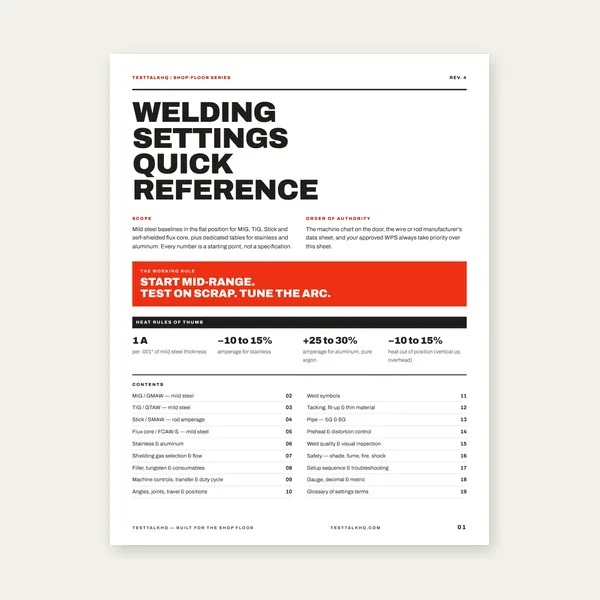
19 pages. Four processes, stainless and aluminum, symbols and inspection.
$12.99
Buy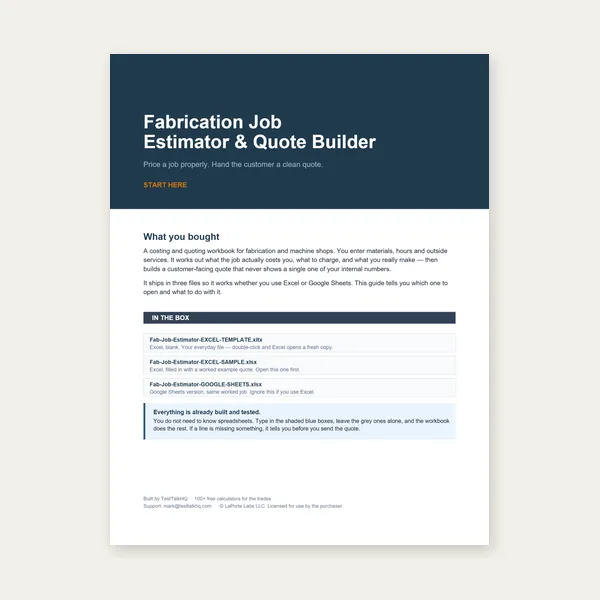
Price the job, then hand over a quote with no internal numbers.
Excel or Google Sheets. Best on a computer.
$29.00
Buy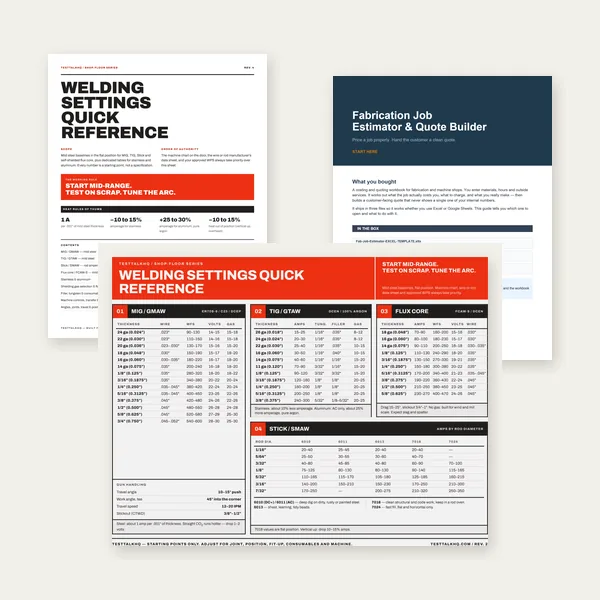
Card, 19-page guide and the estimator workbook. All six files.
Excel or Google Sheets. Best on a computer.
$34.99
$45.98 if bought separately — save $10.99
BuyCheckout opens in a new tab.