
Contractor Job Estimator
Price remodels and GC work, then send a quote with no internal numbers.
Excel or Google Sheets. Best on a computer.
$29.00
BuyPrintable PDF templates, G-code starting points, and CSV coordinate exports
Calculate precise X/Y coordinates for bolt circles, grid patterns, and linear hole arrays. Generate a full-scale printable PDF drilling template, a G-code file to adapt for your CNC, or a CSV of all hole coordinates. No guesswork — just measured math and ready-to-use outputs.

How to use the template: Download the PDF, print at 100% scale (no "fit to page"), and confirm the 1 in / 50 mm check square with a ruler. Tape the sheet(s) to your stock, aligning the origin/crosshair, then center-punch through each marked hole. The G-code is a drilling starting point — set your own safe Z, retract, depth, and feed before running.
Price remodels and GC work, then send a quote with no internal numbers.
Excel or Google Sheets. Best on a computer.
$29.00
BuyCheckout opens in a new tab.
Measure accurately, mark precisely, and drill with confidence — products from the TestTalkHQ affiliate catalog
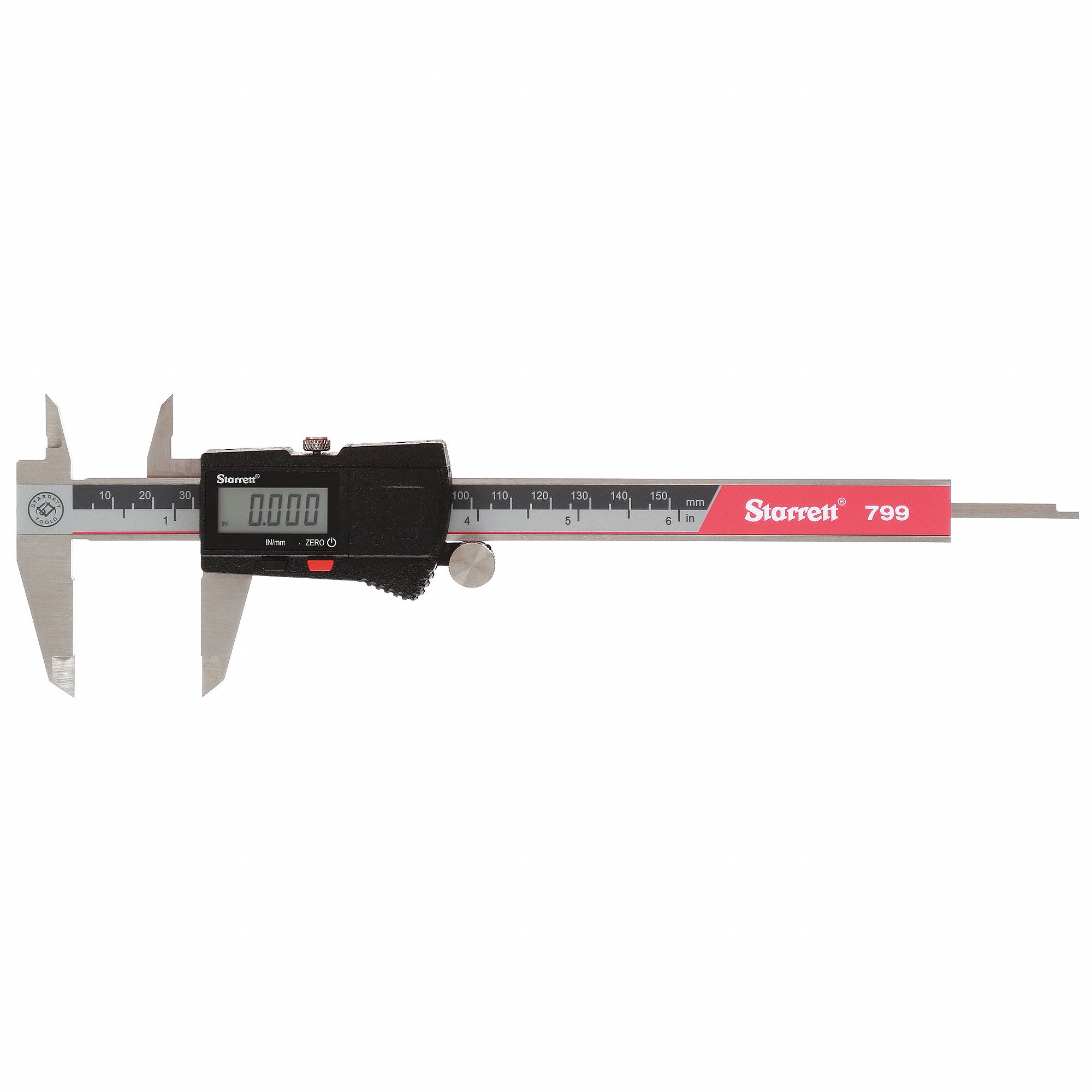
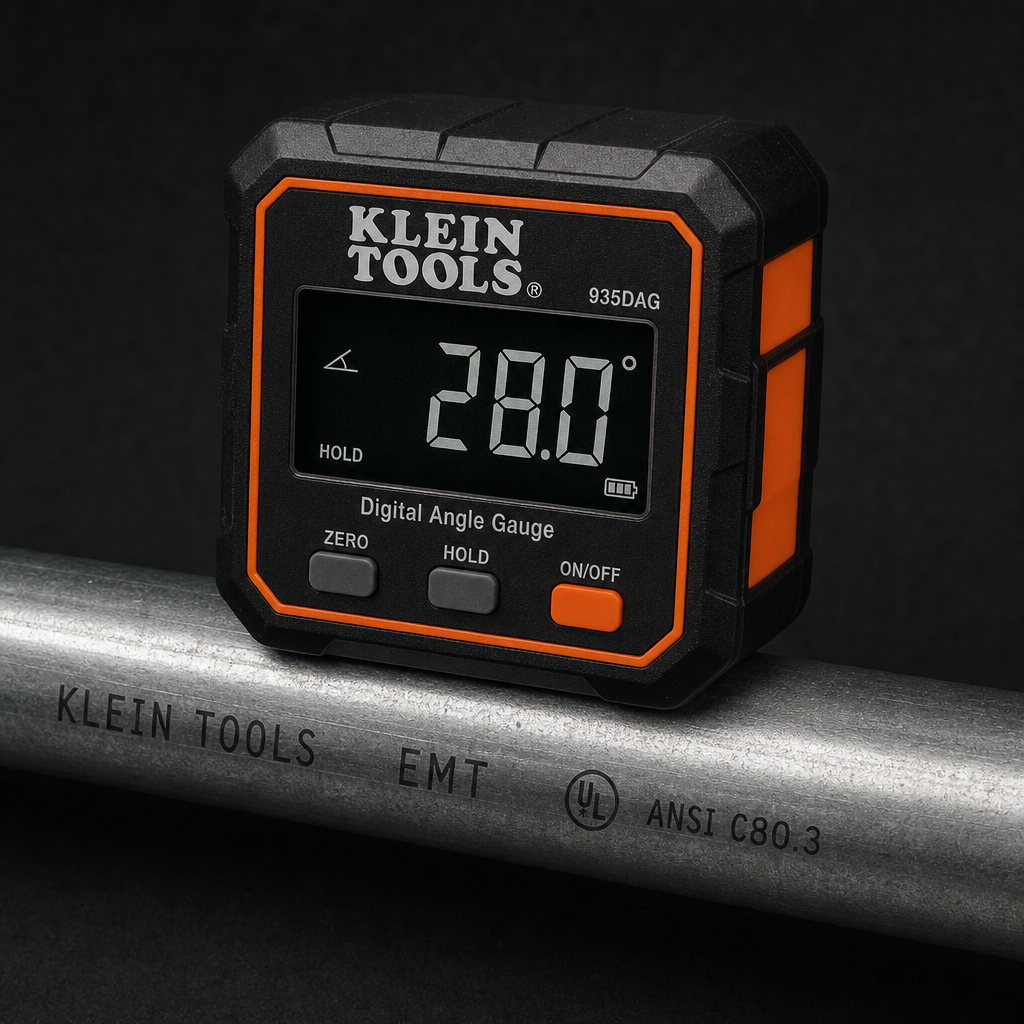
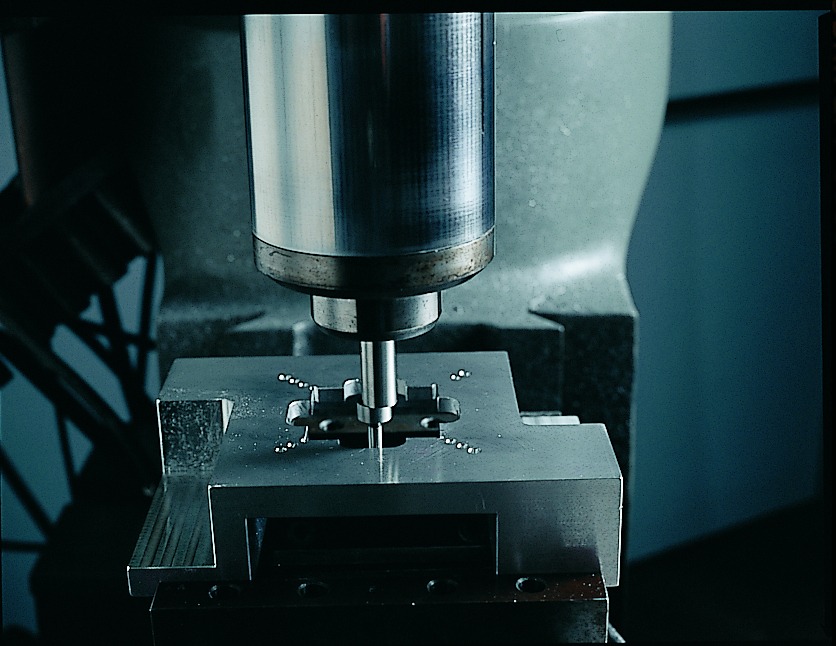


As an Amazon Associate, TestTalkHQ earns from qualifying purchases. Catalog gap: no dedicated center punch, transfer punch, or drill press in the affiliate CSV at publish time.
Bolt circle: 0° = straight up (12 o'clock, +Y axis). Angle increases clockwise (90° = 3 o'clock, 180° = 6 o'clock, 270° = 9 o'clock). This matches how bolt circles are normally read around a flange.
Linear pattern: 0° = horizontal to the right (+X axis). Angle increases counterclockwise (90° = straight up, 180° = left, 270° = down). This is standard Cartesian coordinate convention, matching CNC G-code rotation angles.
Both systems share the same origin (0,0) and the same X/Y axes — only the direction convention differs. The coordinate table and all exports use the correct math for the selected pattern type.
Each row is one hole. For bolt circles, you get the angle around the BCD plus the X and Y coordinates. For grids and linear patterns, just X and Y. All coordinates are in your chosen unit (inches or millimeters) measured from the origin — the center of the bolt circle, or the reference point you choose for grids and linear arrays.
Hole diameter affects only the preview drawing, never the coordinates. The PDF, G-code, and CSV export exact hole-center positions.
Download the PDF and open it in a viewer or print dialog. Set scale to 100% / Actual size — never "Fit to page." Page 1 includes a labeled 1 in (or 50 mm) reference square. Measure it with a steel rule before punching. If it's short or long, fix the printer scaling.
Large patterns tile across multiple pages with an overlap seam marked. Tape the pages into one sheet aligned on the seam lines, then tape the assembled template to your stock with the origin crosshair at your marked reference point. Center-punch through each marked hole, then drill.
The exported .nc file uses a canned drill cycle (G81) with placeholder values for safe Z, retract (R), depth (Z), and feed (F). These are machine- and material-specific. Edit them in a text editor or CAM system before you run the file. Add pecking (G83) yourself if you're drilling deep holes. The coordinates and order are correct; the speeds and depths are left for you to set.
Download a comma-separated list of all hole coordinates. Import into spreadsheet software, CAD, or custom scripts. The first column is the hole number; subsequent columns are angle (bolt circle only), X, and Y in your chosen unit.