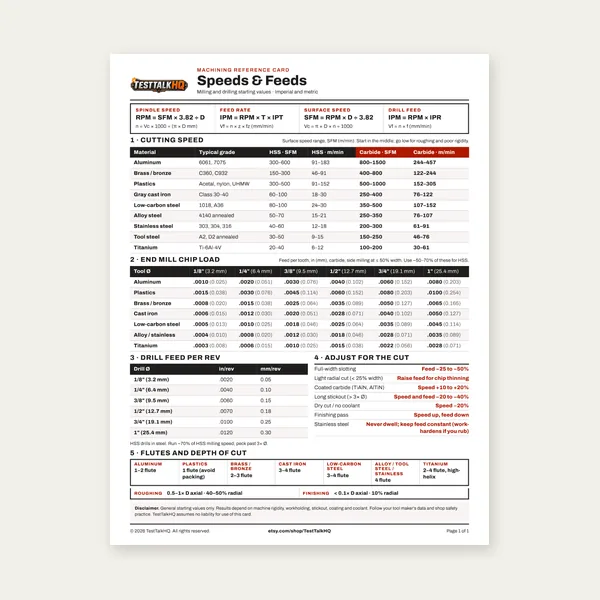
Machining Speeds & Feeds Card
One page. Speeds, chip load and drill feed, imperial and metric.
$3.99
BuyField differentials for overload alarms, ram stall, die marks, and angle misses — when the calculator estimate already looked safe
Not a restatement of the guide's common-mistakes bullets. Pair this with the Press Brake Tonnage Calculator when air-bend math was under 80% rated capacity but the machine still groaned, the punch stalled mid-bend, or the angle opened after release. For V-die rules, material factors, and air vs bottom bending definitions, use the Press Brake Tonnage Guide. This page stays on capacity diagnosis forks the guide only sketches.

Use this when the blank length was right, the calculator showed headroom, and the brake still failed — overload trip, ram creep, die galling, or "we added tonnage but the angle still opened." Split which failure mode you have before you change the wrong variable.
| Problem | Field tell | First fix | Next tool |
|---|---|---|---|
| Air math on bottom/coin job | Setup used calculator tons; ram bottoms hard; overload at 60–80% display; sharper radius than air forming | Multiply air estimate ×3–5 for bottom bend; never coin on air-bend tonnage | Tonnage Guide — air vs bottom |
| V-die too narrow | Die marks on radius; tonnage spikes vs same part on wider V; calculator warned narrow V | Step to next standard V width (often 8×–12× thickness); re-run calculator | Tonnage Calculator |
| Wrong thickness / k-factor | Actual mic reading ≠ gauge chart; stainless run as mild; 6061 run as 5052 | Mic sheet and V opening; pick correct material factor; check gauge chart | Bend Allowance Calculator |
| Length / off-center overload | Full-length bend OK; short flange in center of long bed fails; ram bows visibly | Stage shorter hits; center bend under ram; split long bends | Tonnage Calculator |
| Near 100% rated tonnage | Gauge pegs high; hydraulic whine; repeat jobs wear tooling faster | Target ≤80% rated; wider V or larger machine — don't "run hot" in production | Tonnage Guide |
| Angle opens — tonnage blame wrong | More tonnage didn't fix angle; radius changed when V changed; springback varies by lot | Overbend from scrap coupon; fix V/radius first — see bending troubleshooting | Sheet Metal Bending Troubleshooting |
What overload on "safe" calculator math looks like: The Press Brake Tonnage Calculator showed 42 tons on a 100-ton brake — but at setup the ram drives until material fully contacts the die shoulders, the overload lamp trips, or the angle is dead-nuts while tonnage pegs past 90%. Shop foreman says "the calculator lied."
What actually happened: The calculator models air bending (three-point forming). Bottom bending and coining need the punch to force the sheet into full die contact — typically 3–5× higher force for the same thickness, length, and V. Setting the press to 45 tons because air math said 42 is an understate, not a conservative margin.
Field differential:
First fix: Confirm process mode with the operator and setup sheet — not the part print alone. Re-estimate using bottom-bend multipliers from the machine chart or vendor data. Full definitions and when each mode applies: Press Brake Tonnage Guide — Air Bending vs Bottom Bending vs Coining.
What it looks like: Tonnage gauge reads higher than yesterday's "same" part. Bright scrape lines on the inside radius. Calculator advisory flagged V < 6× thickness. Switching to the next wider die in the rack drops tonnage 30–40% and the overload clears.
Diagnose the cause fork:
First fix: Measure actual V width. Step up one standard die size. Re-run the calculator with measured V and mic'd thickness. Verify achieved radius against the Bend Radius Calculator — tonnage and radius move together in air forming.
What it looks like: Calculator used 16 ga (0.060") from the print; mic shows 0.068" on this coil — tonnage scales with t², so 13% thicker sheet needs ~28% more force. Or 304 stainless was left on mild steel k = 1.0 instead of ~1.7 — estimate half what the machine needs.
Likely causes:
First fix: Mic three spots on the blank. Confirm alloy/temper tag. Re-calculate with correct t and k. If flat pattern was also wrong, see Bend Allowance vs Bend Deduction — Which to Use — Article 3 skipped here; that page covers BA/BD workflow, not capacity.
What it looks like: A 10-foot full-width bend trips overload; a 2-foot test coupon on the same setup passes. Or a 12" flange placed in the center of a 10-foot bed fails while the same part at the same tonnage setting works when slid under the ram centerline directly.
Why: Tonnage scales linearly with bend length L in the formula. Off-center or short bends on a long ram load the machine asymmetrically — effective tonnage at the die concentrates higher than the gauge suggests; crowning compensation may be wrong for the span.
First fixes:
Length doubles → force doubles. A part that passed at 36" may fail at 72" on the same thickness and V with no other changes.
Re-run CalculatorWhat it looks like: Job "fits" at 98% of rated capacity on paper. Hydraulic pack runs hot. Gibs and seals wear faster. Occasional overload on cold mornings or when oil is thin. Tooling chipping on punch nose.
Diagnose: Nameplate tonnage is a structural limit — not a production target. Most shops target ≤80% rated for repeat work. Calculator mid-estimate at 85 tons on a 100-ton brake is marginal, not comfortable — especially with bottom bending, uneven thickness, or tool wear.
First fixes: Wider V to drop force. Shorter staged bends. Move part to larger brake. Reduce material strength (grade substitution only if engineering allows). Document actual tonnage gauge reading on successful coupons — not just calculated values.
What it looks like: Operator cranks tonnage up to "fix" an opening angle. Angle improves slightly but radius gets tighter; or tonnage maxes and angle still opens 2°. Flat pattern length was verified — part dimension is wrong in a different way than capacity.
Field differential — tonnage vs radius/springback:
First fix order: (1) Confirm bend fully formed at current tonnage (no slip under punch). (2) Measure inside radius vs die expectation. (3) Test wider V — watch tonnage and angle change together. (4) Overbend from scrap coupon. Full springback and flat-pattern forks live in Sheet Metal Bending Troubleshooting — not duplicated here.
Chart SKIPPED — tonnage tables by V/thickness live in the Press Brake Tonnage Calculator and Press Brake Tonnage Guide. Article 3 SKIPPED — BA vs BD flat-pattern method lives in Bend Allowance vs Bend Deduction — Which to Use; air vs bottom definitions in the guide's Air Bending vs Bottom Bending vs Coining section.
Tonnage Calculator → Tonnage Guide → Bend Allowance Calculator → Bend Radius Calculator → Gauge Chart → Bending Troubleshooting →
One page. Speeds, chip load and drill feed, imperial and metric.
$3.99
Buy
27 pages. Milling, drilling, tapping, turning and CNC routing.
$12.99
Buy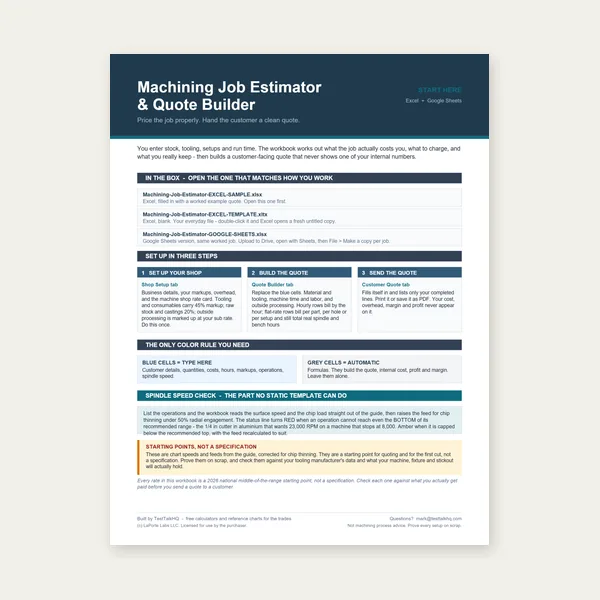
Quote shop work and check operations against your spindle's top speed.
Excel or Google Sheets. Best on a computer.
$29.00
Buy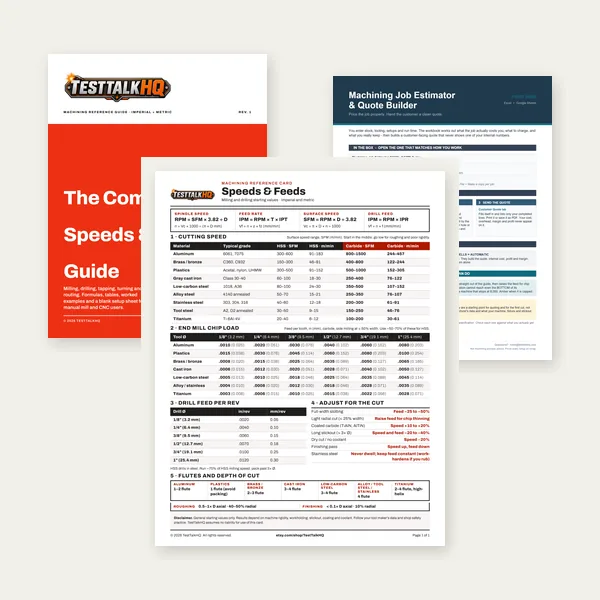
Card, 27-page guide and the estimator workbook. All six files.
Excel or Google Sheets. Best on a computer.
$34.99
$45.98 if bought separately — save $10.99
BuyCheckout opens in a new tab.
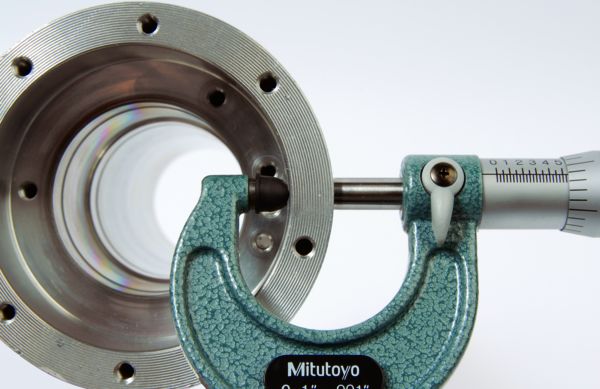
Five CSV catalog picks with verified Product Image URLs — measure thickness, V gap, blank prep, and layout
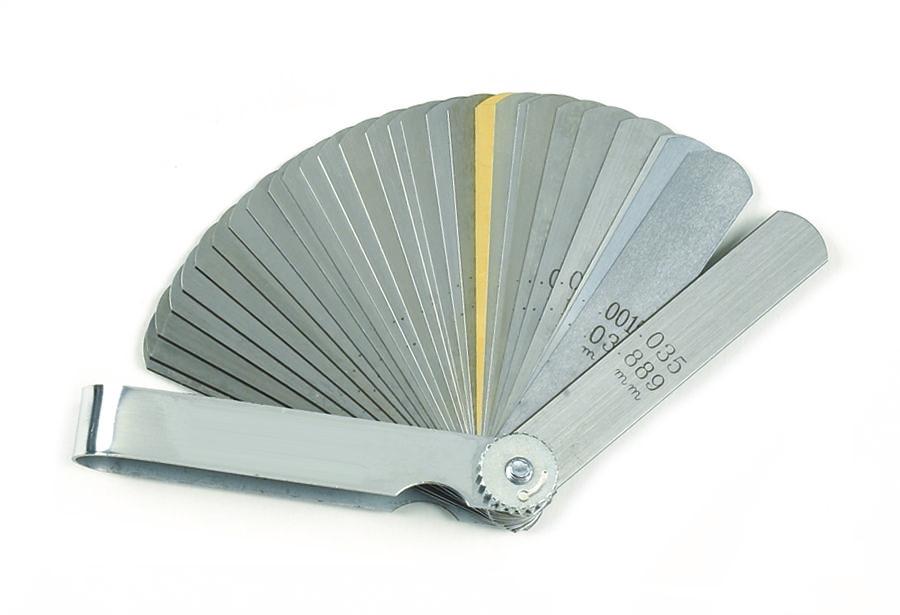
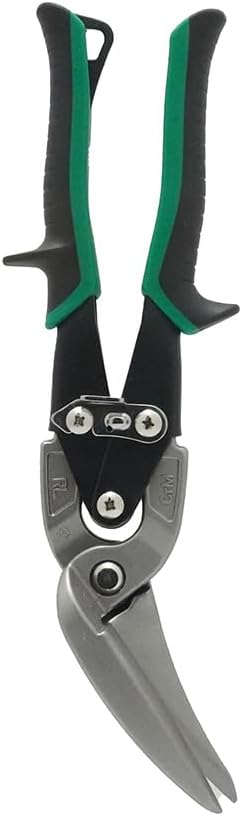
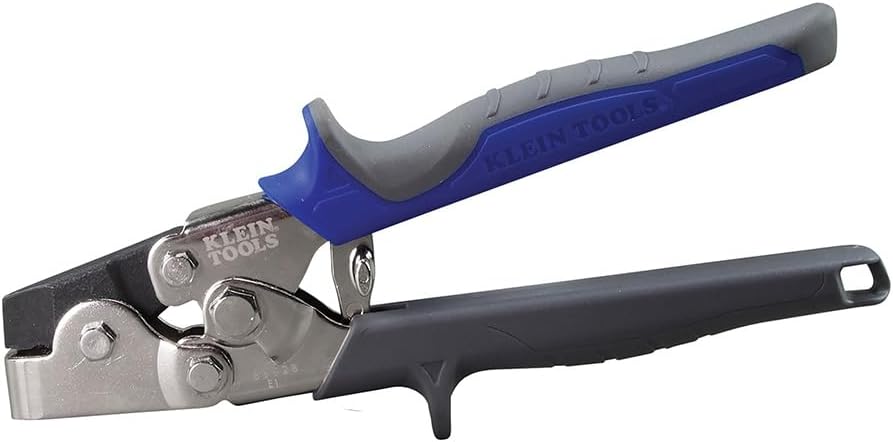
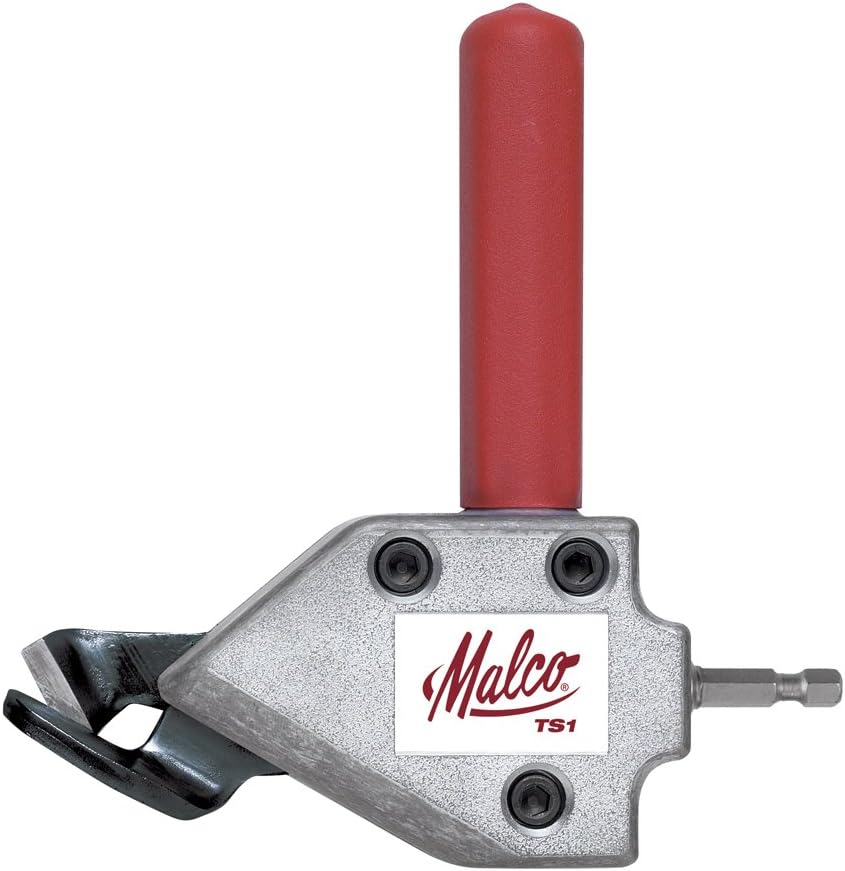
As an Amazon Associate, TestTalkHQ earns from qualifying purchases. All five cards are sourced only from the affiliate CSV with verified Product Image URLs. Catalog gaps flagged by name (no image URL — not shown as cards): press brake dies (V-die / punch sets); tonnage gauges (ram force meters); angle finders; digital protractors. A dedicated tonnage gauge would confirm display vs estimate — skipped until CSV image exists.
The guide lists causes in brief. This page splits failures by field presentation — air math on bottom jobs, measured V vs label, t² thickness error, ram flex on off-center hits, 100% rated overload, and springback misread as under-tonnage — with first-fix order before you re-run numbers.
Most often: bottom bending or coining while using air-bend math, narrow V not entered in calculator, actual thickness higher than gauge nominal, stainless with mild k-factor, or bend length longer than the test coupon. Confirm process mode and mic inputs first.
Only if the bend isn't fully formed yet. If radius matches die and angle opens on release, you're in springback territory — overbend, change V, or bottom (with correct force budget). See Sheet Metal Bending Troubleshooting.
Best CSV matches for V-die sets, ram tonnage gauges, angle finders, and digital protractors lack Product Image URLs — flagged as catalog gaps instead of mismatched photos.
Article 3 skipped — see Bend Allowance vs Bend Deduction — Which to Use. Chart tables: calculator and Press Brake Tonnage Guide.