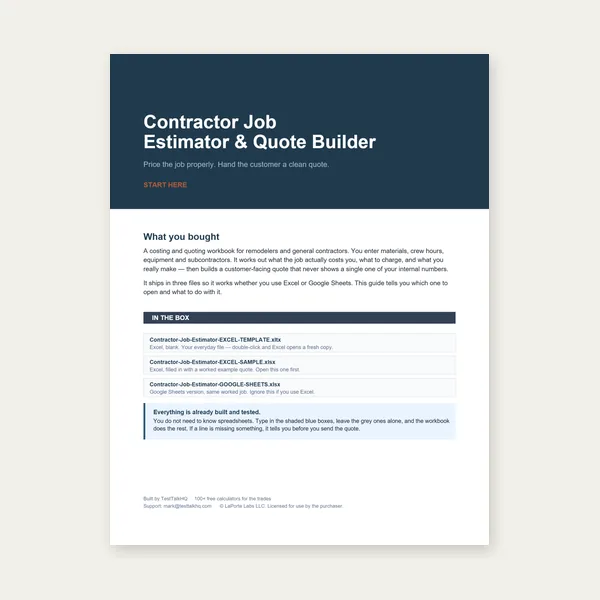
Contractor Job Estimator
Price remodels and GC work, then send a quote with no internal numbers.
Excel or Google Sheets. Best on a computer.
$29.00
BuyDiagnose scale mismatches, density/alloy errors, tube OD/ID mistakes, and scrap blowouts — when the calculator already printed a number
Not another density lesson. Pair with the Metal Weight Calculator and metal weight guide. Pipe geometry forks: which calculator to use. Density tables: density chart.

| Problem | Usually means | First fix |
|---|---|---|
| Scale >> calculator | Wrong alloy density; coating; wet/dirty stock; used OD as solid | Confirm alloy; mic; re-select shape |
| Scale << calculator | Hollow treated as solid; ID too small; scrap already cut | Use pipe/tube path; measure ID |
| Freight blowout | No scrap factor; quantity of drops ignored | Add 10–15% + cut list weight |
| Bid under by density | 304 vs 316 ok; used Al density for steel | Check material dropdown |
| Tube weight way off | Should have used pipe calculator / wall entry error | See decision article |
What it looks like: Calculator says 186 lb; scale says 210 lb (or 160 lb). Shop blames the scale or the chart.
Likely causes: Wrong material density selected. Solid bar formula used on tube. Mill scale, water, or packaging on the piece. Quantity field left at 1 while weighing a bundle.
Fixes: Re-enter alloy and shape in the calculator. Mic the actual dimensions — do not trust the stencil alone. Weigh one piece dry. Compare to density chart for the alloy family.
What it looks like: Dimensions match; weight is systematically high or low by ~10–30%.
Likely causes: Aluminum density used for steel (or reverse). Stainless selected when part is mild steel. Exotic alloy approximated with wrong dropdown.
Fixes: Read the cert / PO alloy. 304 vs 316 density is close — that is rarely the 25% error. Steel vs aluminum mix-up is. Fix the material row, not the formula.
What it looks like: Huge overweight quote; crane plan oversized; customer laughs at the number.
Likely causes: Round/rectangle solid shape selected. Wall thickness blank. OD entered twice instead of OD + wall/ID.
Fixes: Use hollow inputs or switch to the Pipe & Tube Weight Calculator. See which calculator to use.
What it looks like: Nest weight matched the calculator; shipped weight and remnant pile did not. Bid used net part weight only.
Likely causes: No 10–15% scrap factor. Drop weight ignored. Kerf and skeleton not counted.
Fixes: Weight the cut list + expected drops. Add shop scrap factor on bids. Weigh remnants on the platform scale before arguing with freight.
What it looks like: Galvanized or painted plate reads heavy; freshly washed stock reads heavy; banded bundles include dunnage.
Fixes: Subtract known coating allowance or weigh a stripped coupon. Remove packing. For galvanized thickness identity issues see gauge troubleshooting.
Shape selection mistakes are a decision fork — covered in the companion article, not duplicated here.
Price remodels and GC work, then send a quote with no internal numbers.
Excel or Google Sheets. Best on a computer.
$29.00
BuyCheckout opens in a new tab.
Five CSV catalog picks — weigh what you ordered, measure what you entered, move and store stock safely


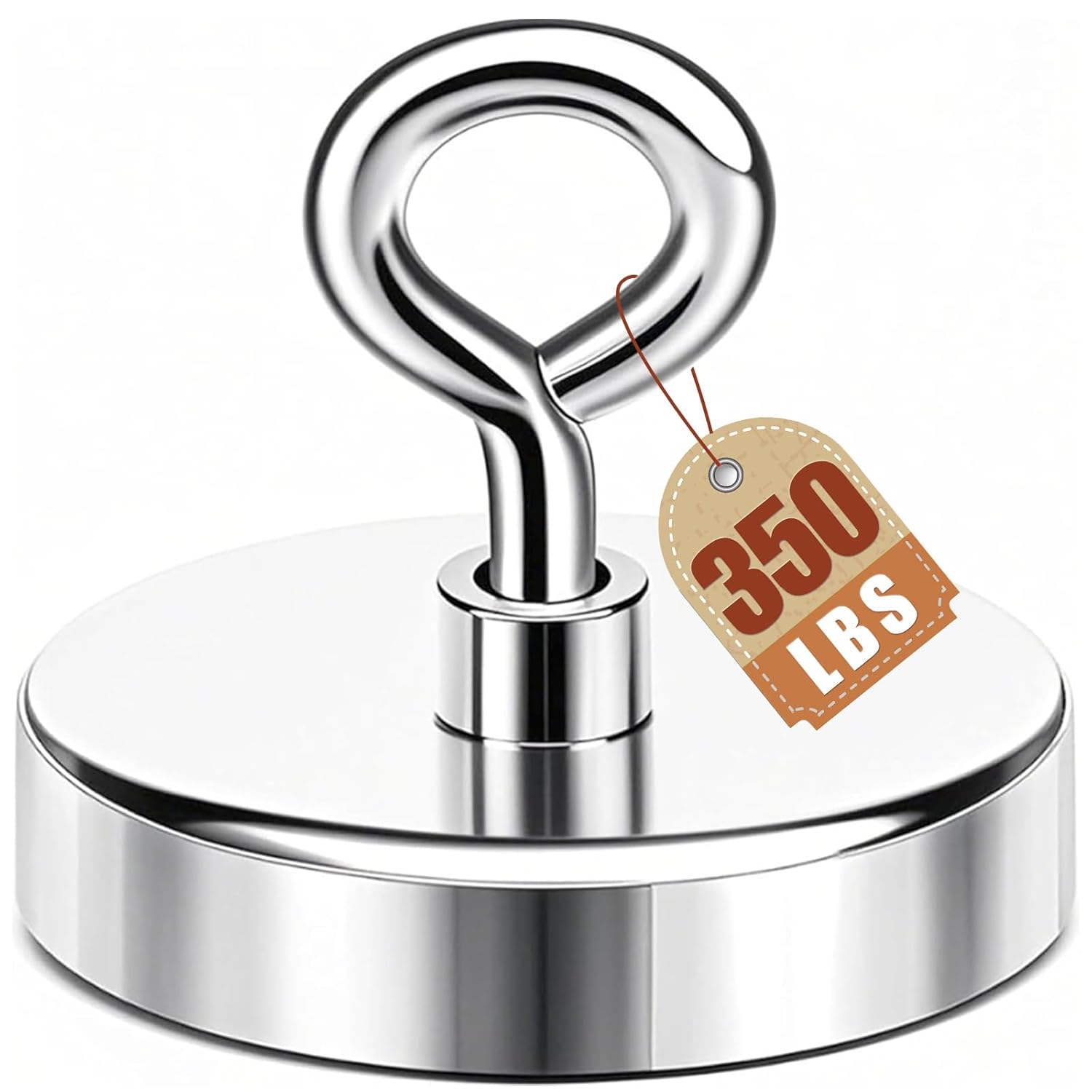
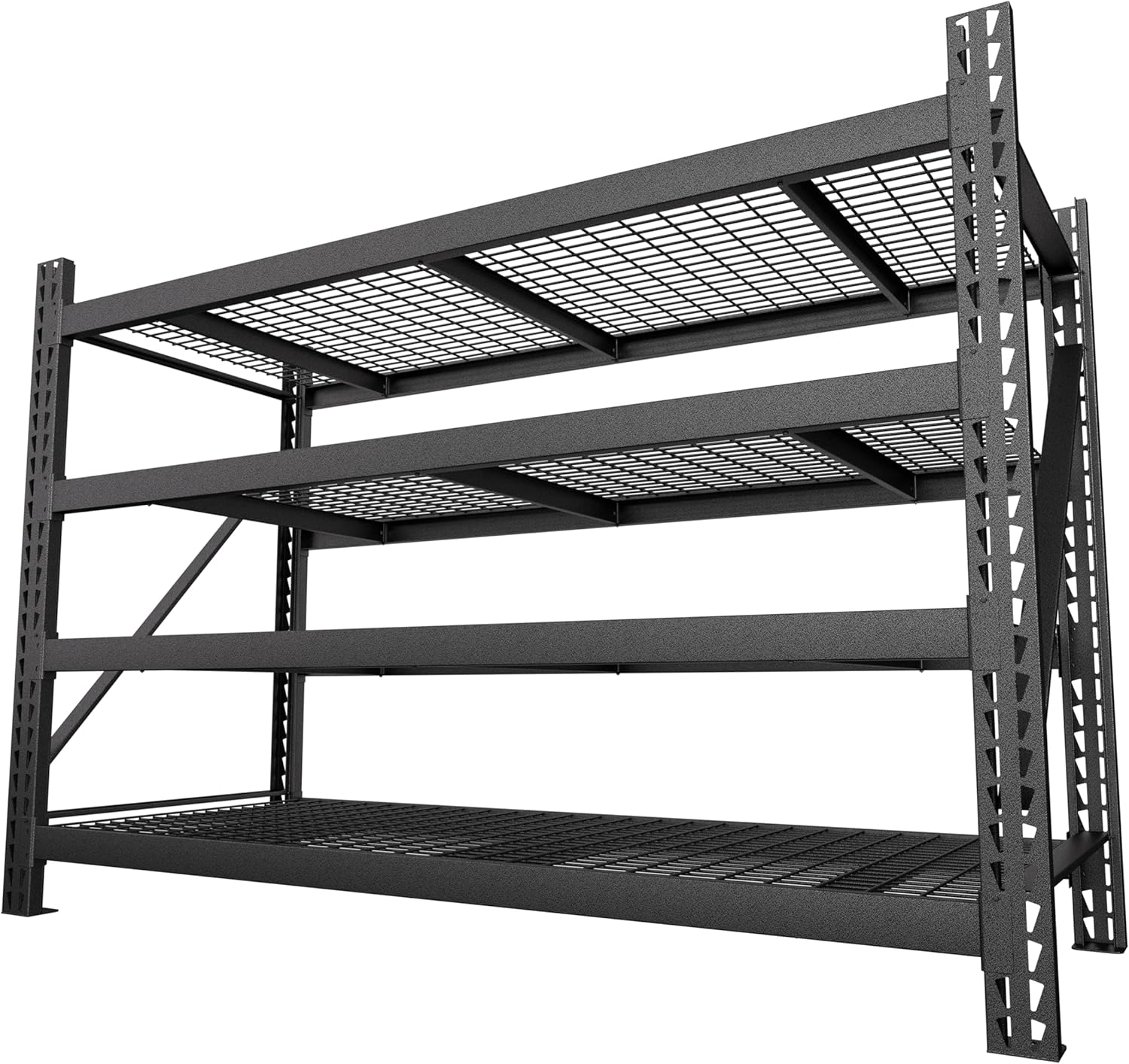
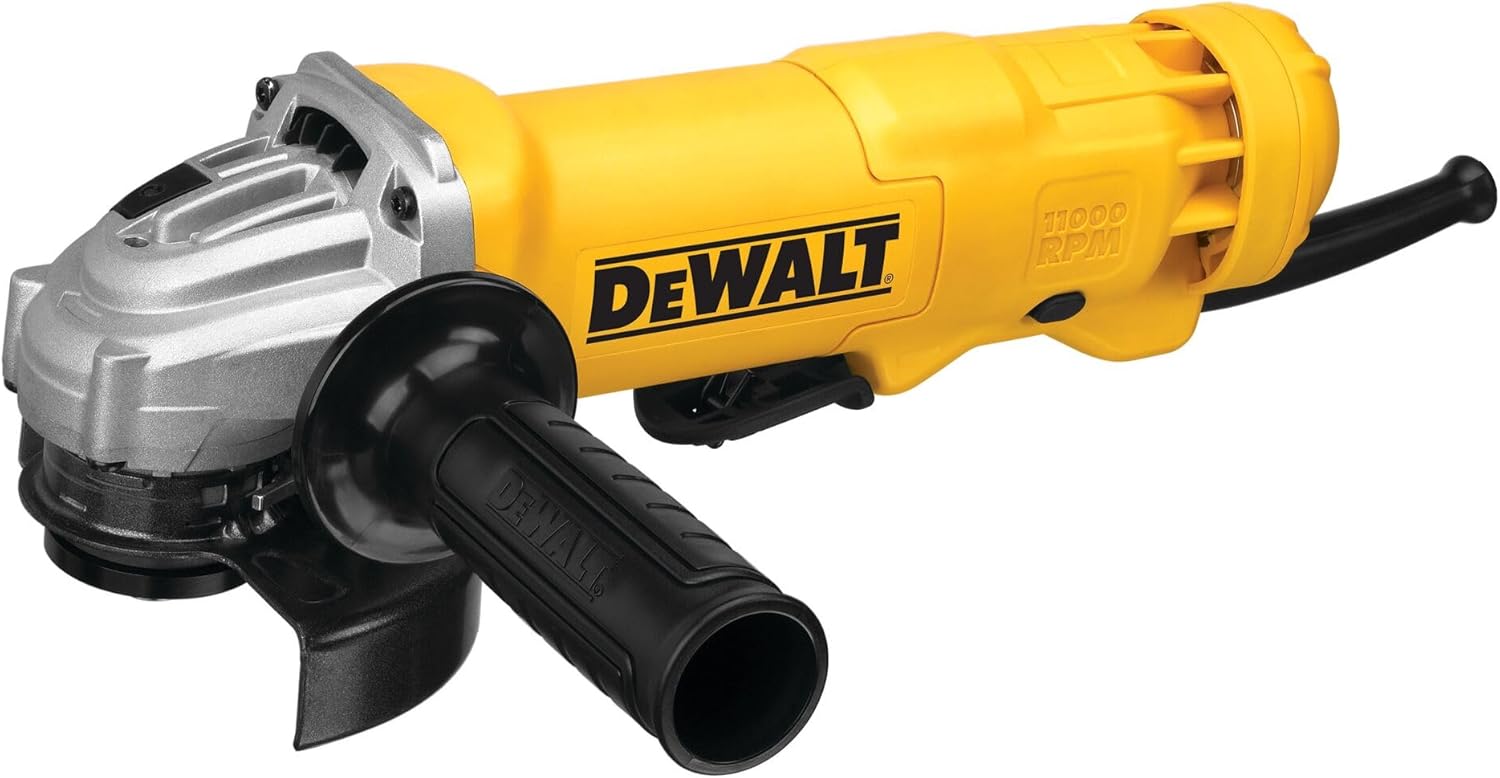
As an Amazon Associate, TestTalkHQ earns from qualifying purchases. All five cards sourced only from the affiliate CSV. Catalog gaps: certified crane scales, densitometers, material cert scanners.
Usually the input is wrong. Check alloy and solid vs hollow first.
Yes for bids and freight — typically 10–15% plus real drop weight.
Nearly identical density for planning — corrosion choice is separate.