TestTalkHQ · Interactive ToolsDXF Viewer, Measure & Cleanup

Pan / zoomMeasureLayers Delete stray linesExport clean DXFNo upload

Drop in a DXF to view it, measure distances and angles, toggle layers, delete stray construction lines, and export a cleaned file — all in your browser, nothing uploaded. Reads out total cut length and pierce count so you can sanity-check a part before cutting or quoting.

Embed this calculator Free · no API key · keep the attribution link

Copy the snippet below to embed this calculator on your site. The attribution link must stay intact and dofollow (no rel="nofollow"). Browse all embeddable calculators

<div class="ttq-embed" style="max-width:100%;margin:0 auto;">
  <iframe src="https://testtalkhq.com/embed/dxf-viewer/?theme=light&utm_source=embed" width="100%" height="980" frameborder="0" loading="lazy" scrolling="no" title="DXF Viewer, Measure & Cleanup Calculator — TestTalkHQ" style="border:0;max-width:100%;width:100%;"></iframe>
  <p style="font:400 13px/1.4 system-ui,sans-serif;text-align:center;margin:6px 0 0;">Powered by the <a href="https://testtalkhq.com/dxf-viewer/?utm_source=embed&utm_medium=referral&utm_campaign=calculator_embed&utm_content=dxf-viewer" target="_blank" rel="noopener">DXF Viewer, Measure & Cleanup Tool</a> from <a href="https://testtalkhq.com/?utm_source=embed&utm_medium=referral&utm_campaign=calculator_embed&utm_content=dxf-viewer" target="_blank" rel="noopener">TestTalkHQ</a></p>
</div>
Runs entirely in your browser — your DXF never leaves your computer. TestTalkHQ.com

Machining

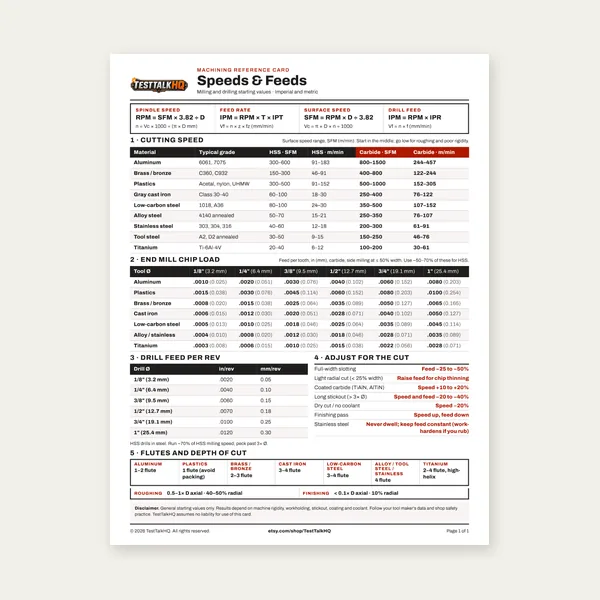
Machining Speeds & Feeds Card

Machining Speeds & Feeds Card

One page. Speeds, chip load and drill feed, imperial and metric.

$3.99

Buy

Complete Machining Speeds & Feeds Guide

Complete Machining Speeds & Feeds Guide

27 pages. Milling, drilling, tapping, turning and CNC routing.

$12.99

Buy
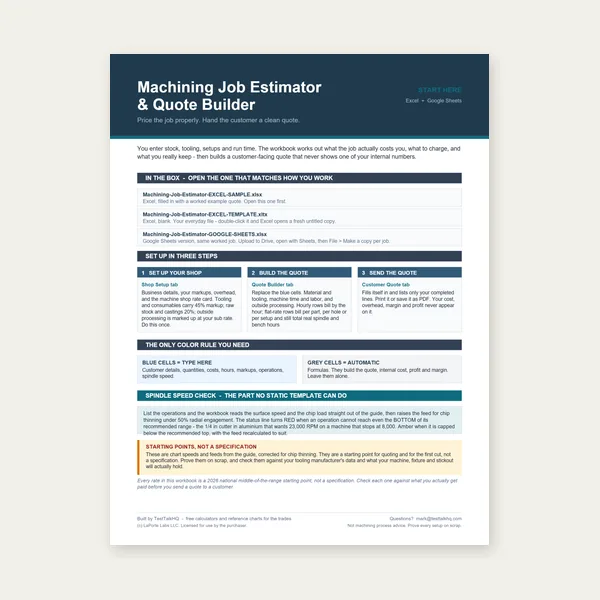
Machining Job Estimator

Machining Job Estimator

Quote shop work and check operations against your spindle's top speed.

Excel or Google Sheets. Best on a computer.

$29.00

Buy
BEST VALUE
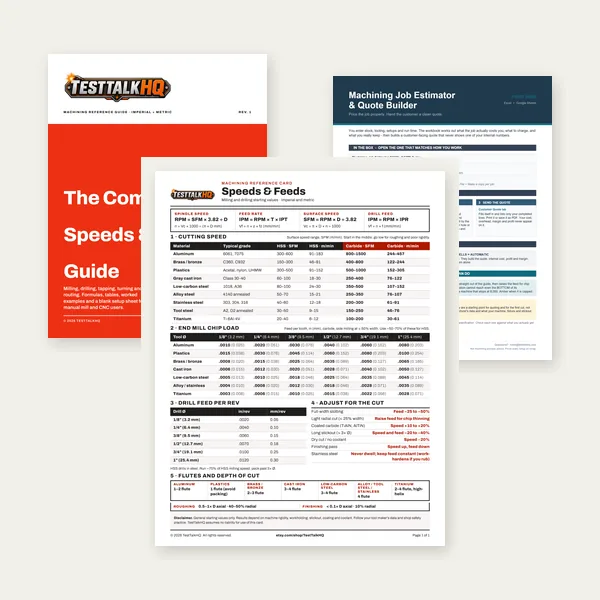
Machining Complete Bundle

Machining Complete Bundle

Card, 27-page guide and the estimator workbook. All six files.

Excel or Google Sheets. Best on a computer.

$34.99

$45.98 if bought separately — save $10.99

Buy

See all Machining products

Checkout opens here — you stay on this page.

Recommended Tools to Verify a DXF Before Cutting

Calipers, edge finders, punches, and gauges for checking dimensions and transferring cleaned geometry to the floor — products from the TestTalkHQ affiliate catalog.
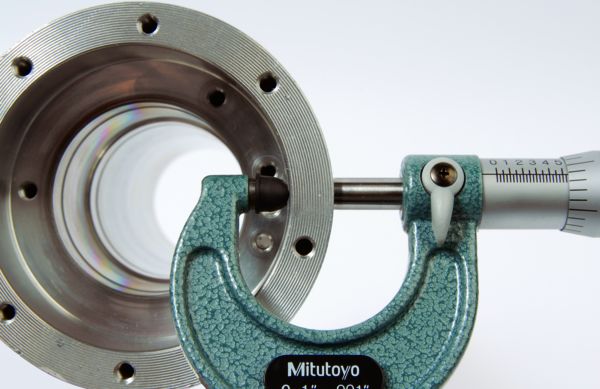
Measure Mitutoyo 103-177 outside micrometer 0-1 inch

Mitutoyo 103-177 Outside Micrometer

  • Confirm critical thicknesses and stock
  • Catch scale errors the viewer cannot know
  • 0–1" range for plate and sheet checks
  • Shop standard when quoting tight tolerances
Check Price
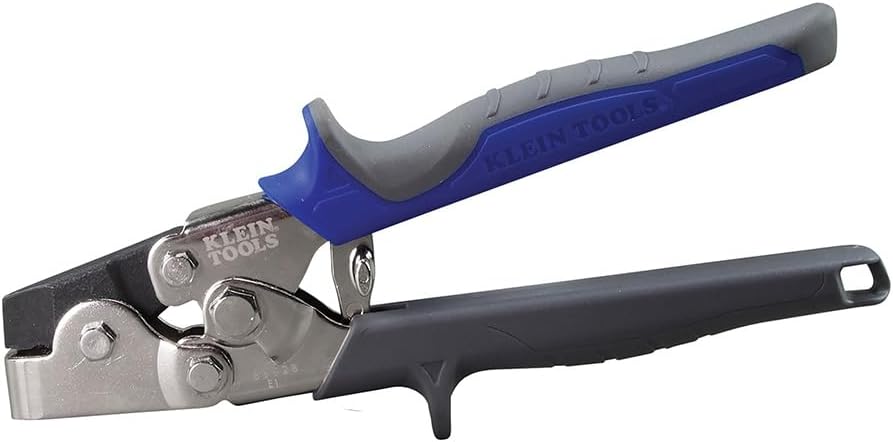
Layout Klein Tools 86528 sheet metal punch set

Klein Tools 86528 Punch Set

  • Transfer hole centers after cleanup
  • Snap-lock punch for sheet blanks
  • Useful when verifying DXF hole patterns
  • Pairs with cleaned export to the floor
Check Price
Find Starrett 827A edge finder

Starrett 827A Edge Finder

  • Locate edges after transferring layout
  • Confirm origin matches the DXF intent
  • .200" contact diameter shop standard
  • Useful when first pierce looks “off”
Check Price
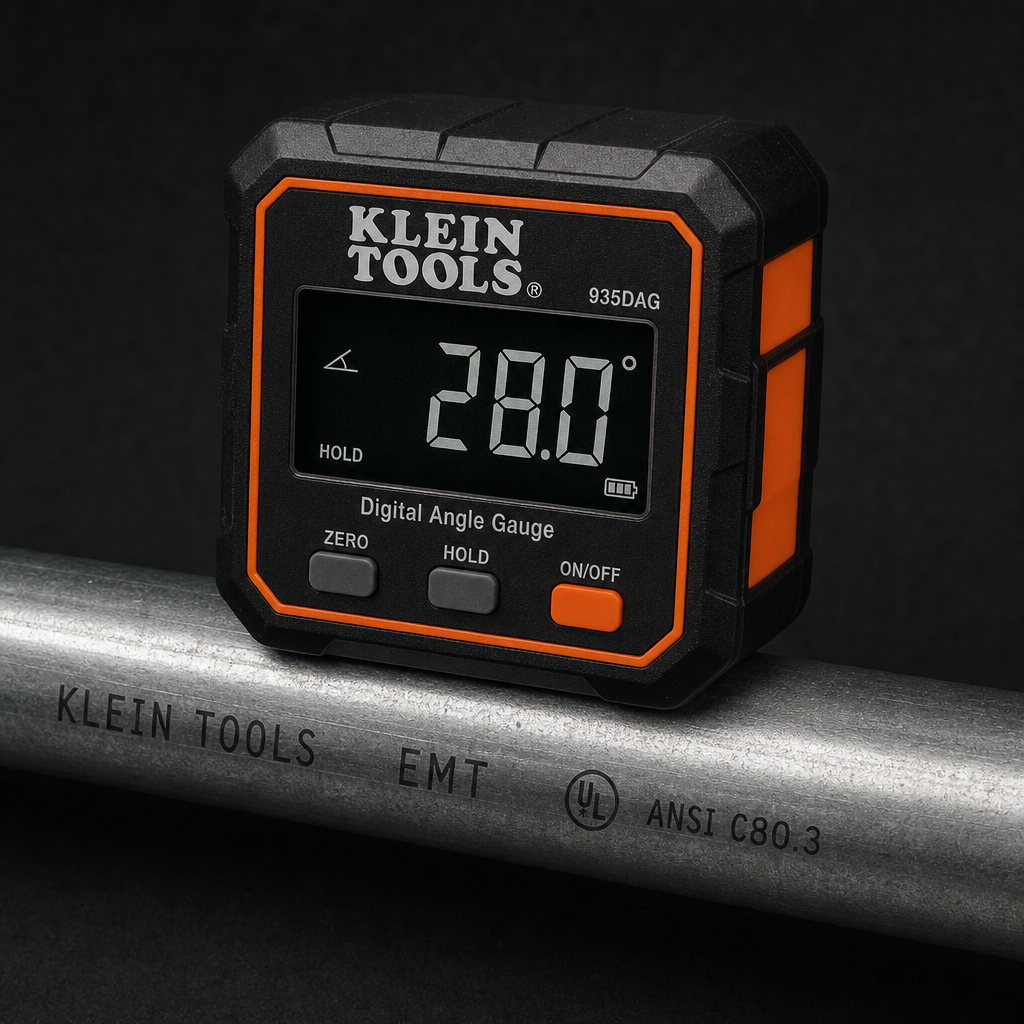
Angle Klein Tools 935DGGP digital angle gauge

Klein Tools 935DGGP Digital Angle Gauge

  • Check measured angles from the viewer
  • Magnetic base sits on plate or brake
  • Catch skewed construction geometry
  • Zero/relative modes for reference faces
Check Price
Catalog gaps: No dedicated DXF-viewer software licenses, soapstone layout markers, or CNC plasma tables exist in the affiliate CSV at publish time — we do not substitute unrelated HVAC meters for those roles.

As an Amazon Associate, TestTalkHQ earns from qualifying purchases.

Why Clean a DXF Before You Nest or Quote

Messy DXFs inflate pierce counts, stretch cut length, and hide duplicate construction lines that only show up on the table. This viewer keeps the file on your machine — pan, measure, toggle layers, delete strays, auto-clean duplicates, then export a clean ASCII DXF. Walk through the workflow in How to Clean Up a Messy DXF Before Cutting or Quoting.

When Cleanup Is Not Enough

If every export from the same CAD source arrives broken, fix the source drawing — not just the file. Compare approaches in DXF Cleanup: When to Fix the File vs Fix the Source Drawing. For load failures, unit mismatches, and pierce quirks, see Common DXF Viewer Problems and Fixes.

Next Steps After Export

Send the cleaned DXF to the Cut-Cost & Time Estimator for pierce/length-based pricing, or the 2D Sheet Nesting Optimizer for true-shape plate layouts. For 1D bar/tube stock, use the Cut List Optimizer.

Related Calculators & Guides