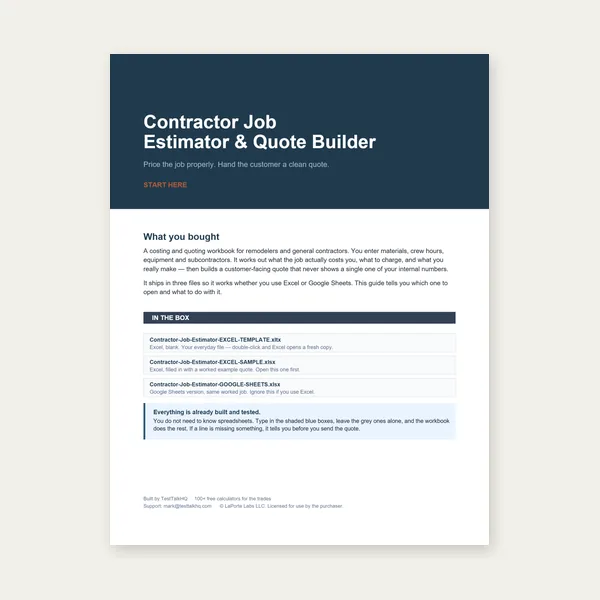
Contractor Job Estimator
Price remodels and GC work, then send a quote with no internal numbers.
Excel or Google Sheets. Best on a computer.
$29.00
BuyK-factor, outside vs inside mode, and multi-bend sequences
How to use the Bend Allowance / Flat-Pattern Unfolder: the K-factor in plain terms, choosing outside/mold-line vs inside/flat-leg, building U-channel and hat-section sequences, and reading the flat pattern and side-profile diagrams.

Set your material, choose one dimensioning convention, then chain legs and bends into a complete flat blank with a printable PDF.
Open the Flat-Pattern Unfolder →When sheet metal bends, the outside stretches and the inside compresses. Somewhere between them a line neither stretches nor compresses — the neutral axis. The K-factor is simply how far that neutral line sits from the inside surface, as a fraction of thickness: K = (distance to neutral axis) / T. A K of 0.44 puts it a little inside the middle of the material, which is a common starting point for mild steel. The unfolder uses K in the bend-allowance formula BA = (π/180) · A · (R + K·T) to work out how much material each bend actually consumes. Larger K means the neutral axis is closer to the middle and the bend eats slightly more material.
Do not treat 0.44 as gospel. It is a starting point. Bend a test coupon, measure the real flat, and back-calculate K for your material, radius, and press — then enter that value here.
The unfolder supports two ways to describe the same part, and you pick one for the whole part:
Both produce the identical blank — the tool even prints a cross-check line proving they converge. The reason you must commit to one convention for the whole part is that outside and inside dimensions differ by the outside set-back at every bend. If leg 1 is dimensioned outside and leg 2 inside, the tool cannot know where one stops and the other starts, and your blank will be wrong. Read the drawing, decide which convention it uses, set the mode once, and enter every leg the same way.
A U-channel is three legs and two bends: leg → bend up → leg → bend up → leg. Enter thickness, inside radius, and K; set the mode; type the three leg lengths and set both bends to 90° folding the same direction. The flat-blank length appears immediately, and the layout view shows two dashed bend lines you can measure.
A hat section adds two more bends that fold the opposite direction to create mounting flanges: leg → up → leg → up → leg → down → flange, and so on. Use the fold up / fold down selector on each bend to match the profile. Watch the side-profile schematic redraw as you go — it is the fastest way to confirm the part folds into the shape you intend before you commit material.
The side profile is a schematic (not to scale) that walks each leg and rotates at each bend by its angle and direction — it confirms the shape. The flat pattern layout is drawn to scale: a rectangle the length of the computed flat blank by your part width, with a dashed centerline at each bend position and a shaded band showing the arc region. Bend labels (B1, B2, …) tie the layout back to the breakdown table so you can transfer bend-line positions to the real blank.
This unfolder chains multiple bends. If you only need the bend allowance or bend deduction for a single bend — to sanity-check a number or size one feature — use the dedicated single-bend calculators first: the Sheet Metal Bend Allowance Calculator and the Sheet Metal Bend Deduction Calculator. For minimum radius, see the Bend Radius Calculator, and for thickness by gauge, the Gauge Chart. Then come back here to assemble the complete part and export the blank.
Export the flat-pattern PDF and print at 100% / Actual Size — never Fit to Page. Measure the reference square (1 in or 50 mm) with a ruler; if it is off, every dimension is off. The neutral-axis model includes no tooling reliefs, corner notches, or springback compensation, so confirm bend-line placement on a scrap part before cutting production stock. When you are ready, open the unfolder and build your part.
Price remodels and GC work, then send a quote with no internal numbers.
Excel or Google Sheets. Best on a computer.
$29.00
BuyCheckout opens in a new tab.
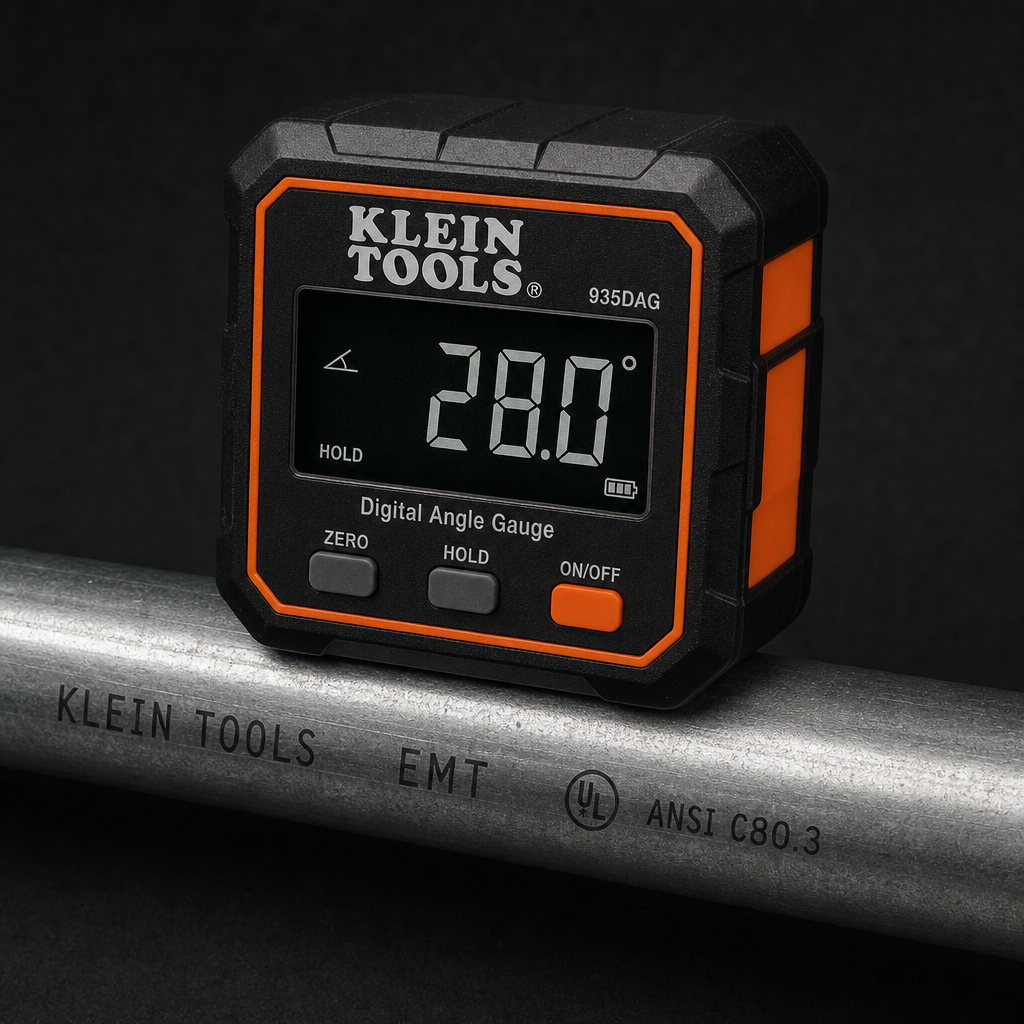
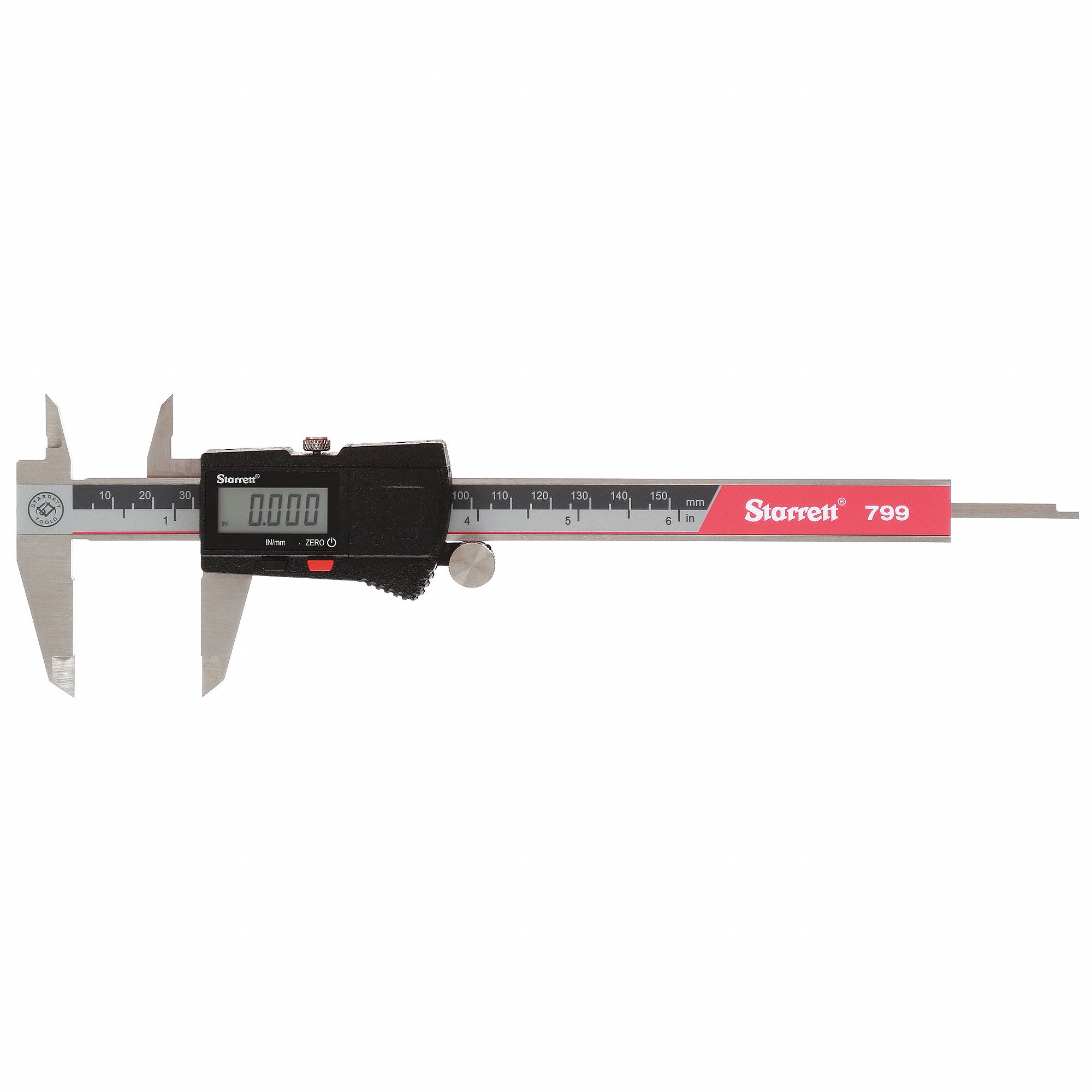
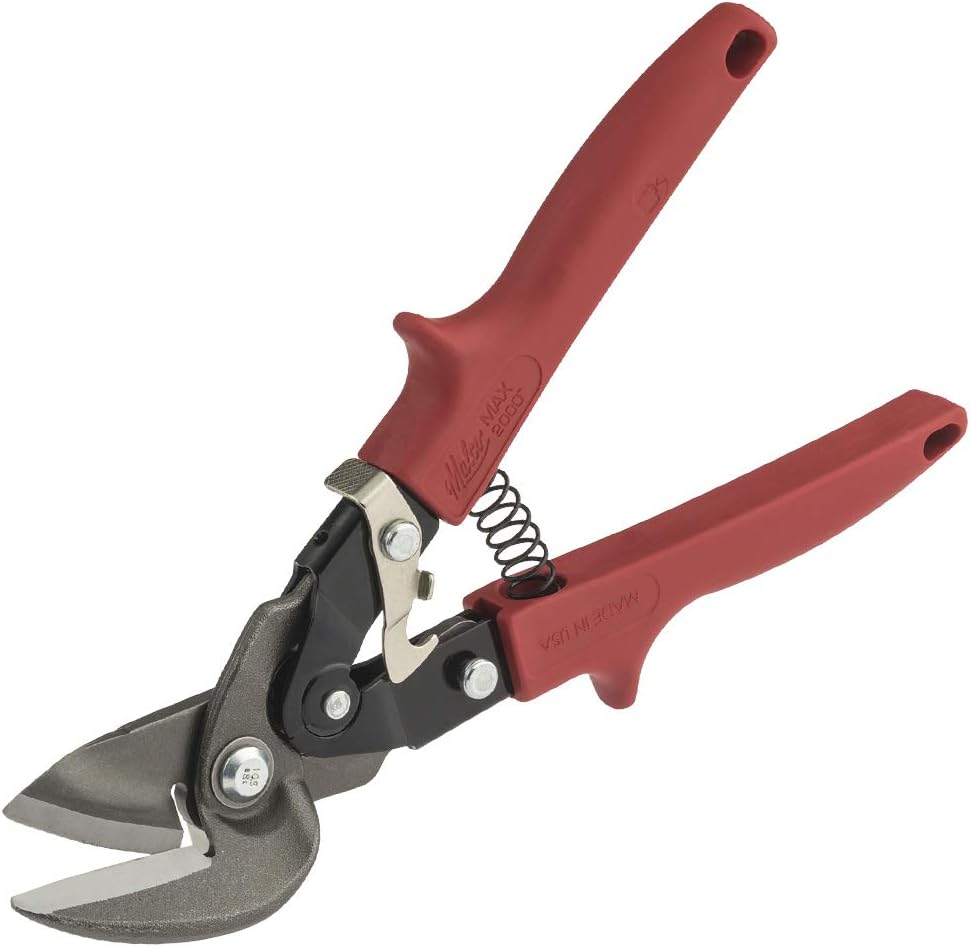
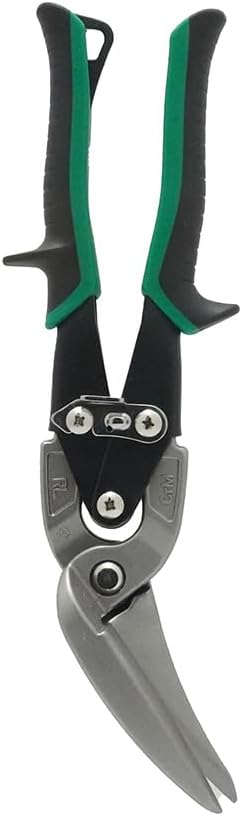
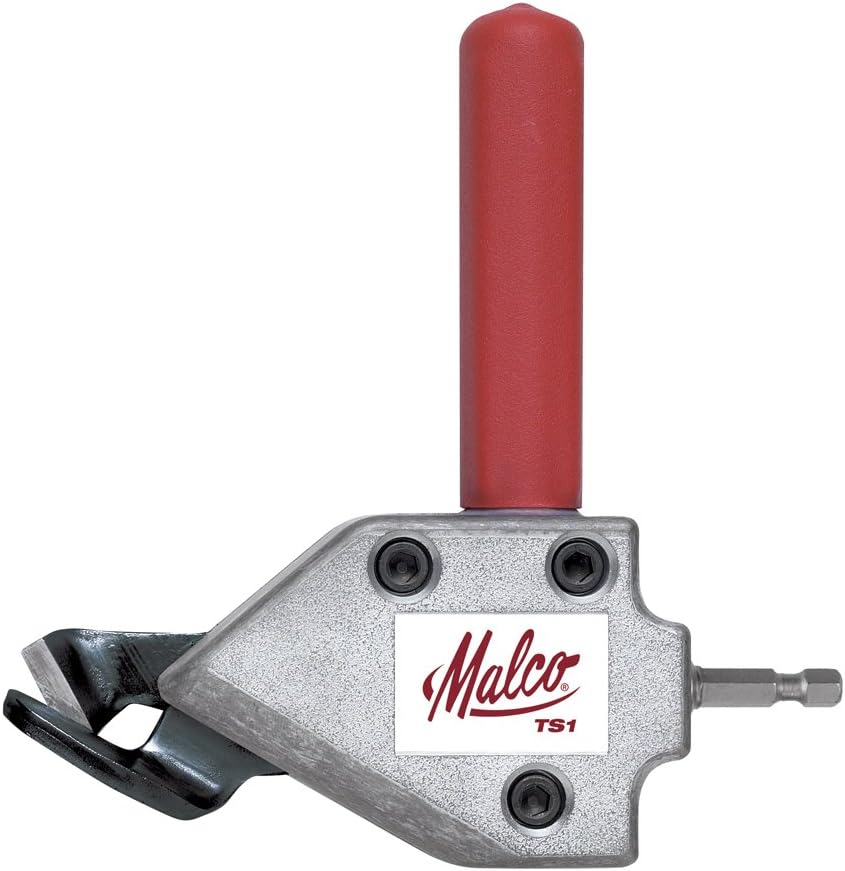
Verify bend angles, transfer flat-pattern marks, and cut the blank — products from the TestTalkHQ affiliate catalog.
As an Amazon Associate, TestTalkHQ earns from qualifying purchases.