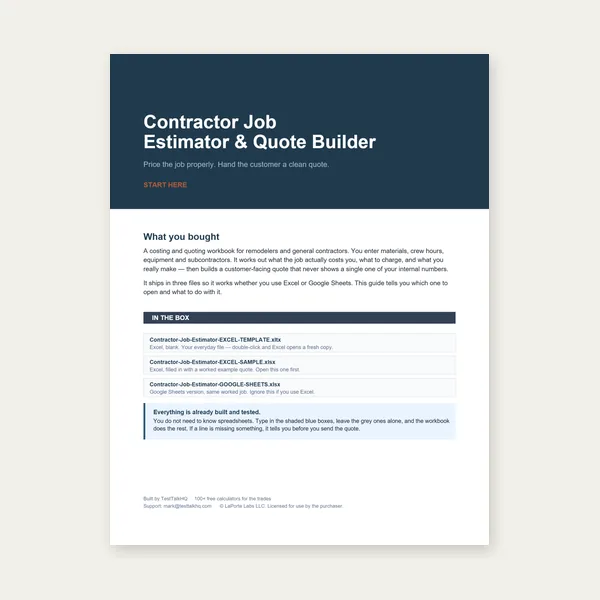
Contractor Job Estimator
Price remodels and GC work, then send a quote with no internal numbers.
Excel or Google Sheets. Best on a computer.
$29.00
BuyMode mixing, K-factor, bend vs included angle, and DXF import
Diagnose wrong flat blanks: mixing outside and inside dimensions, K-factor confusion, bend angle vs included angle, and DXF import problems with the minimal R12 line-only export.

Most wrong blanks come from mixing dimensioning conventions, an unverified K-factor, or bend-angle confusion — not the math.
Open the Unfolder → Read the Guide →The single most common error: dimensioning some legs to the outside/mold-line corner and others to the inside flat length on the same part. The unfolder deliberately locks one convention per part — the mode toggle applies to every leg. It has to: outside and inside legs differ by the outside set-back at each bend, so a part described half one way and half the other has no single correct blank. If a number looks wrong, first confirm the drawing's convention, set the mode once, and re-enter every leg to match. Do not "fix" one leg by switching its meaning.
The default K of 0.44 is a starting point, not a universal constant. K varies with material, temper, inside radius, and forming method (air bend vs bottoming vs coining). If your formed parts come out consistently long or short, K is the usual culprit. The tool flags K values outside the typical 0.30–0.50 range so you notice accidental entries. To dial it in: bend a test coupon at your real radius, measure the actual flat length, and adjust K until the tool's flat matches. Then reuse that K for the same material and setup.
The unfolder asks for the bend angle — how far the flange folds away from flat. A right-angle corner is a 90° bend (fold), which leaves a 90° included angle between the faces. A gentle 30° bend leaves a 150° included angle. It is easy to type the included angle (say 120°) when you meant a 60° bend. If a bend looks far sharper or flatter than intended in the side-profile schematic, you probably entered the included angle. Remember: 0° = no bend, 90° = square corner, 180° = folded flat back on itself.
The DXF export is intentionally minimal R12, line-only — no arcs, no splines, no polylines — because straight LINE entities import cleanly across almost every CAD/CAM reader. You get two layers: OUTLINE (the blank rectangle) and BEND (dashed bend centerlines). If your software shows nothing on import, check that it is not filtering layers, and confirm units — the DXF carries raw numeric coordinates in the unit you built with (inch or millimeter), so set your CAD document units to match. Because bends are drawn as centerlines rather than arcs, treat the DXF as a layout/nesting aid, and rely on the PDF reference square for physical print verification.
If the formed part is off by a repeatable amount, work through this order: (1) confirm you did not mix conventions; (2) verify K against a test bend; (3) check every bend angle is the fold, not the included angle; (4) confirm thickness and inside radius are correct for the actual material; and (5) confirm you printed the PDF at 100% and the reference square measures true. The guide walks through each input in detail, and the single-bend Bend Allowance and Bend Deduction calculators help you sanity-check one bend in isolation.
Price remodels and GC work, then send a quote with no internal numbers.
Excel or Google Sheets. Best on a computer.
$29.00
BuyCheckout opens in a new tab.
Verify bend angles, transfer flat-pattern marks, and cut the blank — products from the TestTalkHQ affiliate catalog.
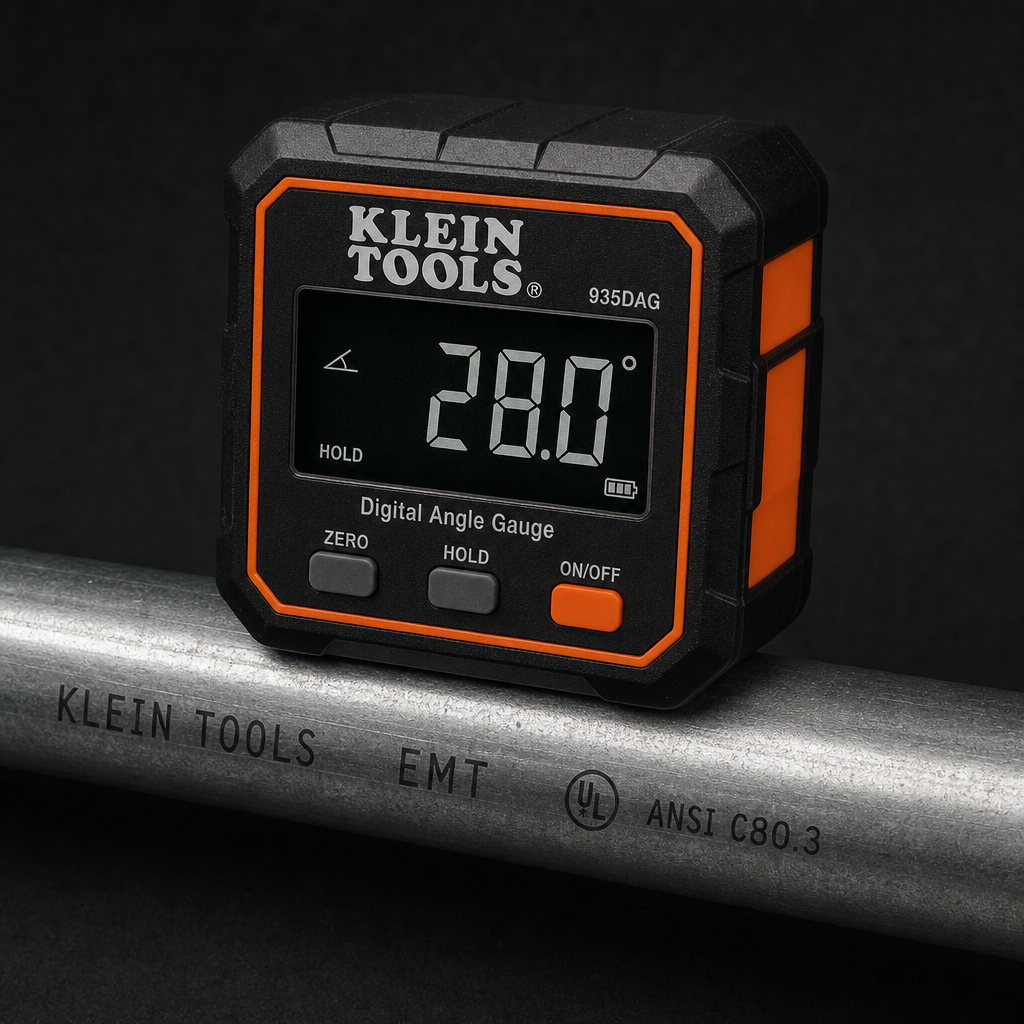
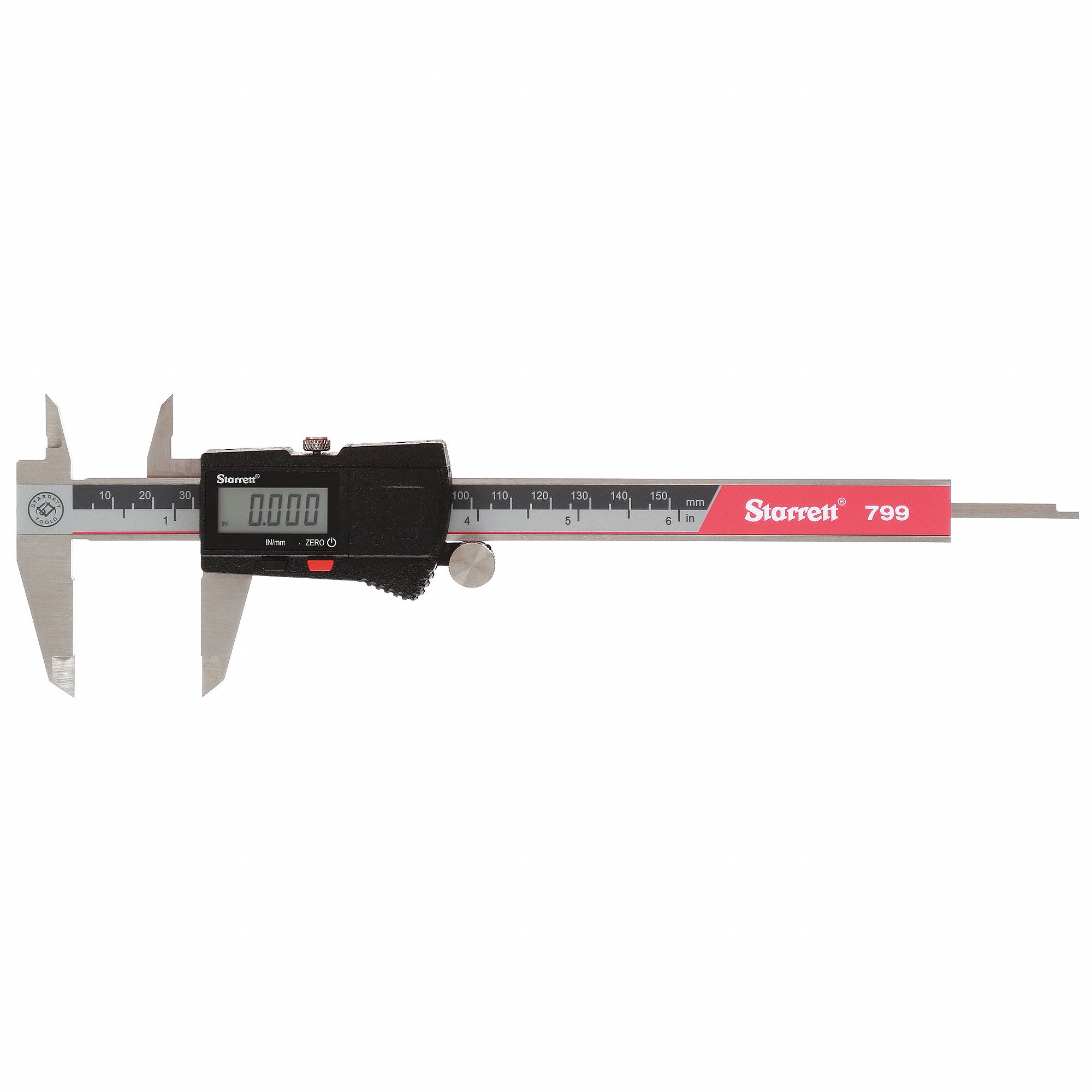
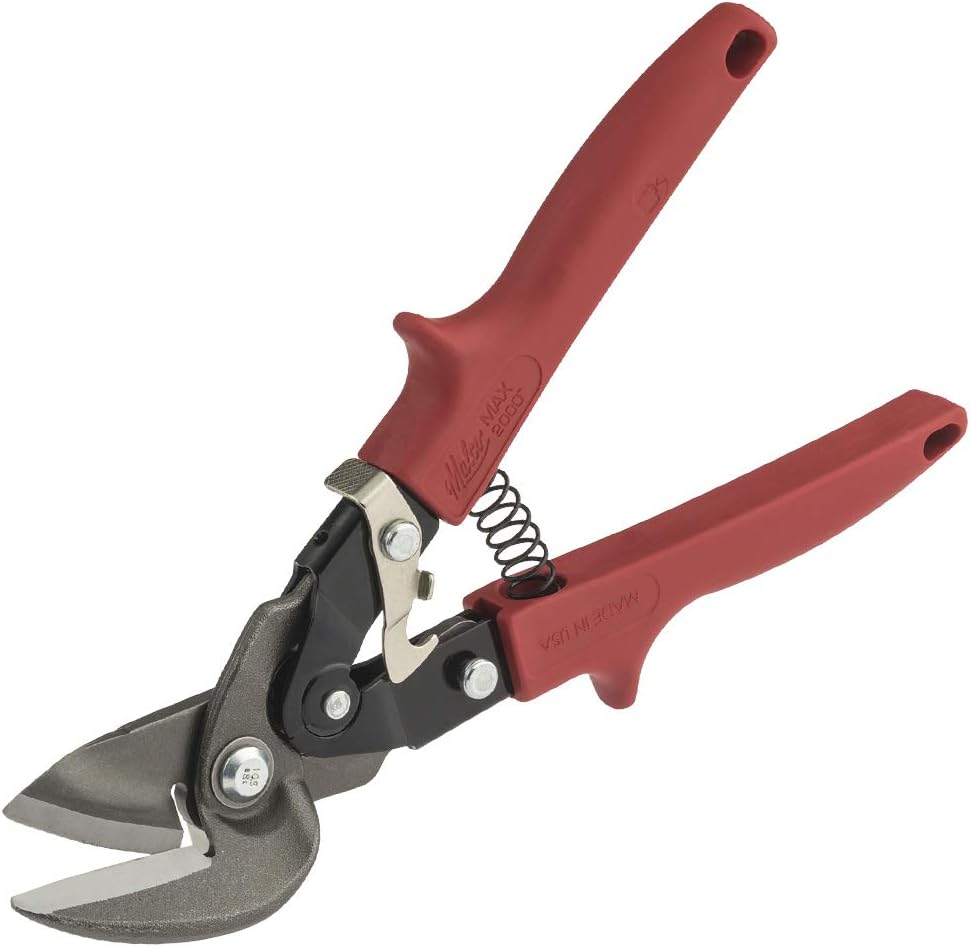
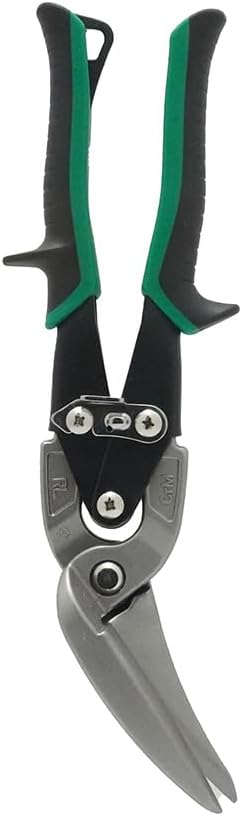
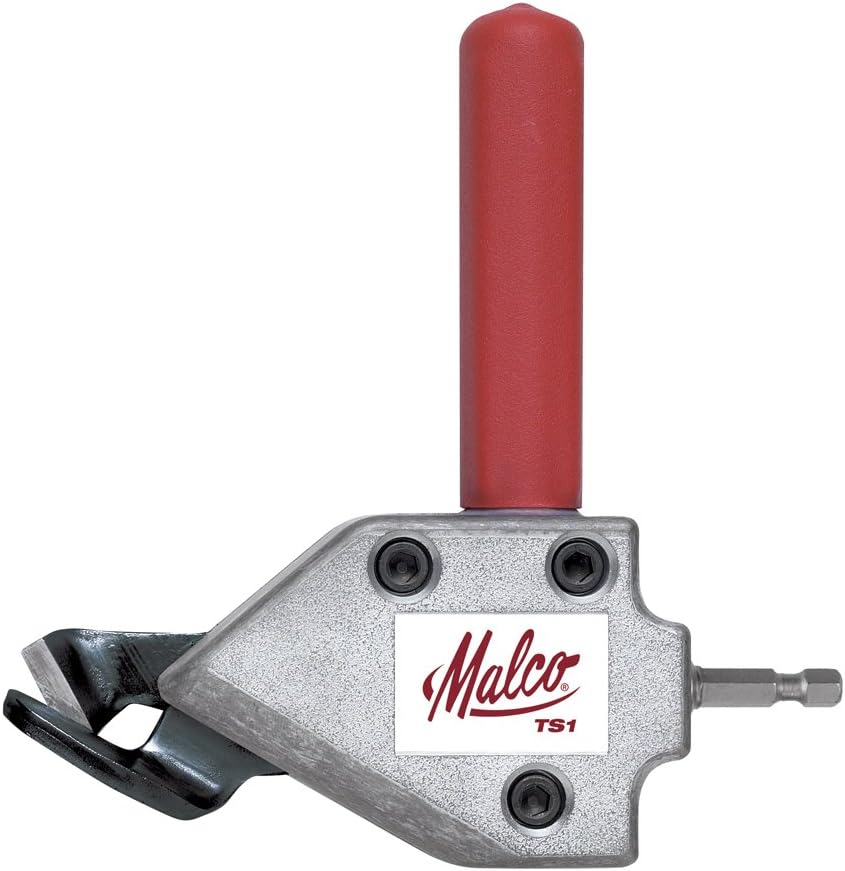
As an Amazon Associate, TestTalkHQ earns from qualifying purchases.