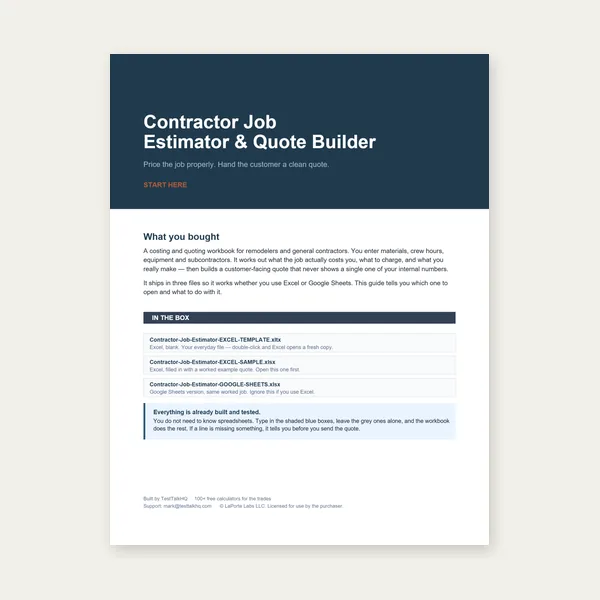
Contractor Job Estimator
$29.00
BuyWhat ET and backspacing actually are, how to convert them, how to tape a used wheel, and how to pick a target number before you order
The wheel offset & backspacing calculator turns listed width plus either ET or a tape reading into the other value, hub-to-inner-edge distance, and a rough fender vs frame flag. This page is the geometry: centerline vs mounting pad, inner lip vs bead seat, and the 1.00 in lip assumption. Rubbing and bearing wear: troubleshooting. Spacers vs buying the right ET: comparison. Automotive index: hub.
Have a width and an ET? Convert to backspacing, hub-to-inner-edge, and a clearance flag in one pass.
Open Calculator →Imagine the wheel as a barrel. The centerline splits listed width in half. The mounting pad is the machined face that bolts to the hub. Offset is how far that pad sits from the centerline, in millimeters, stamped as ET.
Positive offset puts the pad toward the outer (street) face, so more of the barrel hangs inboard of the hub. The inner lip moves toward the frame, strut, and caliper. Negative offset puts the pad toward the inner face, so more of the barrel hangs outboard. The outer lip moves toward the fender. Zero offset is the pad sitting on the centerline.
Catalogs print ET because it is independent of how thick the lips are. Two 8 in wheels with the same ET sit the same relative to the hub even if their lip profiles differ slightly — as long as listed width is the same.
$29.00
BuyCheckout opens here — you stay on this page.
Convert ET and backspacing first, then mock-fit. A caliper checks lip stack on a used wheel; a 1/2 in socket set and a click torque wrench put the wheel back on to spec.
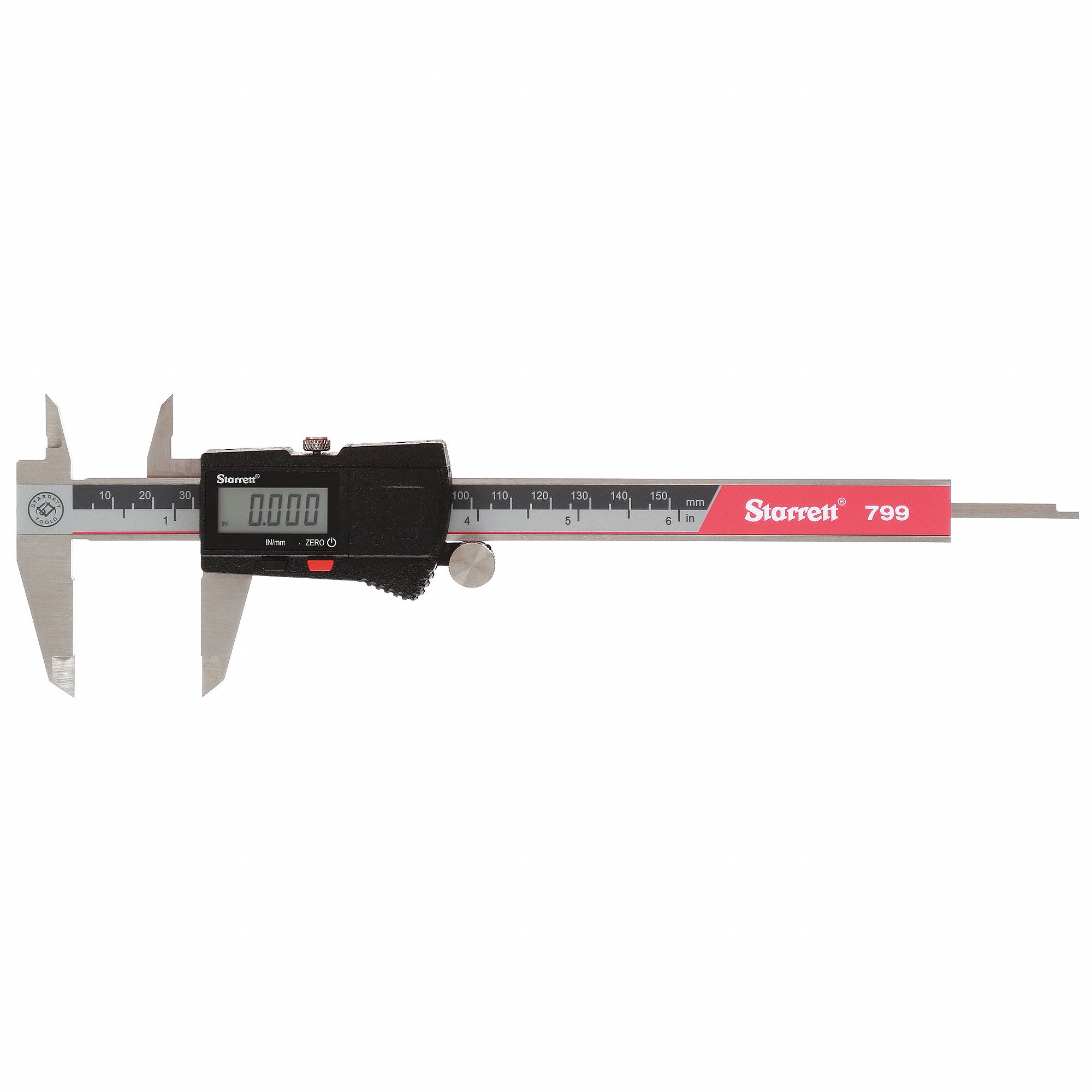
Measure lip thickness and hub-pad stack on a used wheel when the ET stamp is gone. Compare the tape backspace to the calculator before you order a replacement.
View on Amazon →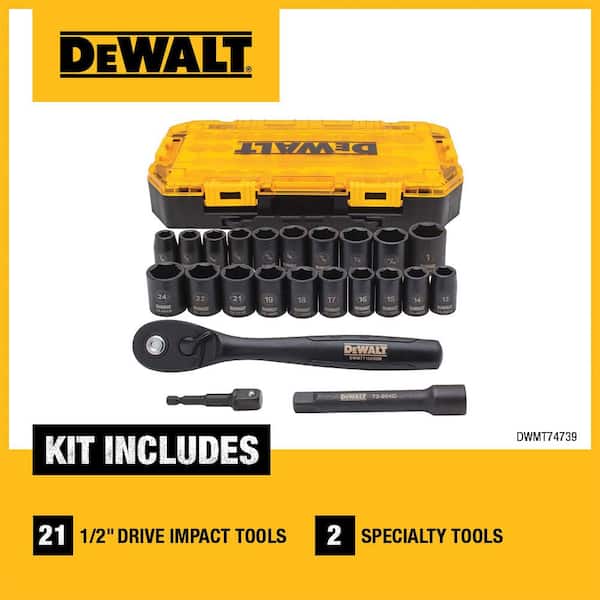
Lug nuts and hub-centric rings come off during a mock-fit. Use impact sockets on an impact, then finish to spec with a torque wrench.
View on Amazon →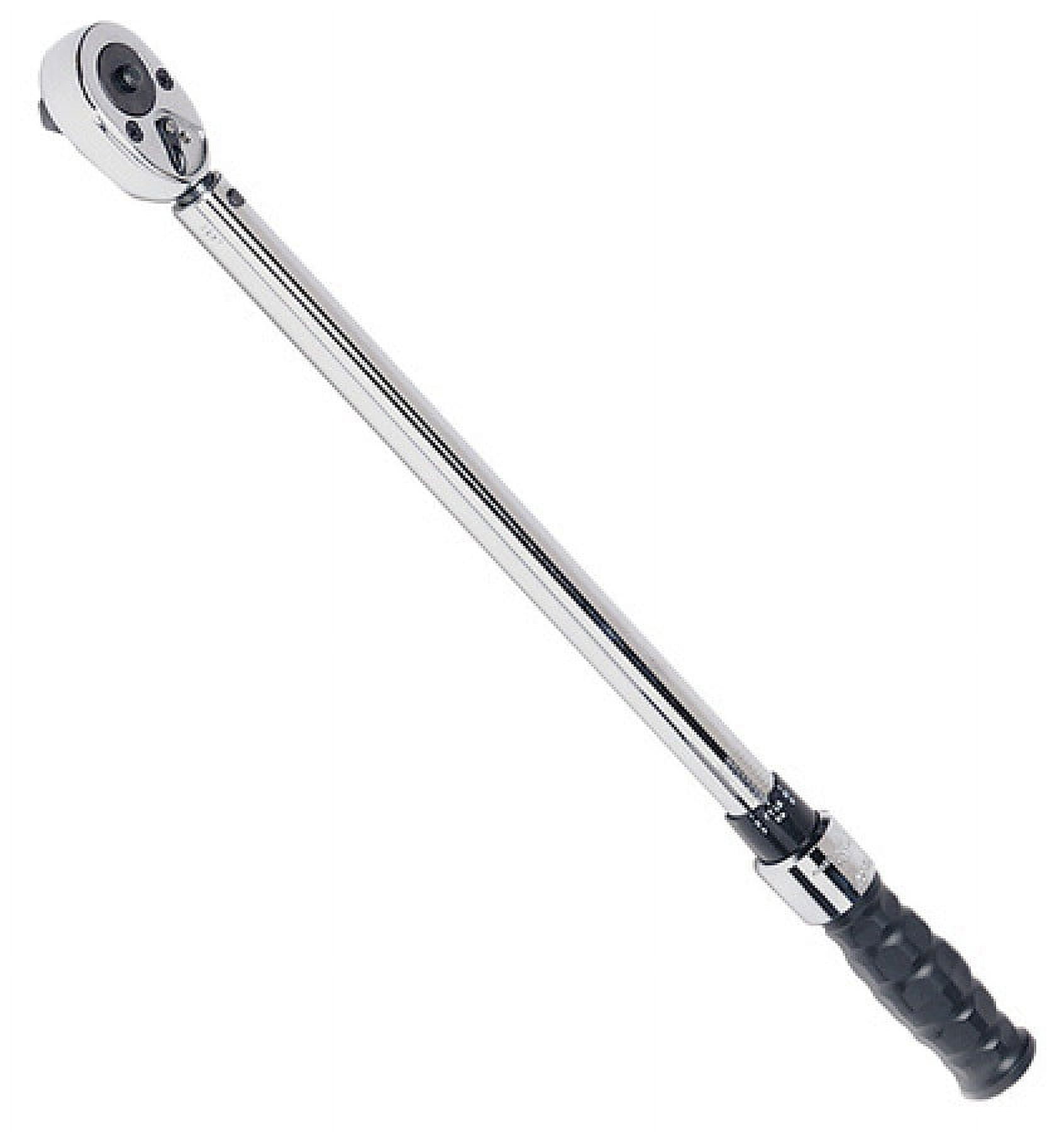
After a spacer or a new-offset wheel, lug torque is not optional. Click to the vehicle spec in a star pattern on the ground.
View on Amazon →
A new wheel often arrives with a new tire size. Diameter percent, true vs indicated speed, and the common ±3% band.
Open Tire Size Calculator →
Custom wheels on a tow vehicle still need tongue-weight discipline. 10–15% band from loaded trailer weight.
Open Tongue Weight Calculator →
Wheel offset does not raise hitch class. Leftover trailer budget after curb, passengers, and cargo.
Open Towing Capacity Calculator →As an Amazon Associate, TestTalkHQ earns from qualifying purchases.
Backspacing is the tape measurement from the mounting pad to the inner lip of the barrel, usually in inches. It is the same number as hub-to-inner-edge. It is not the distance to the inner bead seat. The lip inboard of the bead is why a naive “half the listed width plus offset” under-reads backspacing unless you add the lip stack.
Shop practice treats listed (bead-seat) width plus about 1.00 in of total lip (roughly 0.50 in per side) as overall width. Half of overall width is centerline-to-inner-lip. Add offset in inches and you have backspacing.
Default lip allowance 1.00 in. Overall width = 8 + 1.00 = 9.00 in. Half of overall (centerline to inner lip) = 4.50 in. Offset in inches = 35 / 25.4 = 1.378 in. Backspacing = 4.50 + 1.378 = 5.88 in (5.878 in before rounding). Hub-to-outer-edge = 9.00 − 5.88 = 3.12 in.
If your forged wheel has a thinner lip, drop the lip field toward 0.75 in and the backspacing falls. If a steel wheel has a thicker inner flange, raise it. When in doubt, tape the physical wheel instead of arguing about the default.
1. Read the stamp. Many wheels mark width and ET on the inner barrel (for example 8J × 17 ET35). If that stamp is intact, convert with the calculator and skip the tape — unless you are confirming a used wheel that may have been rebarreled.
2. Confirm listed width. That is bead-seat width, not tire section width and not lip-to-lip overall unless the maker published overall separately.
3. Tape backspacing. Lay the wheel face-down so the mounting pad sits on a flat board. Measure from the board (pad plane) up to the inner lip. Keep the tape square. Do not measure to the bead hump.
4. Convert. Enter listed width and the tape reading in backspacing mode. The calculator returns ET. Compare that ET to what you plan to order. A 3 mm miss is a small poke/tuck; a 15 mm miss is a different wheel.
Start from the stock wheel’s ET and width, not from a forum screenshot. If you stay at stock width, matching stock ET keeps the scrub radius and inner/outer envelope close to what the chassis was designed around. Wider wheels at the same ET poke more on the outside and tuck more on the inside — half the extra width goes each way from centerline.
To hold the outer lip near stock while adding width, ET usually needs to increase (more positive) so extra width is eaten inboard. That is exactly when strut and caliper clearance get tight. To hold the inner lip near stock while adding width, ET decreases (less positive / more negative) and the fender becomes the limit.
Run both the current wheel and the proposed wheel through the calculator and compare hub-to-inner-edge and hub-to-outer-edge, not just the ET stamp. Then mock-fit. If the only way to get the look is a spacer on a wheel that already has low ET, read the spacer vs different-offset page before you buy hardware.
Changing tire diameter at the same time is a separate job: tire size calculator and mismatch troubleshooting. Offset does not fix speedometer error.
With a 1.00 in lip stack, yes. A different lip changes the number. Measure the wheel you will actually mount if the carton and the tape disagree.
No. More positive ET tucks the wheel inboard (inner lip closer to the frame). More negative ET pokes it outboard (outer lip closer to the fender).
No. Spoke shape, caliper size, and fender roll still vary. The conversion says the pad sits in the same place, not that every barrel and tire combination clears.
Hub-centric bore is independent of ET. A spacer or a new wheel still needs the correct bore (or a ring) so the hub, not the lugs, centers the wheel.