Multi-pass welds stack heat. Interpass limits exist so the joint does not stay so hot that grain growth, toughness loss, or alloy-specific damage (stainless sensitization, aluminum over-aging) push properties outside the qualified window. The calculator gives a material-family maximum; this guide covers why that ceiling exists, how to measure between passes, and the mistakes that blow past it.
Need the max interpass number? Pick material family, process, and your preheat — get the allowed window.
Why Interpass Limits Exist
After pass one, the joint is hotter than when you started. Pass two dumps more energy into metal that has not fully cooled. Without a maximum interpass temperature, production pressure turns into “weld as fast as the puddle allows” until the HAZ is over-tempered, grains coarsen, and impact toughness falls — even when amps look normal.
Interpass is also a minimum story on crack-sensitive steels: the joint should not drop below required preheat between passes. So the practical window is:
Preheat (floor) ≤ joint temperature before next pass ≤ Max interpass (ceiling)
The comparison article Preheat vs. Interpass Temperature explains when each applies. This guide goes deeper on the ceiling — over-temp risk, measurement between passes, and calculator logic by material.
What the Calculator Returns
The Interpass Temperature Calculator maps material family to a typical maximum (°F / °C) and shows the working range from your entered preheat up to that max. It warns when preheat already exceeds the max — a procedure conflict you must resolve before welding.
| Material family | Typical max (°F) | Typical max (°C) | Reference framing |
|---|---|---|---|
| Carbon steel | 400 | 204 | AWS D1.1-style shop default |
| Low-alloy | 400 | 204 | AWS D1.1-style; confirm WPS |
| Austenitic stainless | 350 | 177 | AWS D1.6 / sensitization control |
| Duplex stainless | 300 | 149 | Phase balance / best practice |
| Aluminum | 250 | 121 | Avoid over-aging / property loss |
| Chrome-moly | 450 | 232 | ASME B31.3 / D1.1-style; WPS rules |
Optional CE override lets you document chemistry context; the max table is still driven primarily by material family. Carbon-steel CE from the preheat calculator may suggest a different interpass ballpark — when WPS and calculator disagree, the WPS wins.
Running 500°F+ between passes on carbon steel because “it welds nicer” can cost you toughness and bend-test results. The puddle looking fluid is not the acceptance criterion — the qualified interpass is.
Material-Specific Over-Temp Risks
- Carbon / low-alloy steel — excessive interpass → coarse HAZ grain, lower toughness, possible strength/HAZ property drift outside PQR expectations.
- Austenitic stainless — time at elevated temperature promotes chromium carbide precipitation (sensitization) and kills corrosion resistance the alloy was chosen for. Keep interpass down and travel disciplined.
- Duplex — phase balance is heat-sensitive; high interpass / high heat input can shift ferrite/austenite and hurt corrosion and toughness.
- Aluminum — heat-treatable alloys over-age; strength drops. Lower ceilings and patience between passes matter more than on mild steel.
- Chrome-moly — procedure-driven; preheat, interpass, and often PWHT are a package. Do not freestyle the ceiling.
Heat input per pass is the other half of thermal control — see the Heat Input Guide. High HI plus high interpass compounds grain growth; low HI with interpass below preheat reintroduces cold-crack risk on hardable steels.
How to Measure Between Passes
- Finish the pass — slag off, brush as required.
- Measure promptly at the location the WPS specifies (often adjacent to the weld toe, both sides when accessible).
- If above max — wait, use forced cooling only if the procedure allows (many structural WPSs prefer air cool; quenching can create new metallurgy problems).
- If below minimum (preheat) — reheat before the next pass.
- Record on code jobs — inspectors expect evidence, not vibes.
Tools that work between passes
- Tempilstik — carry the max-interpass rating (e.g. 400°F). If it melts, you are at or above ceiling — wait. Pair with a preheat-rated stick for the floor.
- Contact pyrometer — quantitative reading for records; clean the spot.
- IR thermometer — fastest for production sequencing; verify emissivity and spot size. Shiny stainless lies.
On long seams, leapfrogging or alternating segments can keep each start location inside the window without parking the whole joint. Plan the sequence before you stack heat into one hotspot.
Common Mistakes
- Stacking passes with no measurement until the joint is glowing.
- Measuring only on the torch side of thick members.
- Using the carbon-steel 400°F habit on austenitic stainless — too hot for sensitization control.
- Setting preheat above max interpass — impossible window; fix the procedure.
- Air-blast cooling when the WPS forbids it — or water quenching “to save time.”
- Assuming max interpass does not apply to two-pass fillets — short welds still overheat locally on thin legs.
- Ignoring ambient / shop heat — summer fab shops start closer to the ceiling.
Frequently Asked Questions
Is maximum interpass always required?
On qualified structural, pressure, and stainless procedures — yes when the WPS states it. Hobby mild-steel brackets may not list one; metallurgy still cares if you stack heat into thin stainless or aluminum.
What if I am only slightly over max?
Wait. “Slightly over” is how PQRs fail later. The limit is not a suggestion.
How does this relate to preheat?
Preheat is the floor before welding (and usually between passes). Max interpass is the ceiling. Calculate the floor with the Preheat Temperature Guide / calculator; use this guide for the ceiling.
Get the interpass window for your material
WeldKit — Welding Calculators for the Shop
Interpass, preheat, heat input, and process settings. Free on Android. Works offline.
Related Calculators & Guides
Preheat floor failures (joint still cold-cracked after a green calculator min): Preheat Temperature Troubleshooting.
Welding
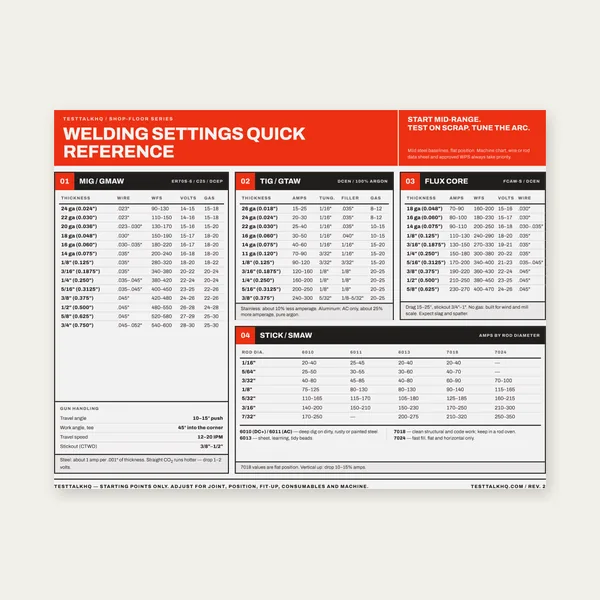
Welding Reference Card
One page. MIG, TIG, stick and flux core settings by thickness.
$3.99
Buy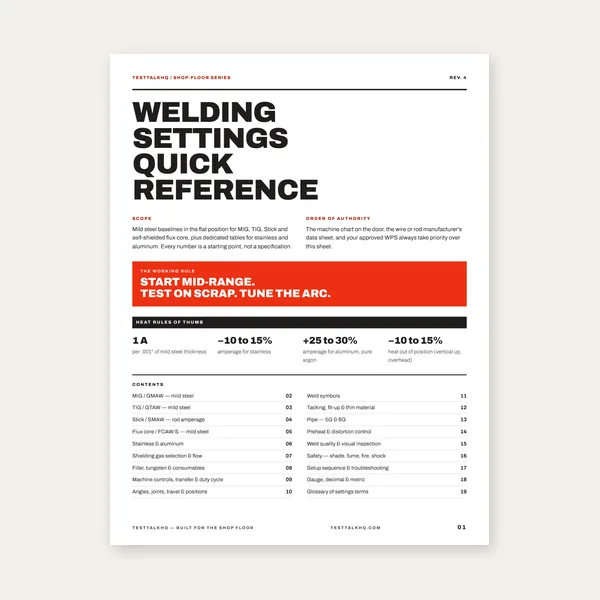
Complete Welding Settings Guide
19 pages. Four processes, stainless and aluminum, symbols and inspection.
$12.99
Buy
Welding Job Estimator
Price the job, then hand over a quote with no internal numbers.
Excel or Google Sheets. Best on a computer.
$29.00
Buy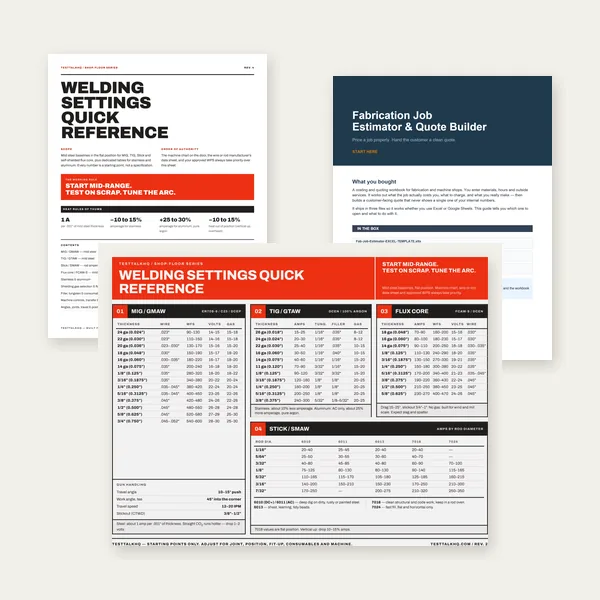
Welding Complete Bundle
Card, 19-page guide and the estimator workbook. All six files.
Excel or Google Sheets. Best on a computer.
$34.99
$45.98 if bought separately — save $10.99
BuyCheckout opens in a new tab.