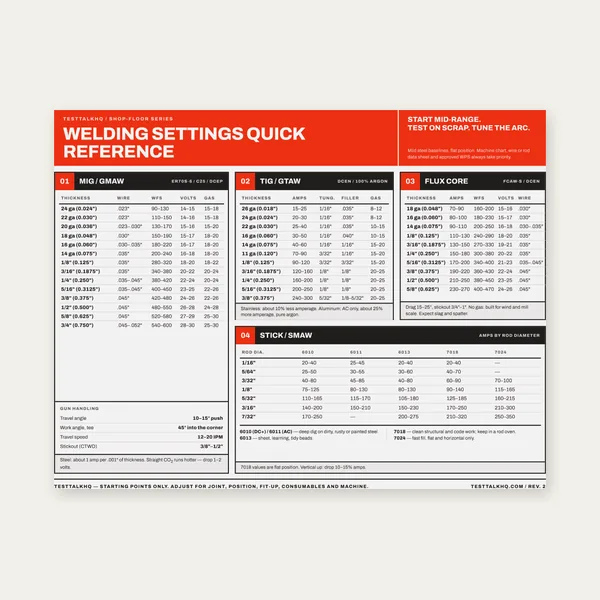
Welding Reference Card
One page. MIG, TIG, stick and flux core settings by thickness.
$3.99
BuyPrint at 100%, verify the square, mark the origin, and drill with confidence
A comprehensive walkthrough for the Bolt-Circle / Hole-Pattern Generator Calculator — from understanding pattern types and angle conventions through print-scale verification, origin alignment, G-code preparation, and drilling.

Select pattern type, enter dimensions, and download the PDF or G-code before you mark metal.
Bolt-Circle / Hole-Pattern Generator →Bolt circle: N holes evenly spaced around a circle of diameter BCD (bolt circle diameter). The first hole sits at a start angle you choose (default 0° = straight up), and the rest follow at equal angular steps clockwise. Common for flanges, wheel bolt patterns, and round fixture mounting.
Grid: Columns × rows arranged in a rectangular array. Holes are placed at regular X and Y spacing. Optionally center the entire grid on the origin so the middle of the pattern sits at (0,0) — this is the usual setup when drilling fixture plates or breadboards.
Linear: N holes along a straight line at any angle. Hole spacing is constant. Optionally center the line on the origin. Useful for slot-pattern pilot holes, linear bearing mounts, or any single-axis array.
All three share the same coordinate system: origin at (0,0), X to the right, Y up. The PDF template and G-code use these exact X/Y values.
Bolt circle: 0° = straight up (12 o'clock, +Y axis). Angle increases clockwise: 90° = 3 o'clock (+X), 180° = 6 o'clock (−Y), 270° = 9 o'clock (−X). This matches how you read a bolt circle around a flange in the shop — start at the top and go around clockwise.
Linear pattern: 0° = horizontal to the right (+X axis). Angle increases counterclockwise: 90° = straight up (+Y), 180° = left (−X), 270° = down (−Y). This is standard Cartesian / CNC rotation angle convention.
The coordinate table in the calculator shows the angle column for bolt circles (so you can verify which hole is which around the BCD). Grids and linear patterns just show X and Y.
Each row in the on-screen table is one hole. The first column is the hole number (sequential). For bolt circles, the second column is the angle of that hole measured clockwise from 0° (top). The remaining columns are X and Y coordinates in your chosen unit (inches or millimeters).
The hole diameter input affects only the drawn circles on the preview and PDF template. It does not change any coordinate values. The table always shows exact hole centers. If you want a clearance or tap drill size, use the coordinate as-is and drill the appropriate bit — the coordinate stays the same regardless of bit diameter.
Download the PDF (don't use the browser's print dialog on the HTML preview). Open the PDF in a viewer or send to a printer. In the print settings, choose Actual size or 100% scale — never "Fit to page" or "Shrink oversized pages."
Page 1 includes a labeled reference square: 1 inch or 50 mm depending on your unit. After printing, measure this square with a steel rule. If it measures short or long, the printer scaling is wrong — fix it and re-print before you punch holes.
Large patterns (many holes or wide spacing) tile across multiple letter-size pages in portrait orientation. Each seam is marked with a dashed line and a "TAPE" label. Print all pages, align the overlap region, and tape them into one continuous sheet. Then tape the assembled template to your workpiece with the origin crosshair aligned to your marked reference point.
The origin (0,0) on the template is the center of a bolt circle, or the reference corner/center of a grid or linear pattern. Mark this location on your stock before you tape the template down. Use a scribed line, center punch, or edge-finder measurement to establish where (0,0) sits on the physical part.
Tape the template so the printed origin crosshair lands exactly on your marked point. If the pattern tiles across multiple sheets, assemble and align the seams first, then tape the whole assembly as one unit.
Center-punch through each marked hole on the template. Use a sharp automatic punch or a spring-loaded center punch for consistent marks. The punch dimple guides the drill bit and prevents walking.
The exported .nc file is a G-code template. It contains the correct X/Y coordinates and a G81 canned drill cycle structure, but all the machine-specific values are placeholders marked with "EDIT" comments:
Open the .nc file in a text editor, CAM system, or the TAP File Editor. Find every line with "( EDIT" and replace the placeholder with your real value. If you're drilling deep holes in steel or aluminum, change G81 to G83 (peck drilling) and add a Q parameter for peck increment. Save and then run on the machine.
The G-code uses absolute positioning (G90) and assumes the machine origin is set to match the template's (0,0). Use an edge finder or probe to zero X and Y at the same reference point you marked on the stock for the paper template.
Click "Coordinates (CSV)" to download a comma-separated text file with all hole positions. The first column is the hole number, followed by angle (bolt circle only), X, and Y. Import into Excel, CAD, a custom drilling script, or CMM inspection software.
The CSV is useful if you're hand-entering coordinates into a manual DRO, writing a custom macro for your CNC, or verifying drilled hole positions with a CMM or layout table.
One page. MIG, TIG, stick and flux core settings by thickness.
$3.99
Buy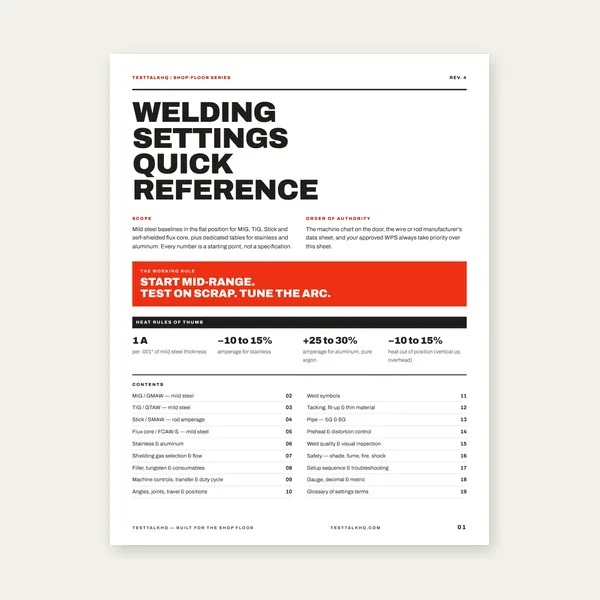
19 pages. Four processes, stainless and aluminum, symbols and inspection.
$12.99
Buy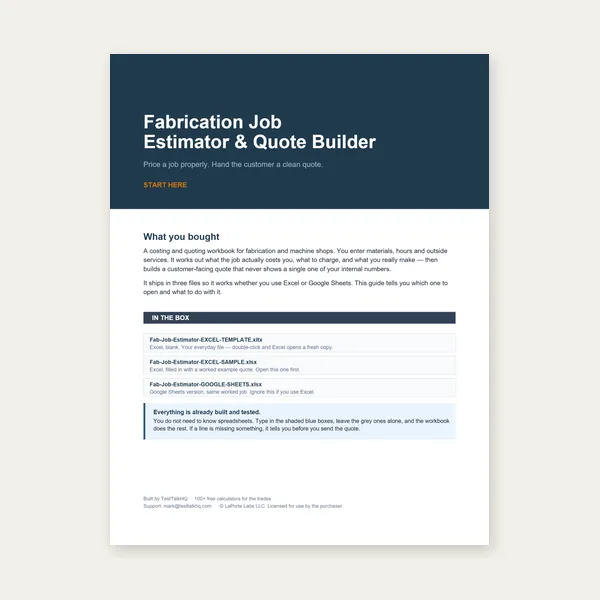
Price the job, then hand over a quote with no internal numbers.
Excel or Google Sheets. Best on a computer.
$29.00
Buy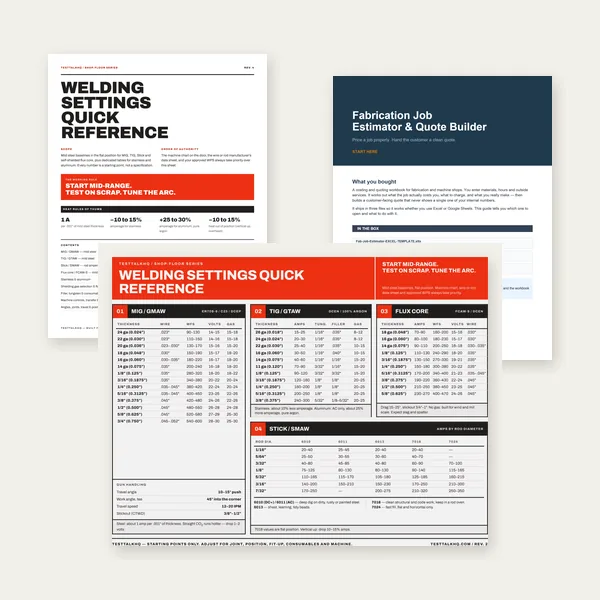
Card, 19-page guide and the estimator workbook. All six files.
Excel or Google Sheets. Best on a computer.
$34.99
$45.98 if bought separately — save $10.99
BuyCheckout opens in a new tab.
Measure accurately, mark precisely, and drill with confidence — products from the TestTalkHQ affiliate catalog
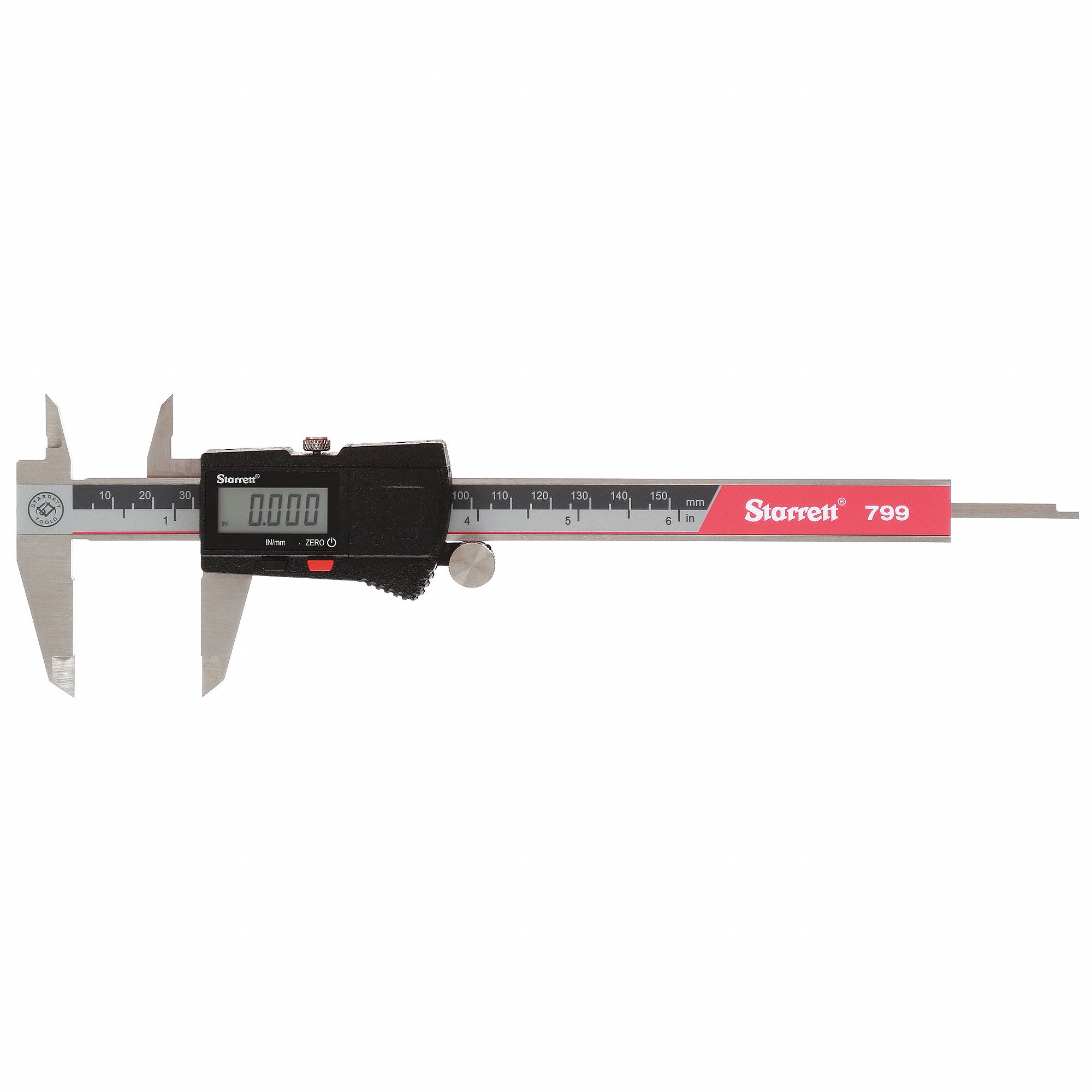
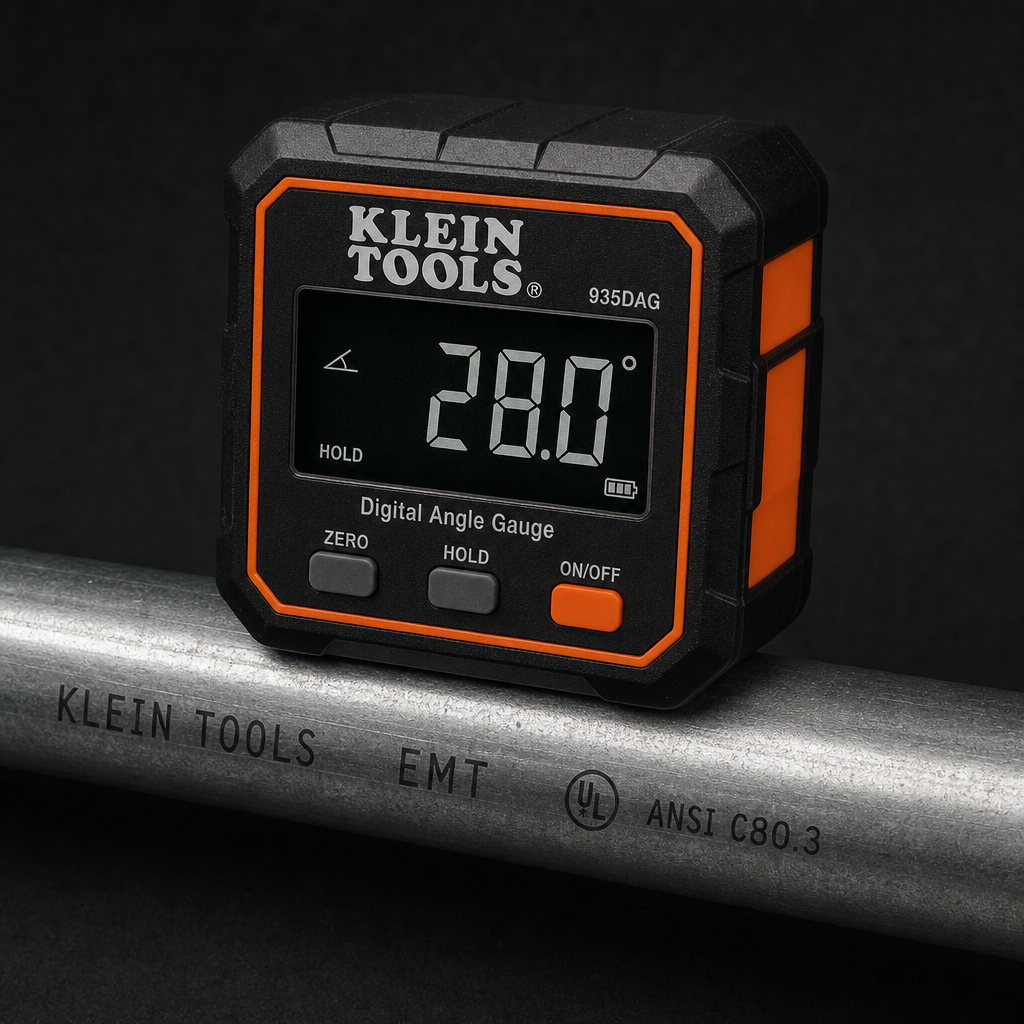
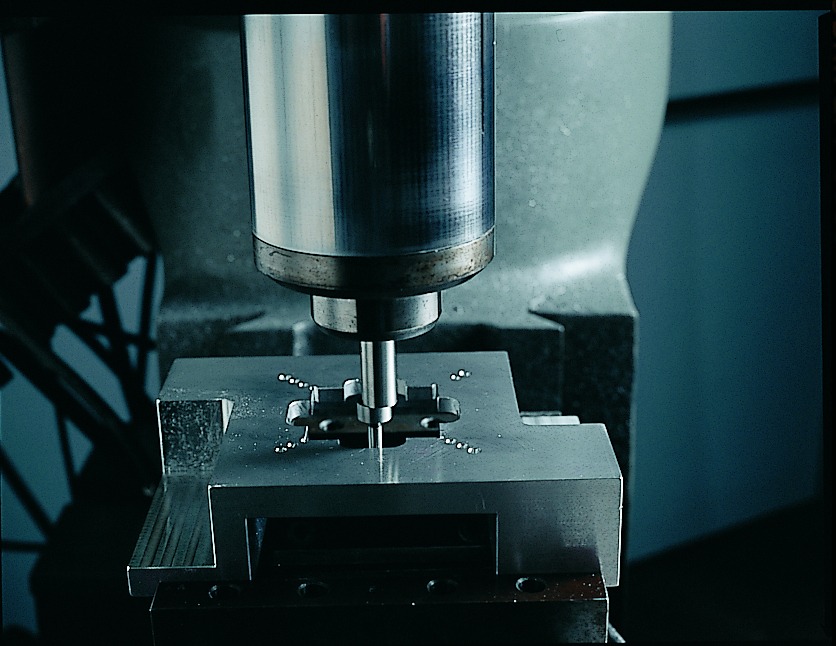


As an Amazon Associate, TestTalkHQ earns from qualifying purchases. Catalog gap: no dedicated center punch, transfer punch, or drill press in the affiliate CSV at publish time.