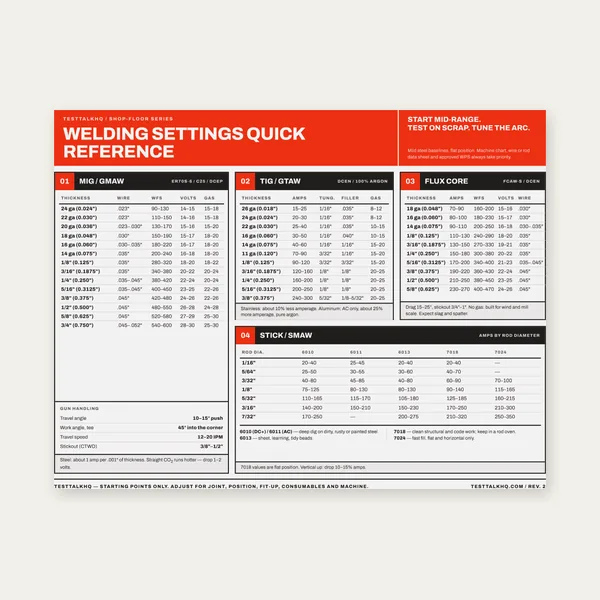
Welding Reference Card
One page. MIG, TIG, stick and flux core settings by thickness.
$3.99
BuyCommon problems and fixes for template printing, G-code setup, and drilling accuracy
Diagnose and fix the most frequent issues with the Bolt-Circle / Hole-Pattern Generator: printer scaling errors, angle convention confusion, G-code placeholder values left unedited, origin misalignment, wrong pattern type, and PDF multi-page tiling.

Re-download the template or G-code after fixing your inputs. Always verify the reference square after re-printing.
Bolt-Circle / Hole-Pattern Generator →Symptom: You print the PDF and measure the labeled reference square (1 in or 50 mm) with a steel rule, and it comes up short or long — maybe 0.95 in when it should be 1.000 in, or 48 mm instead of 50 mm.
Cause: The printer driver or PDF viewer is set to "Fit to page," "Shrink oversized pages," or a custom scale percentage. Even a 5% error turns into 0.05 in per inch — over 1/16" across a 4-inch bolt circle.
Fix:
Symptom: You drill the holes and the pattern is rotated compared to what you expected. A bolt circle that should have started at the top starts at 3 o'clock instead, or a linear pattern meant to run horizontally runs at 45°.
Cause: Bolt circle and linear patterns use different angle conventions. Bolt circle: 0° = top (12 o'clock), increasing clockwise. Linear: 0° = right (+X), increasing counterclockwise (standard Cartesian). If you expected one and the calculator used the other, the whole pattern rotates.
Fix:
Check the on-screen preview before you download. The preview shows exactly where holes will be. If the preview looks wrong, adjust the angle input and re-check.
Symptom: You load the .nc file onto the machine and hit cycle start. The spindle rapids to an unexpected height, plunges too deep or not deep enough, feeds way too fast or way too slow, or the machine faults out with an error about invalid Z or R values.
Cause: The exported G-code is a starting template. The safe Z, retract (R), depth (Z), and feed (F) are placeholder values with "( EDIT" comments next to them. If you run the file as-is, you're using generic dummy numbers that don't match your setup, stock thickness, or material.
Fix:
G0 Z0.5000 for half an inch above the surface, or Z10.000 for 10 mm.R0.1000 (0.1 in) or R2.000 (2 mm).Z-0.3000. For a 10 mm deep blind hole, Z-10.000.F5.0 (5 in/min), F125 (125 mm/min).G83 R0.1000 Z-0.5000 Q0.1000 F5.0 pecks 0.1 in at a time.Symptom: You tape the template to the stock and drill through the punch marks, but the holes end up in the wrong absolute position on the part. The pattern itself looks correct (hole spacing and angles are right), but it's shifted X or Y compared to where you wanted it.
Cause: The template's origin (0,0) crosshair wasn't aligned to the correct reference point on the stock. For a bolt circle, (0,0) is the center of the circle, not the first hole. For a grid, (0,0) is the reference corner (usually bottom-left if not centered). For a linear pattern, (0,0) is the start of the line (or the center if you checked "center on origin").
Fix:
For CNC drilling with G-code, zero the machine X and Y at the same (0,0) point you would use for the paper template. Use an edge finder, probe, or known fixture reference to set the origin accurately.
Symptom: You enter dimensions and the on-screen preview shows a completely different pattern shape than you expected. You wanted 6 holes around a circle, but the preview shows a 3×2 grid instead.
Cause: The pattern type tabs at the top of the calculator (Bolt circle / Grid / Linear) select which math the tool uses. If you have "Grid" selected when you meant "Bolt circle," the tool interprets your inputs as columns, rows, and spacing — not BCD and hole count.
Fix:
The preview is always live — it updates as you type. Use it to catch this kind of mistake before you download the PDF or G-code.
Symptom: You enter a large bolt circle diameter or a grid with many columns and rows. The PDF comes out with dozens of pages, or the preview shows hundreds of holes and you're not sure if that's correct.
Cause: The calculator tiles large patterns across multiple letter-size pages so they print at actual scale. A 20-inch-diameter bolt circle won't fit on one 8.5×11 sheet. Also, if you accidentally enter 50 holes when you meant 5, the preview will show all 50.
Fix:
One page. MIG, TIG, stick and flux core settings by thickness.
$3.99
Buy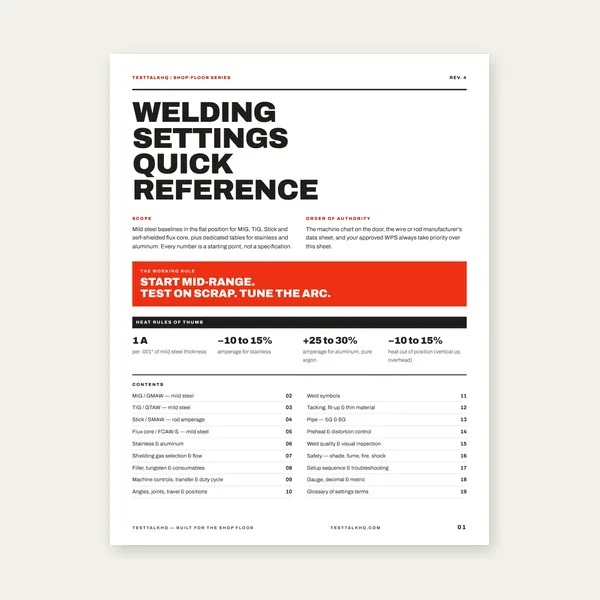
19 pages. Four processes, stainless and aluminum, symbols and inspection.
$12.99
Buy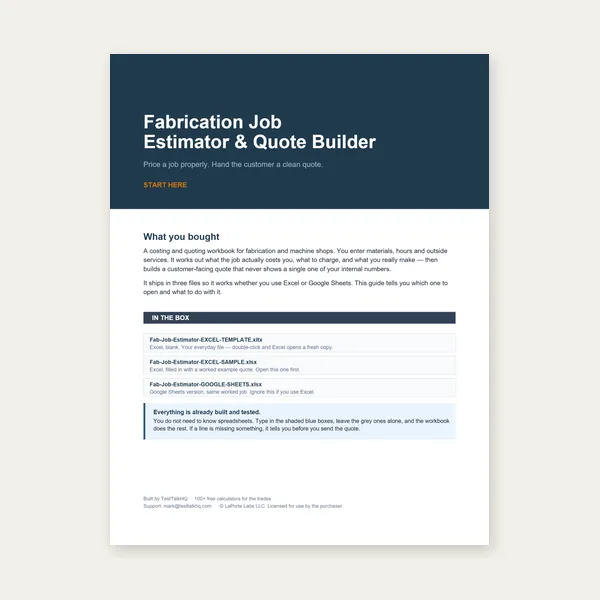
Price the job, then hand over a quote with no internal numbers.
Excel or Google Sheets. Best on a computer.
$29.00
Buy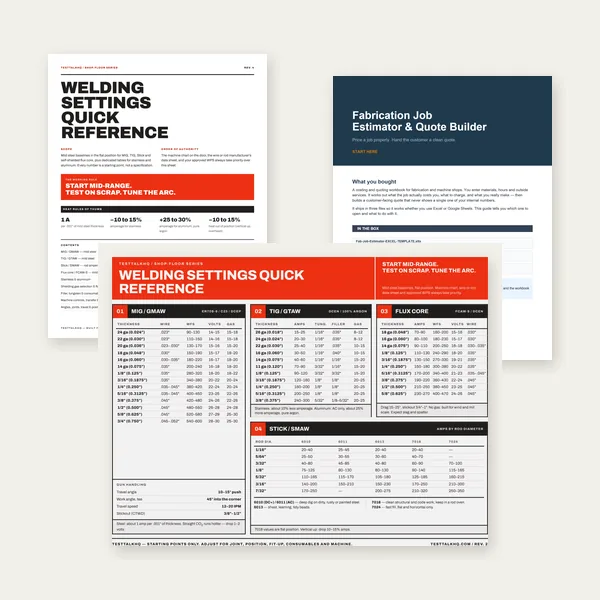
Card, 19-page guide and the estimator workbook. All six files.
Excel or Google Sheets. Best on a computer.
$34.99
$45.98 if bought separately — save $10.99
BuyCheckout opens in a new tab.
Measure accurately, mark precisely, and drill with confidence — products from the TestTalkHQ affiliate catalog
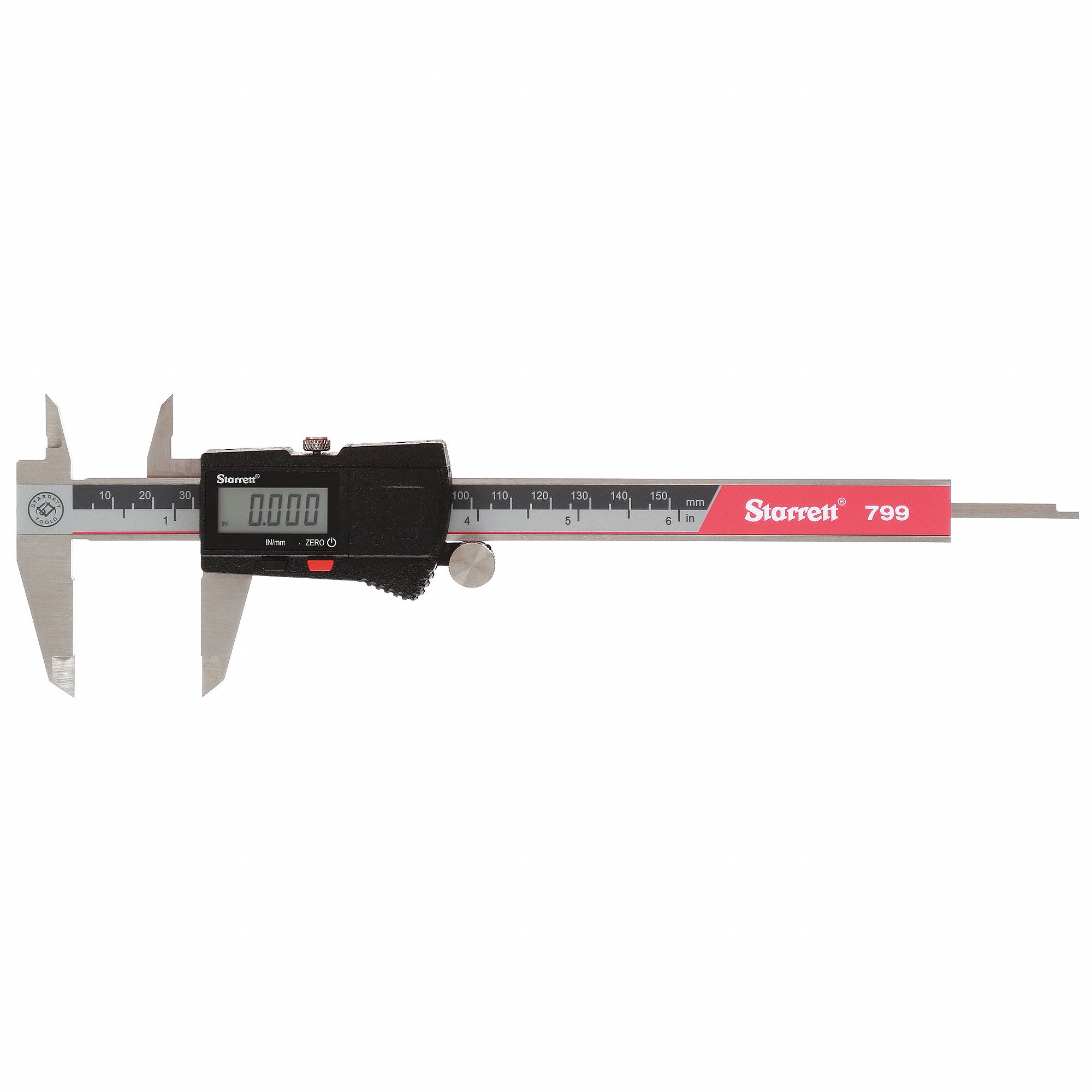
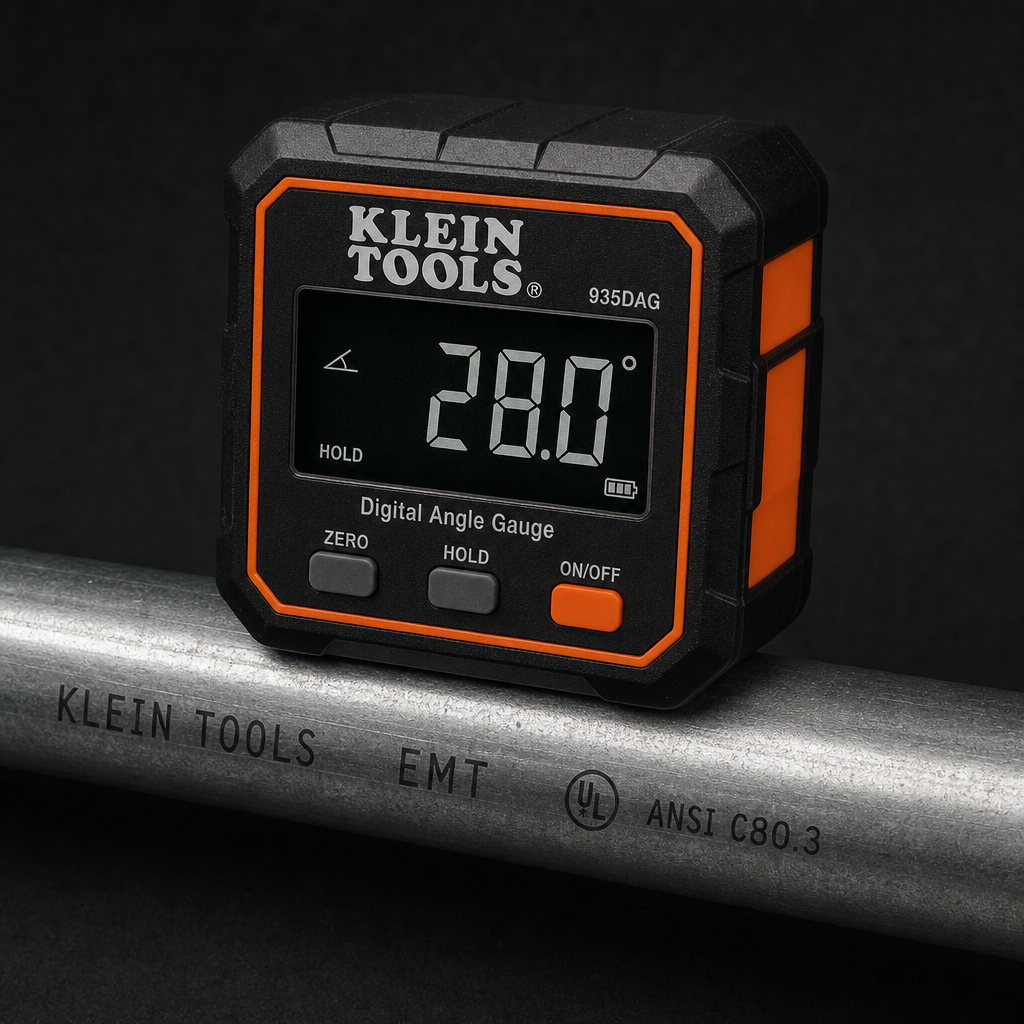



As an Amazon Associate, TestTalkHQ earns from qualifying purchases. Catalog gap: no dedicated center punch, transfer punch, or drill press in the affiliate CSV at publish time.