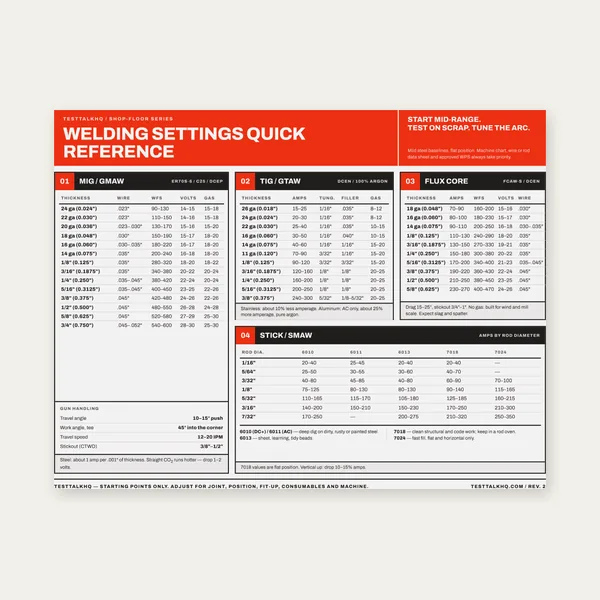
Welding Reference Card
One page. MIG, TIG, stick and flux core settings by thickness.
$3.99
BuyDiagnose fake travel numbers, dial-vs-clamp amps, ASME/ISO mix-ups, cold cracks at low HI, and toughness loss when the calculator already “passed”
Not another formula walkthrough. Pair this with the Heat Input Calculator when kJ/mm looks green and the joint still cracks, distorts, or fails impacts. For the ASME/ISO math and band meanings, use the Heat Input Guide. This page stays on field diagnosis.

Use this when paperwork HI matches the WPS but metallurgy, distortion, or inspector questions say otherwise — or when the number you typed never existed on the plate.
| Problem | What it usually means | First fix | Next tool |
|---|---|---|---|
| Paper HI “in range,” joint still cracks | Travel timed with stops; dial amps ≠ clamp amps; low true HI on hardable steel | Re-time arc-on only; clamp-measure current; raise true HI or preheat | Heat Input Calculator |
| Distortion / soft HAZ despite “moderate” HI | Weave counted as stringer travel; stacked passes without interpass control | Measure travel along joint axis honestly; cap interpass | Distortion Troubleshooting |
| Inspector rejects ASME number on ISO job | Efficiency factor / mm-min vs IPM mix | Match calculator mode to the WPS convention | Heat Input Guide |
| Impact toughness fails after high-HI production | Grain coarsening; max interpass ignored while HI sat high | Drop HI or travel faster; enforce interpass max | Interpass Calculator |
| Synergic MIG “same program,” different HI | Trim/WFS drift; voltage rise with stickout; unrecorded travel change | Log actual A/V/travel each setup; recalculate after trim | Heat Input Calculator |
What it looks like: WPS log shows 18–22 kJ/mm. Bead appearance, HAZ width, or cracking says the plate saw something else. Operator “estimated” IPM from muscle memory.
Likely causes: Stopwatch includes grind pauses, tack restarts, and torch reposition. Vertical/overhead timed with flat numbers. Weave oscillation ignored — travel along the joint axis is slower than hand speed suggests. Synergic programs change WFS mid-seam without a new travel note.
Fixes: Mark 6–12 inches (or 150–300 mm), arc on, time only the continuous segment, compute IPM or mm/min, then re-run the Heat Input Calculator. For weaves, follow WPS language: most codes want travel along the joint, not torch tip path length. Recalculate whenever position or weave width changes.
What it looks like: Machine display or knob says 180 A. Clamp around the electrode lead reads 155 A (or 210 A). HI paperwork used the dial.
Likely causes: Voltage drop in long leads so the inverter works harder or under-delivers. Synergic trim changed actual current. Stick machines with dig/arc-force that pull more than the set amp under load. Reading open-circuit or idle values instead of welding current.
Fixes: Clamp DC current on the electrode cable while welding a scrap coupon at production stickout. Use that amp (and a true volt reading if available) in the calculator. Fix undersized leads with the Welding Cable Size Calculator when sag is the root cause — not by faking HI.
Suspect lead drop? Fake amps make every kJ/mm line a guess.
Welding Cable Size CalcWhat it looks like: Shop runs the ASME path (no efficiency factor, IPM). Customer WPS is ISO-style with η and mm/min. Numbers “look close” until audit.
Likely causes: Mixing IPM into the ISO denominator (off by ~25.4× if you also botch units). Applying TIG η ≈ 0.65 to an ASME line that never used η. Comparing bands across conventions as if they were identical.
Fixes: Open the calculator in the mode printed on the WPS. Convert travel once, deliberately. Never paste an ASME kJ/mm onto an ISO essential-variable table without documenting the conversion path. Details live in the Heat Input Guide — this page only catches the field mix-up.
What it looks like: Thin beads, fast travel, “low distortion” pride — then delayed toe cracks or underbead cracks on restrained carbon/alloy steel. Calculator correctly shows <15–20 kJ/mm.
Likely causes: Fast cooling + hydrogen + restraint. Low HI is not automatically “safer.” Missing or inadequate preheat. Wet low-hydrogen rods or contaminated solid wire. High carbon equivalent with no thermal compensation.
Fixes: Raise true heat input (slower travel or more energy) only inside the WPS window — or keep low HI but restore preheat and low-hydrogen practice. Verify preheat with the Preheat Temperature Calculator and guide. Hold interpass so you do not swing from ice-cold to overheated between passes.
What it looks like: Production loves wide weaves and slow travel. HI sits 45–70+ kJ/mm. Charpy or CTOD fails; stainless shows heavy HAZ sensitization; aluminum heat-treatable alloys lose strength.
Likely causes: Peak temperature dwell + slow cool coarsens HAZ grains. Max interpass ignored while HI stays high — thermal stack. Weave energy counted wrong so true HI is even higher than the log.
Fixes: Drop HI with faster travel or stringers (see decision below). Enforce interpass maximum with the Interpass Temperature Calculator. If angular distortion appears with the high-HI habit, use Weld Distortion Troubleshooting for sequencing — do not only chase amps.
Same amps and volts, different torch path — different energy per unit joint length. If you need a real technique fork (not just “go faster”), use the comparison page built for this calculator cluster.
One page. MIG, TIG, stick and flux core settings by thickness.
$3.99
Buy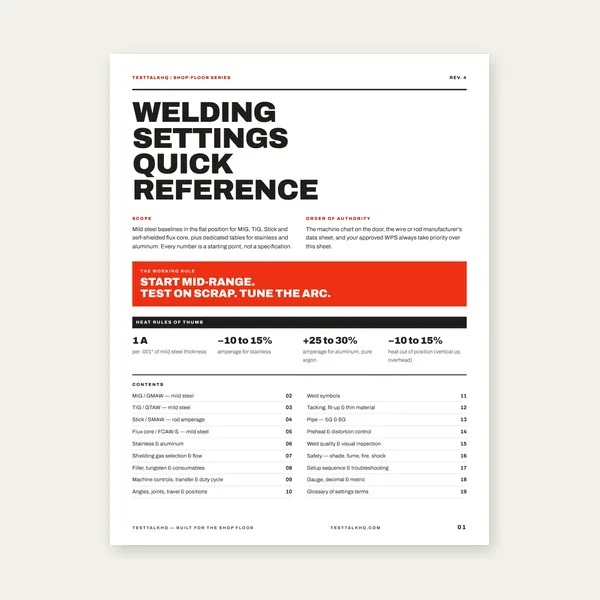
19 pages. Four processes, stainless and aluminum, symbols and inspection.
$12.99
Buy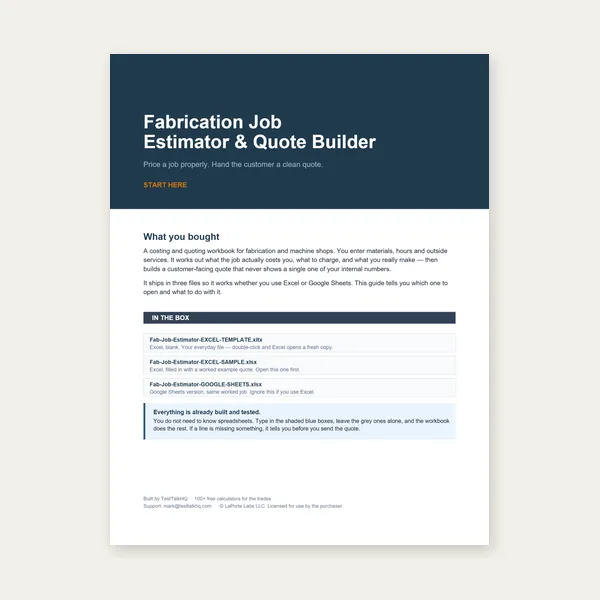
Price the job, then hand over a quote with no internal numbers.
Excel or Google Sheets. Best on a computer.
$29.00
Buy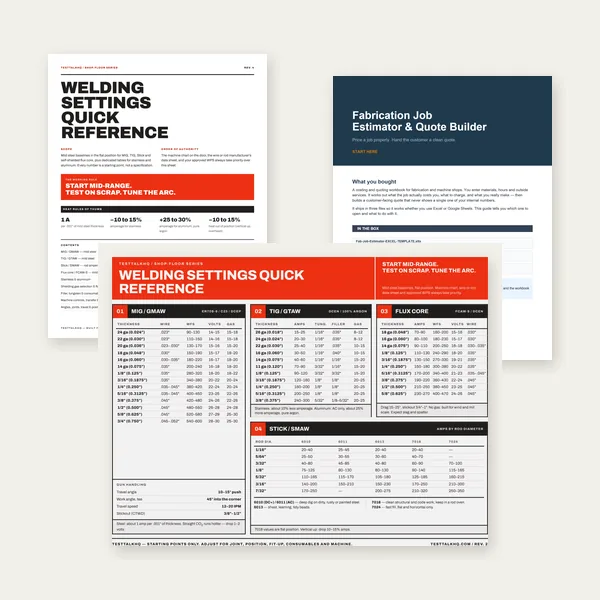
Card, 19-page guide and the estimator workbook. All six files.
Excel or Google Sheets. Best on a computer.
$34.99
$45.98 if bought separately — save $10.99
BuyCheckout opens in a new tab.
Five CSV catalog picks — measure real current and thermal consequences, then hold stable arcs for repeatable kJ/mm

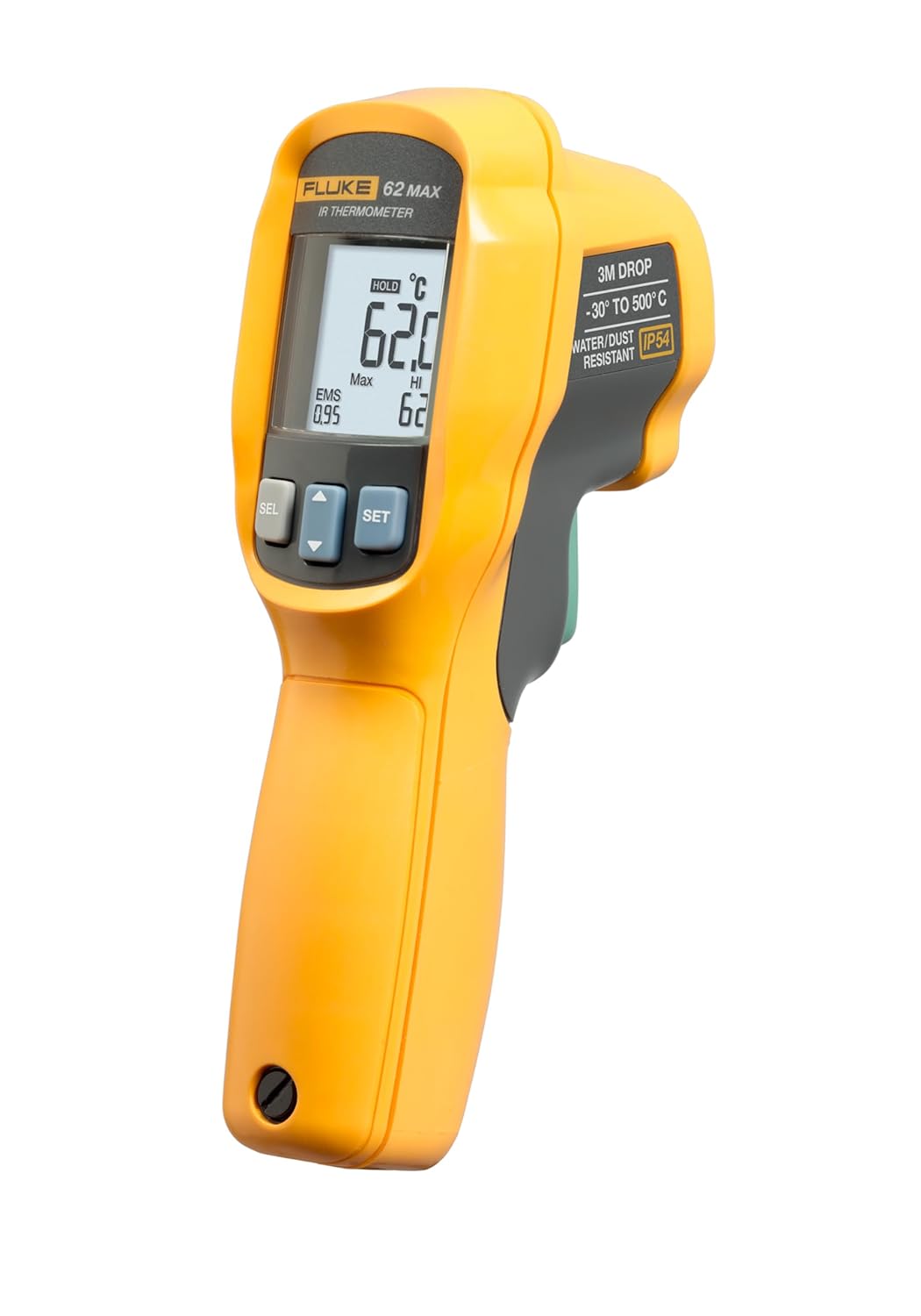
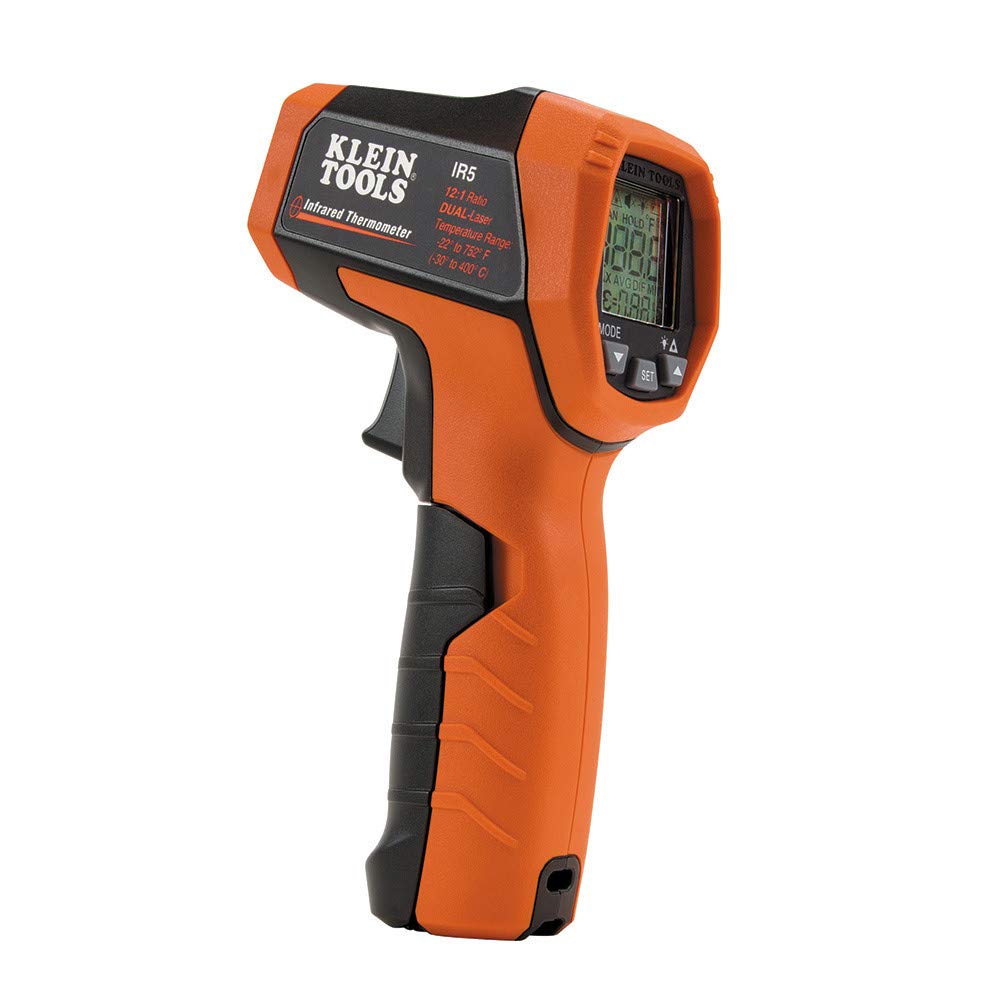
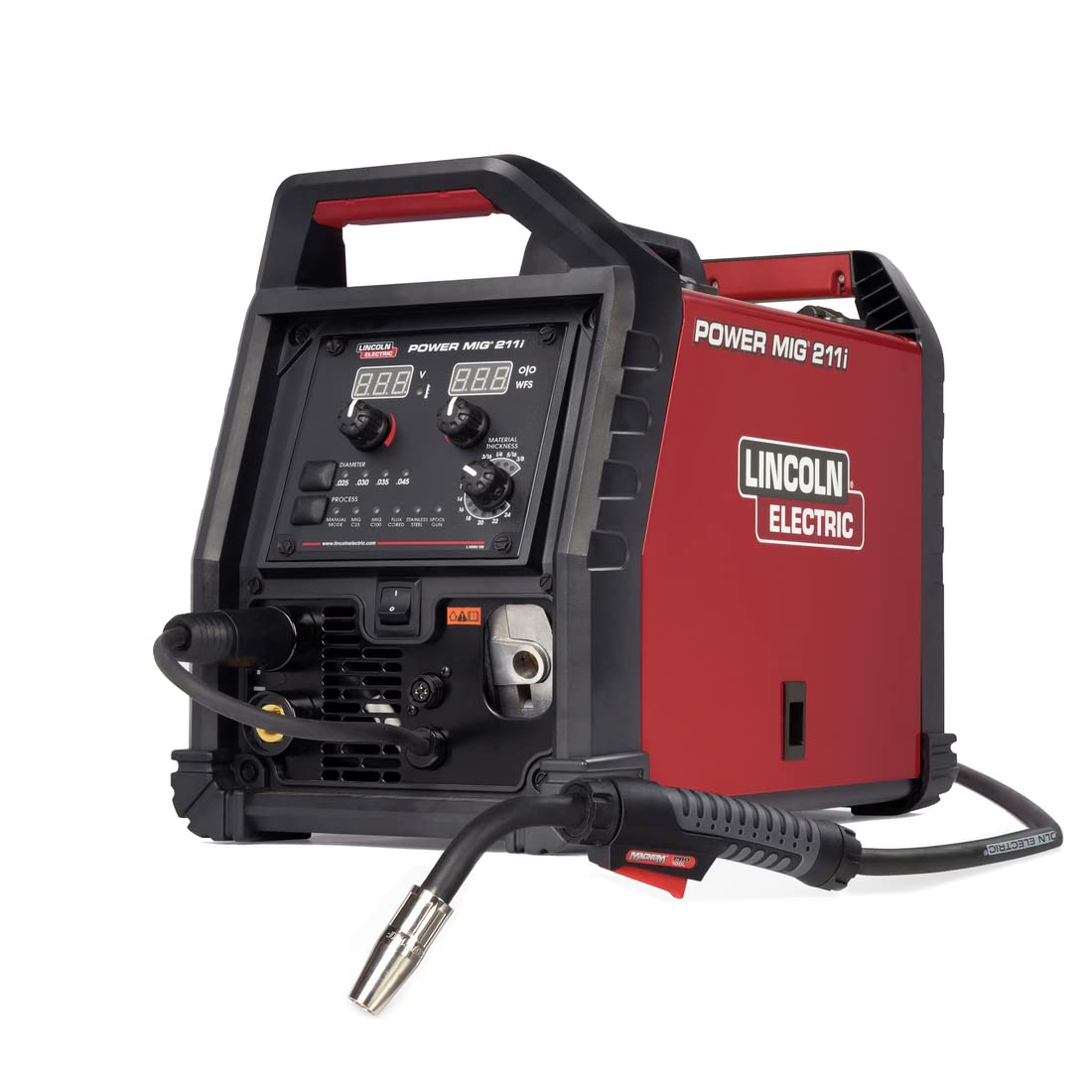

As an Amazon Associate, TestTalkHQ earns from qualifying purchases. All five cards are sourced only from the affiliate CSV. Catalog gap flagged by name: no dedicated arc-time stopwatch / travel timer SKU in the CSV.
Inputs were wrong (travel, amps, volts), convention mismatched (ASME vs ISO), or thermal triad ignored (preheat/interpass). The calculator trusts the numbers you typed.
Often yes on long leads, generators, or when dig/trim changes load current. Displays can lag or show setpoints; clamps show cable current while welding.
It usually reduces distortion risk, but on hardable steels it can raise cold-crack risk. Balance HI with preheat — do not chase low HI blindly.
Only if travel along the joint axis and energy delivery truly match. Most weaves deposit more energy per unit joint length at the same dial settings — recalculate.
No. The guide teaches formula, bands, and WPS context. This page diagnoses failures when the calculated number already looked correct.